> ## Documentation Index
> Fetch the complete documentation index at: https://docs.macropay.ai/llms.txt
> Use this file to discover all available pages before exploring further.
# How to perform subscription upgrades
> Move a subscriber to a higher plan from the dashboard or let them self-serve in the portal — with proration handled for you.
When a customer outgrows their current plan, you want the switch to feel instant and the money to be fair. Macropay handles both halves: the new plan takes effect the moment it's applied, and the price difference is prorated automatically so nobody overpays for time they didn't use.
Because Macropay is the **merchant of record**, every upgrade is also re-priced for tax. The new sales tax or VAT on the higher plan is recalculated, collected, and remitted on your behalf — so a plan change never quietly creates a tax liability you have to chase down.
There are two ways an upgrade can happen:
* **You trigger it** from the dashboard — useful for sales-assisted deals, support requests, or migrations.
* **The customer triggers it** in their portal — fully self-serve, no ticket required.
Prefer to keep upgrades dashboard-only? You can turn off self-serve plan changes by switching **Allow price change** OFF — see [restricting plan changes in the customer portal](/guides/disable-subscription-changes-in-customer-portal).
## How proration works
Whichever path you take, you'll choose a **proration behavior**. This controls *when* the customer is billed for the difference — never *whether* the upgrade applies. The plan switch is always immediate.
| Behavior | What the customer sees |
| ----------------------- | ---------------------------------------------------------------------- |
| **Next invoice** | The prorated charge (or credit) is rolled into their upcoming invoice. |
| **Invoice immediately** | The customer is charged (or credited) for the difference right away. |
On a downgrade, proration runs in reverse: the customer receives a credit for the unused portion of the more expensive plan, applied the same way you select above.
## Upgrade a subscriber from the dashboard
From the sidebar, go to **Sales** > **Subscriptions** for your organization, or jump straight there:
`https://macropay.ai/dashboard/${org_slug}/sales/subscriptions`
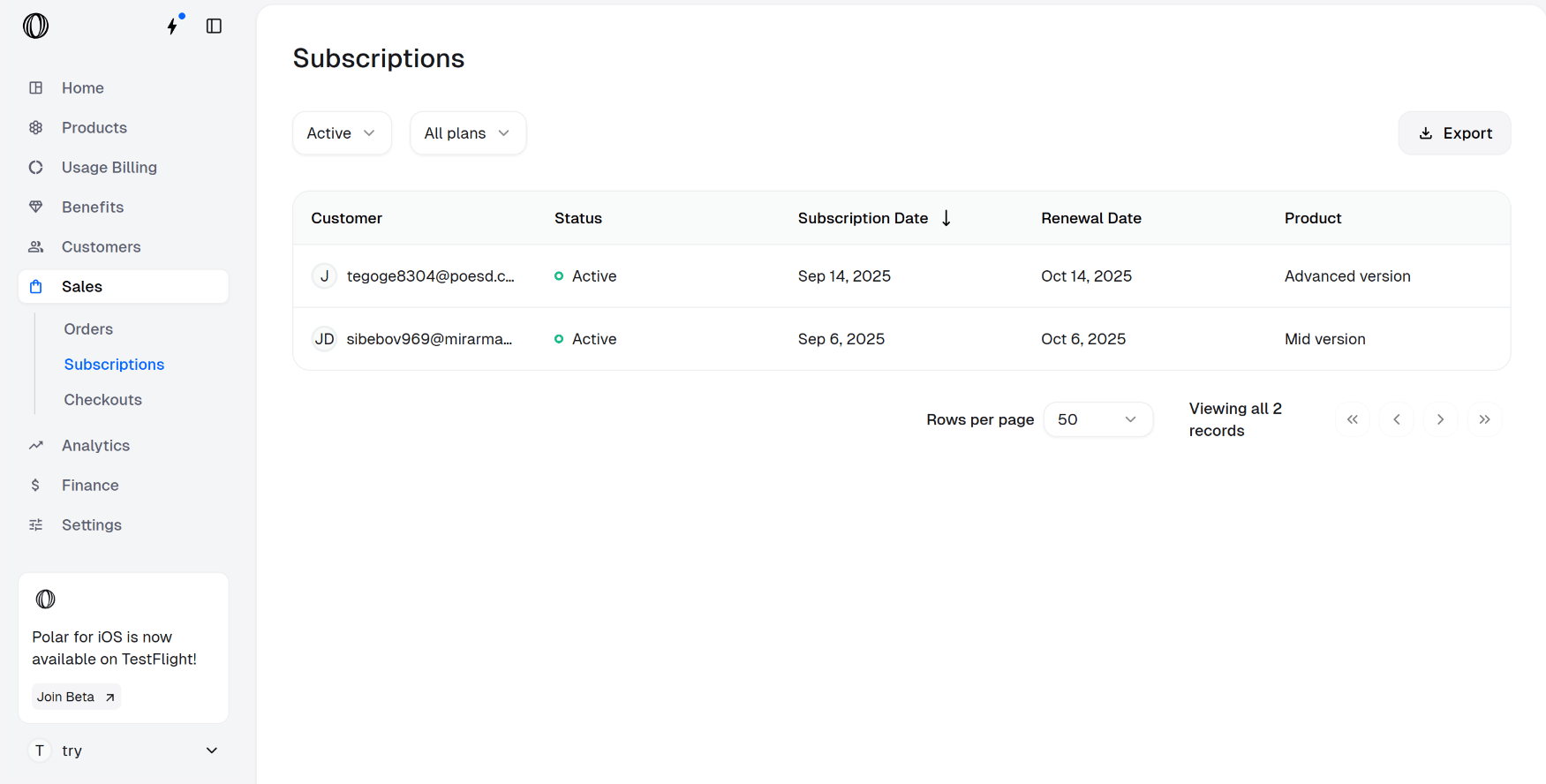 Click the subscription you want to change. On the details page that opens, choose **Update Subscription**.
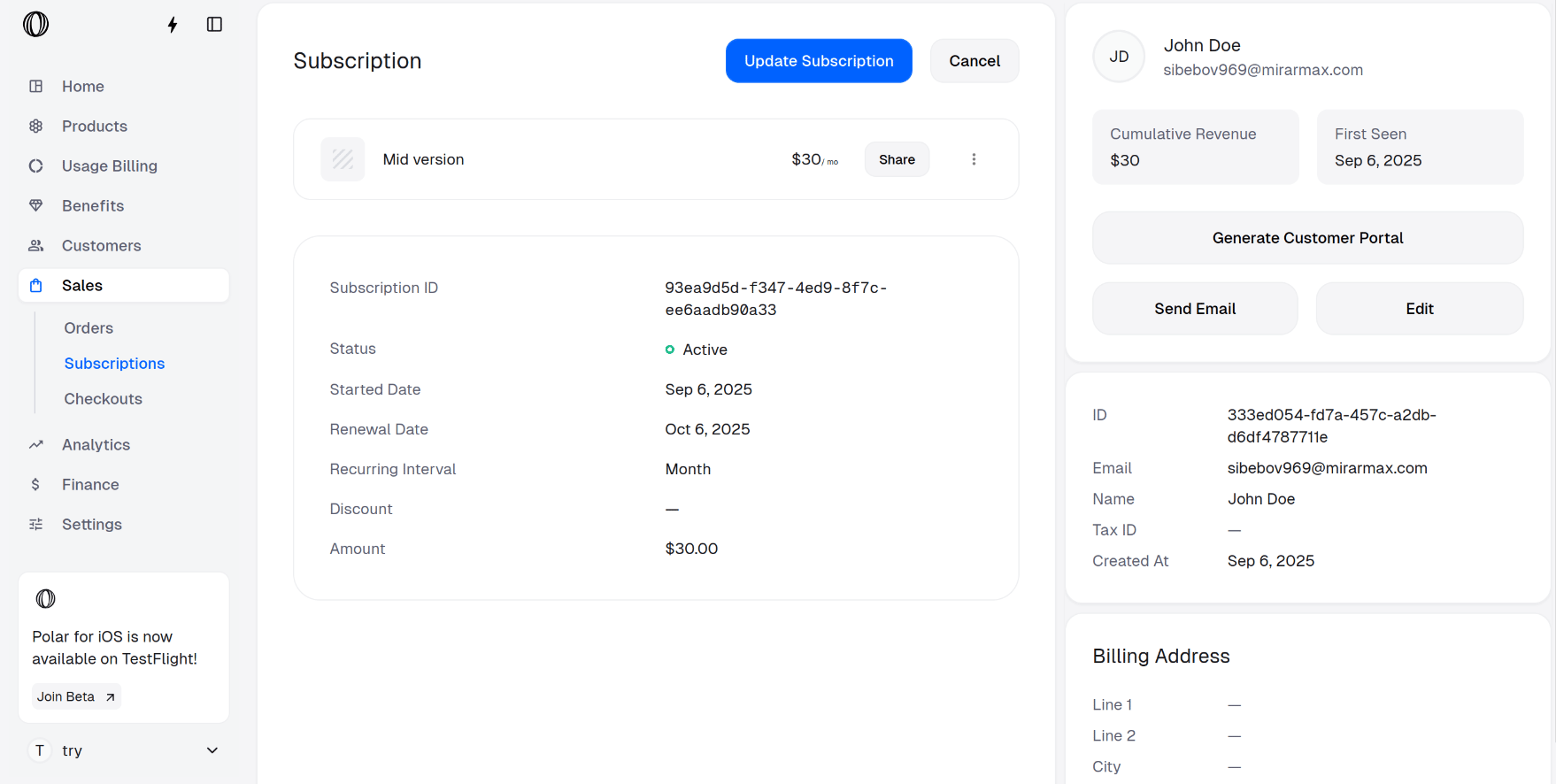 Select the **New product** (the plan you're moving them to) and a **Proration behavior** from the dropdown.
The upgrade itself is immediate in every case — the proration behavior only decides when the difference is invoiced.
Confirm with **Update Subscription**.
Select the **New product** (the plan you're moving them to) and a **Proration behavior** from the dropdown.
The upgrade itself is immediate in every case — the proration behavior only decides when the difference is invoiced.
Confirm with **Update Subscription**.
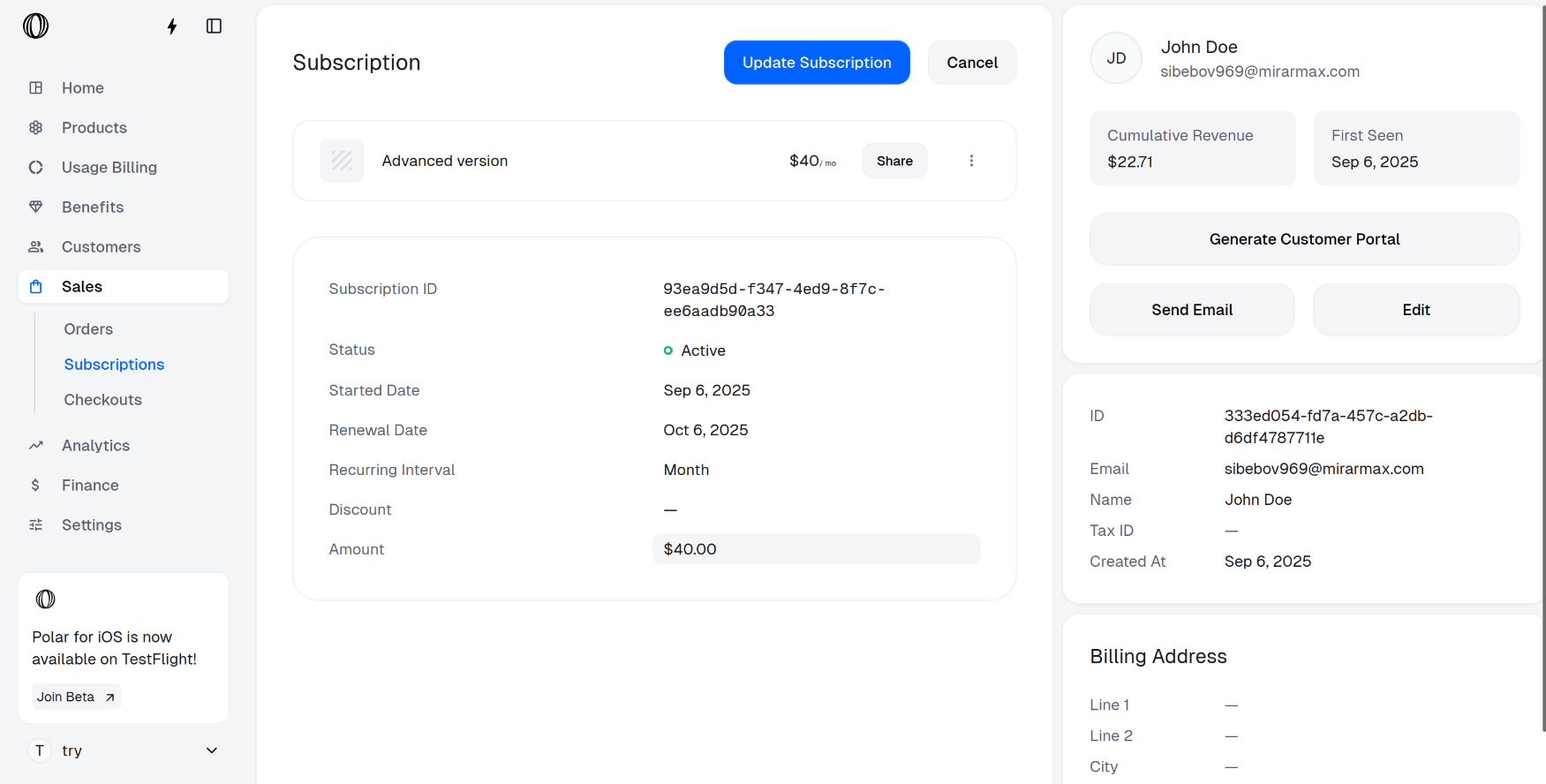
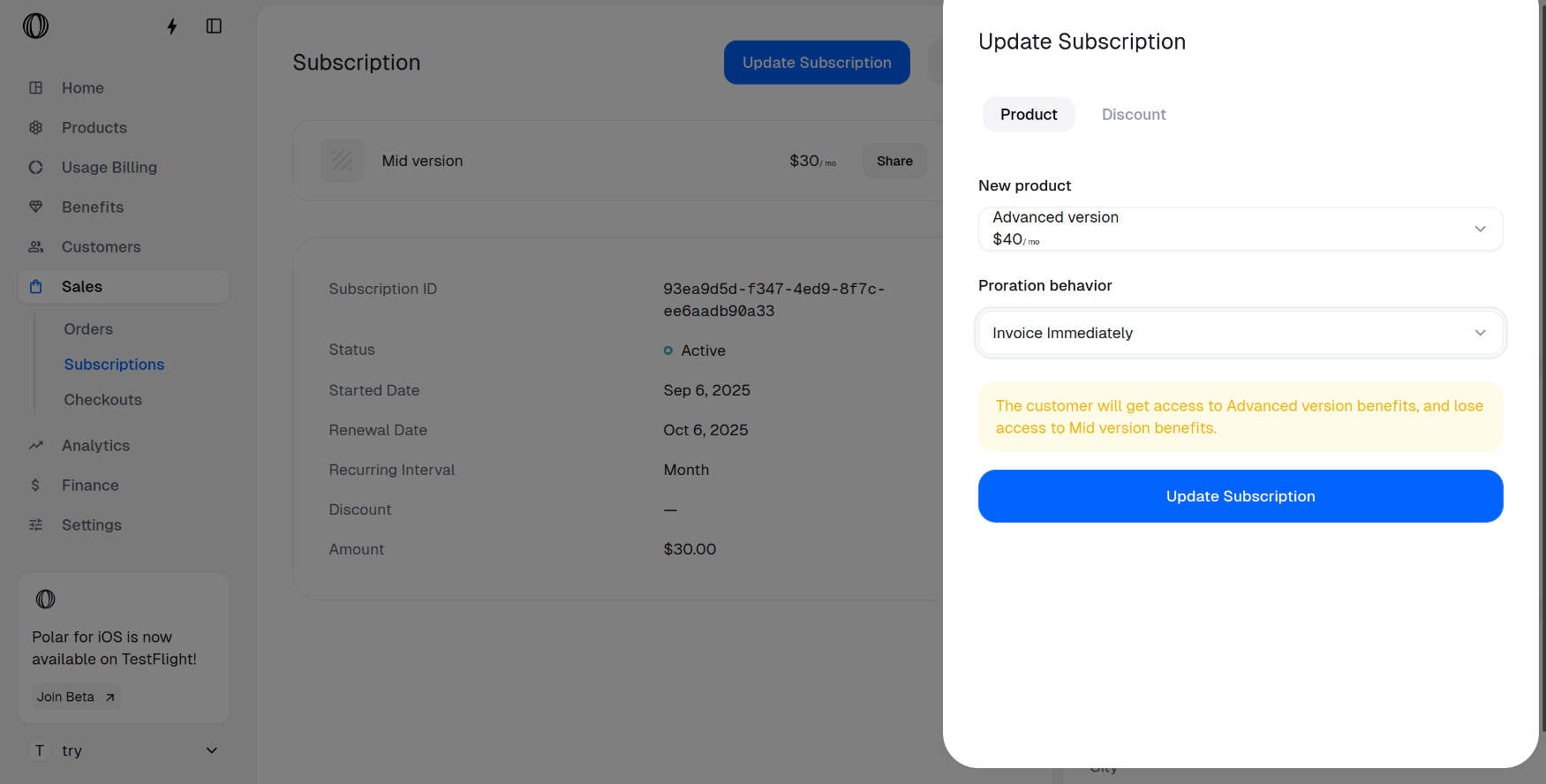 The subscription now sits on the higher plan — here, the **Advanced version**.
 ## Let customers upgrade themselves
The customer portal lets subscribers move plans on their own, no support touch needed. Here's the experience from their side.
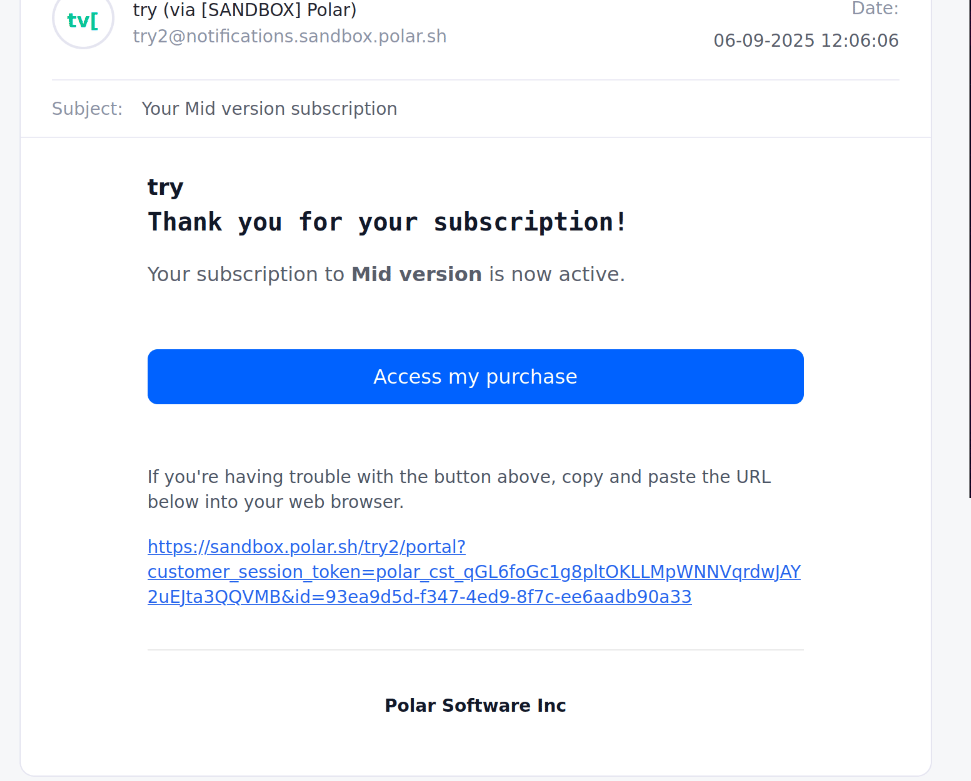
After buying, the customer receives a confirmation email. They click **Access my Purchase** to open their customer portal.
## Let customers upgrade themselves
The customer portal lets subscribers move plans on their own, no support touch needed. Here's the experience from their side.
After buying, the customer receives a confirmation email. They click **Access my Purchase** to open their customer portal.
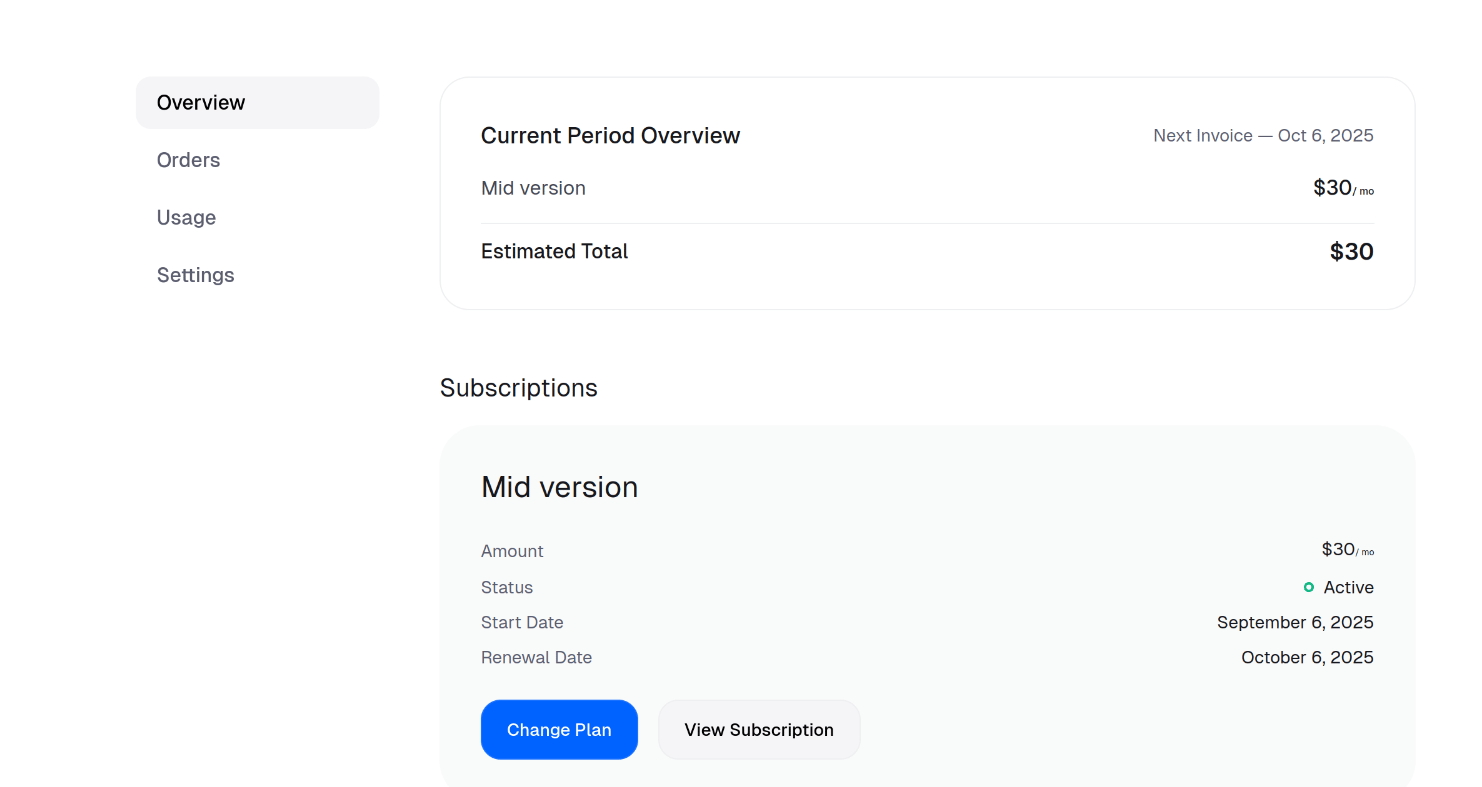
 On the **Overview** tab, they scroll to **Subscriptions** and click **Change Plan**.
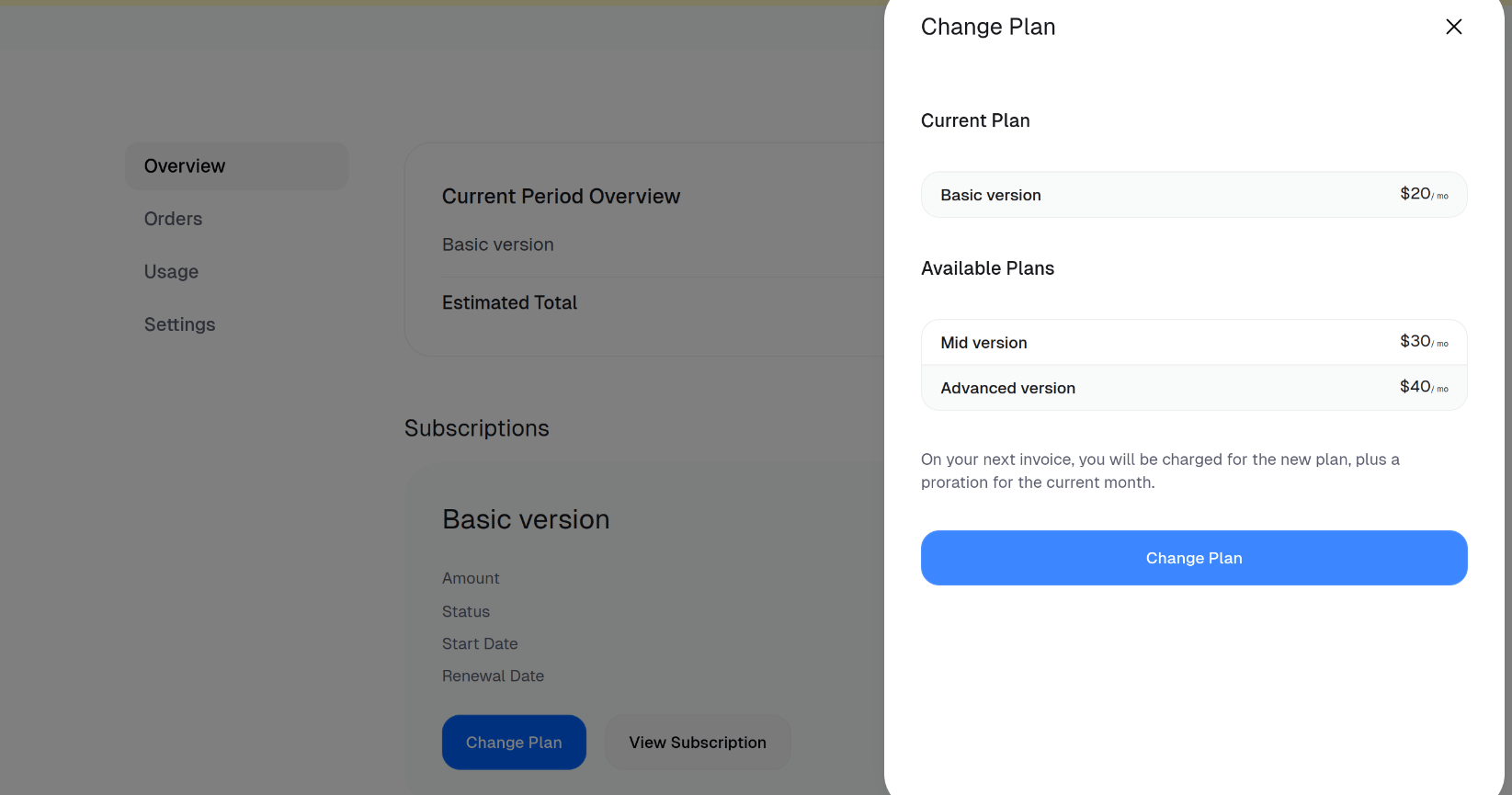
 They pick the plan they want and confirm with **Change Plan**.
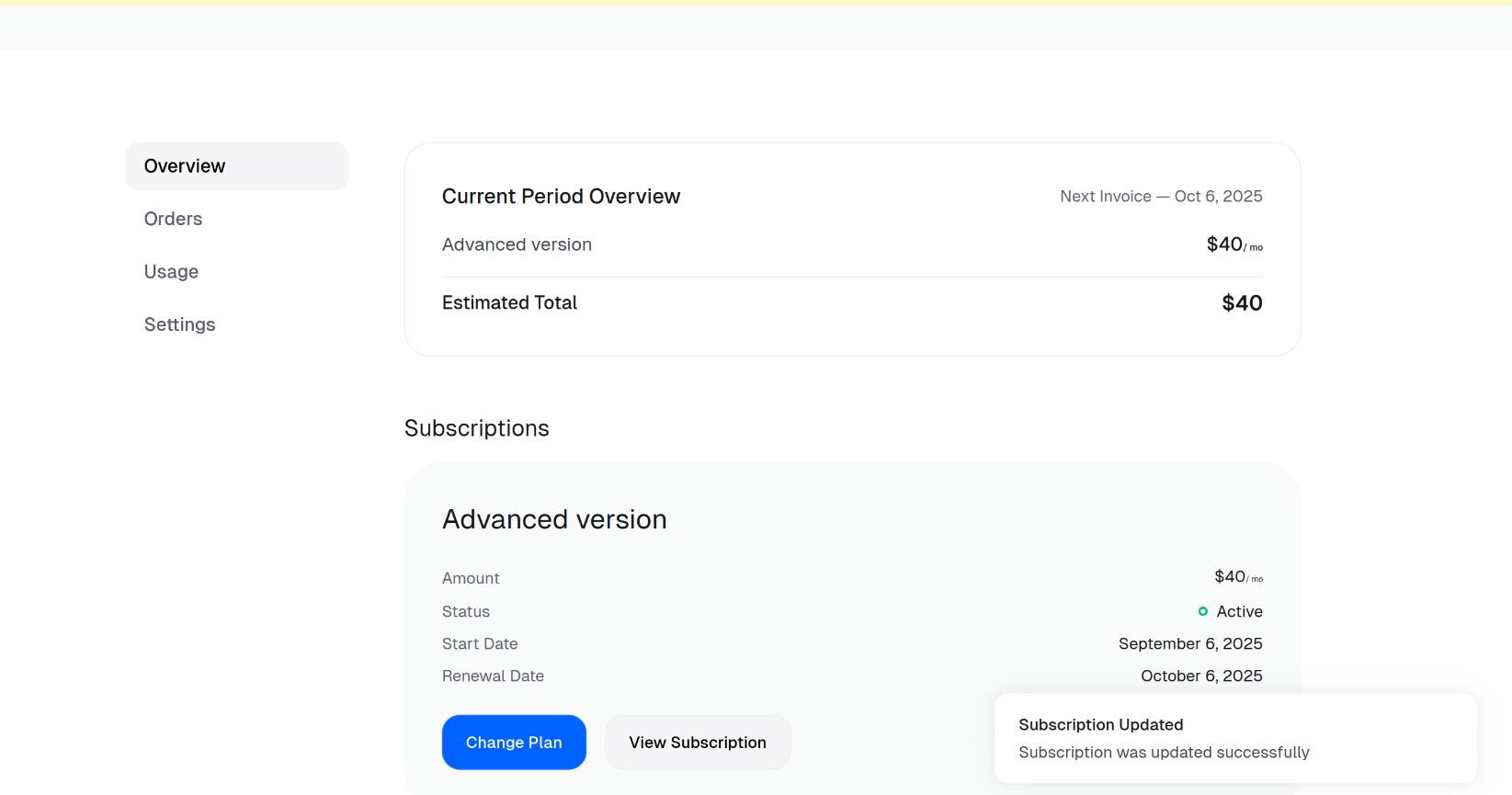
 Their subscription updates immediately to the new plan — the **Advanced version** in this example.
 Selling AI products or agent capacity? Upgrades pair naturally with usage-based pricing: a customer can move to a higher base plan while metered consumption keeps billing in the background. The proration rules above apply to the recurring portion, and metered usage continues to accrue against the active plan — so an agent that suddenly needs more headroom can be bumped up mid-cycle without losing a single billed event.