> ## Documentation Index
> Fetch the complete documentation index at: https://docs.macropay.ai/llms.txt
> Use this file to discover all available pages before exploring further.
# Setup Webhooks
> Push real-time notifications to your app the moment an event happens — no polling required.
Webhooks let Macropay call *you*. Instead of polling our API for the latest
order, subscription change, or refund, you register an endpoint once and we
deliver a signed HTTP POST every time something happens. As your merchant of
record, that includes the events you actually care about as a seller — paid
orders (with tax already remitted on your behalf), subscription renewals,
cancellations, disputes, and more.
Every delivery conforms to the [Standard Webhooks](https://www.standardwebhooks.com/)
specification, and our SDKs build on top of it so you get:
* **Cryptographic signature verification** out of the box — no hand-rolled HMAC.
* **Fully typed payloads** in TypeScript, Python, PHP, and Go.
* **Native Slack & Discord formatting** — paste a channel webhook URL and we
reshape the payload into a clean chat message for your team.
**Billing AI agents?** The events you subscribe to here are the same stream
that surfaces agent activity and outcome signals ingested through the Signals
API — so usage, value receipts, and agentic margin updates can flow straight
into your systems as they happen.
## How it works
1. You create an endpoint and tell us which event types to send.
2. When a matching event fires, we POST the payload to your URL, signed with
your secret.
3. Your handler verifies the signature, then reacts — provision access, update
a record, notify a channel.
## Before you start
**Develop against the sandbox first.**
Spin up test orders, subscriptions, cancellations, and refunds in the sandbox
to trigger real webhook events end-to-end — without moving a cent of live
money.
## Create an endpoint
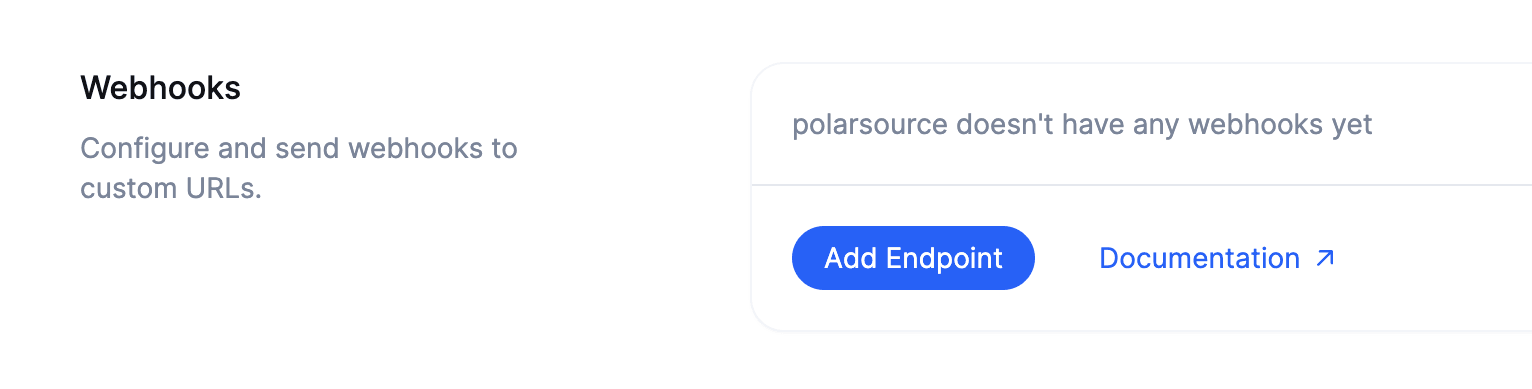
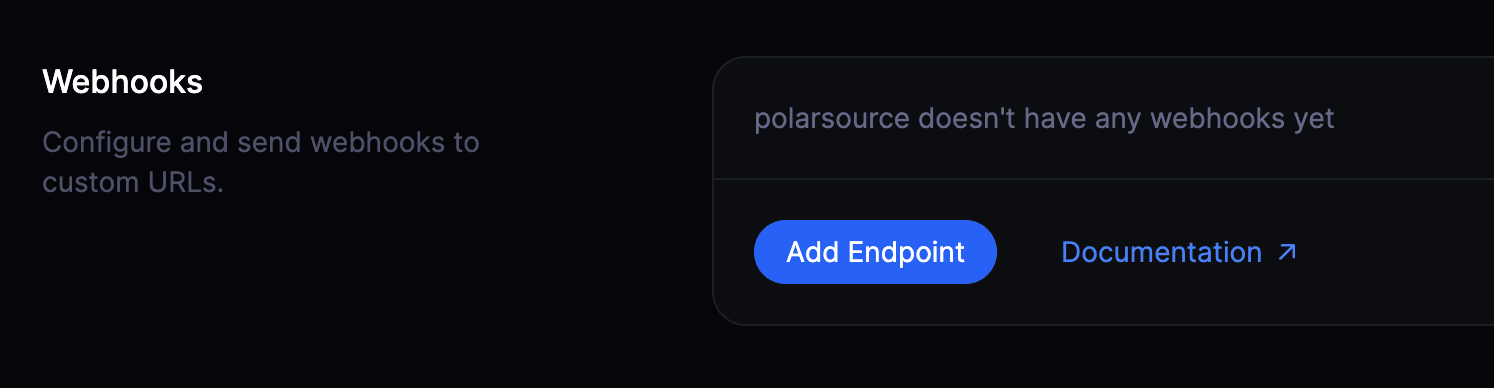
In your organization settings, select **Add Endpoint** to register a new
destination.
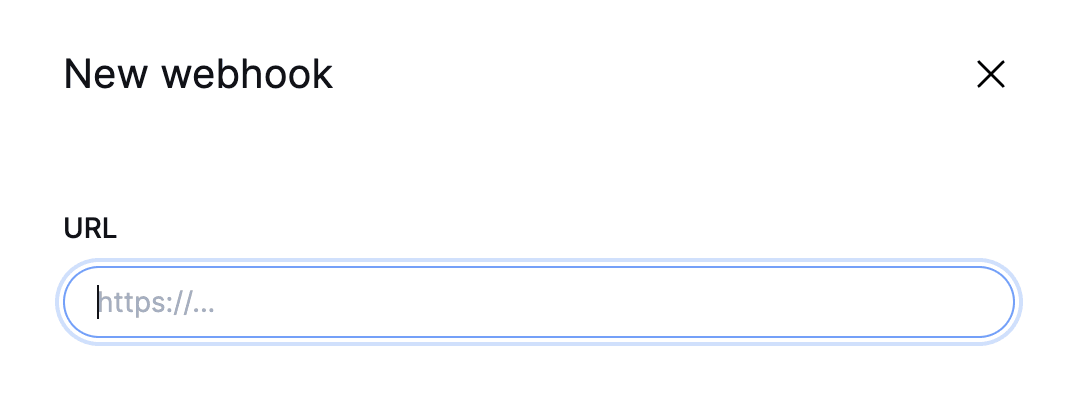
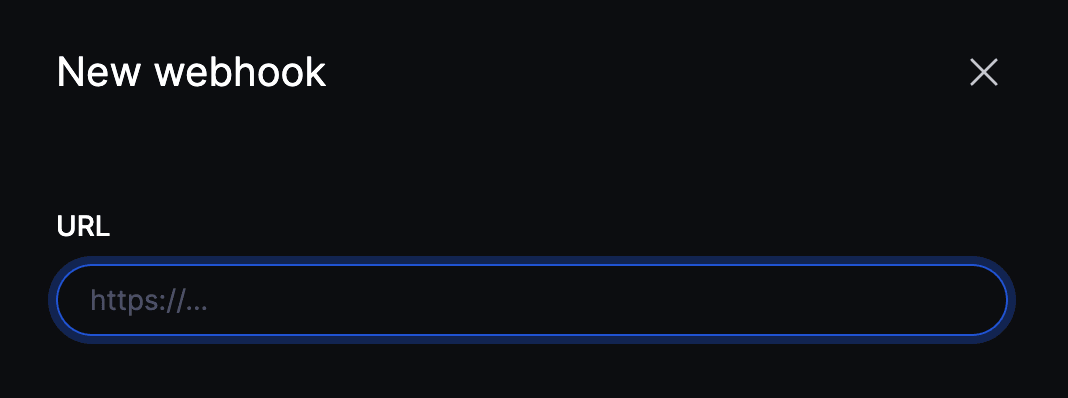
 Provide the HTTPS URL that should receive events.
 **Testing from `localhost`?**
Your machine isn't reachable from the public internet, so use a tunnel.
[ngrok](https://ngrok.com/) or Cloudflare Tunnel forward a public HTTPS URL
to your local server — register that URL as the endpoint while you build.
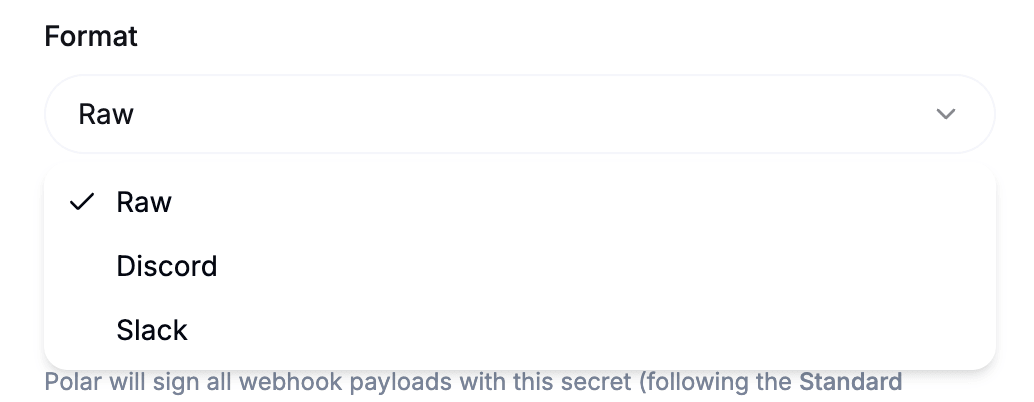
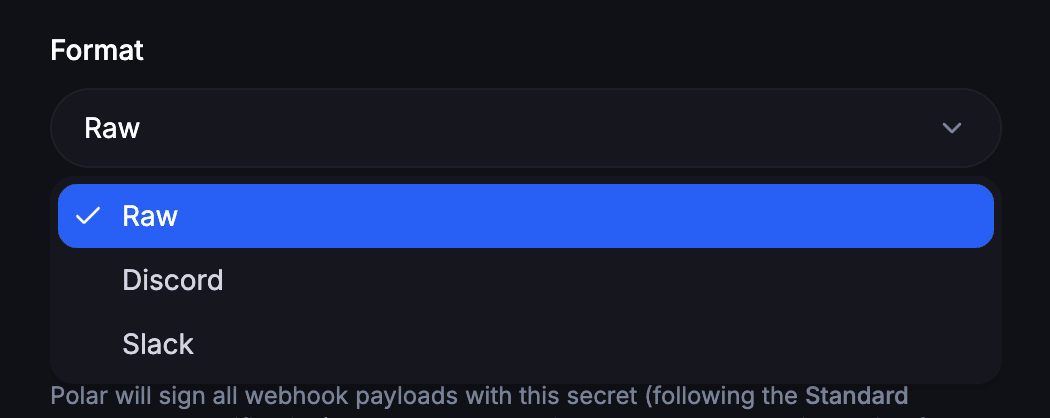
Keep this on **Raw** for standard integrations and you'll receive the event
as a JSON payload.
To route notifications into a chat tool instead, choose **Discord** or
**Slack**, and Macropay reshapes each payload into a properly formatted
message for that platform.
**Testing from `localhost`?**
Your machine isn't reachable from the public internet, so use a tunnel.
[ngrok](https://ngrok.com/) or Cloudflare Tunnel forward a public HTTPS URL
to your local server — register that URL as the endpoint while you build.
Keep this on **Raw** for standard integrations and you'll receive the event
as a JSON payload.
To route notifications into a chat tool instead, choose **Discord** or
**Slack**, and Macropay reshapes each payload into a properly formatted
message for that platform.
 Paste a Discord or Slack webhook URL and the matching format is selected for
you automatically.
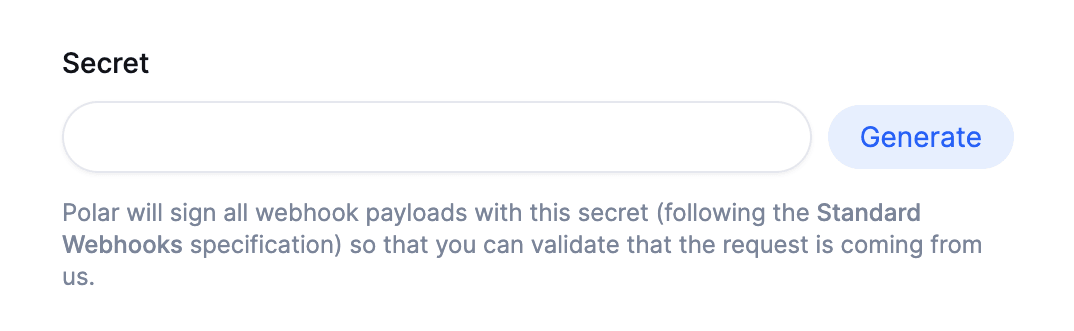
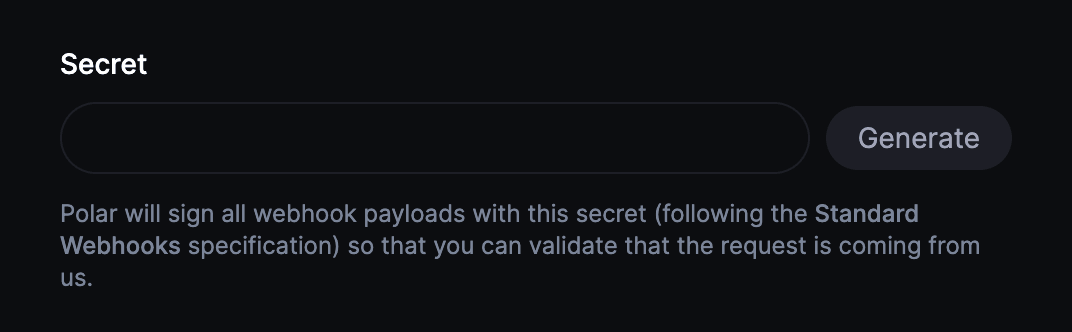
We sign every request with this secret so you can confirm each payload truly
came from Macropay and wasn't tampered with in transit. Our SDKs verify the
signature for you.
Bring your own secret or generate a random one.
Paste a Discord or Slack webhook URL and the matching format is selected for
you automatically.
We sign every request with this secret so you can confirm each payload truly
came from Macropay and wasn't tampered with in transit. Our SDKs verify the
signature for you.
Bring your own secret or generate a random one.
 Select the event types you want delivered to this endpoint, save, and you're
live. 🎉
## Next steps
Wire up your handler, validate the signature, and start reacting to events.
The open specification our signatures and headers conform to.
Select the event types you want delivered to this endpoint, save, and you're
live. 🎉
## Next steps
Wire up your handler, validate the signature, and start reacting to events.
The open specification our signatures and headers conform to.