

What a customer record gives you
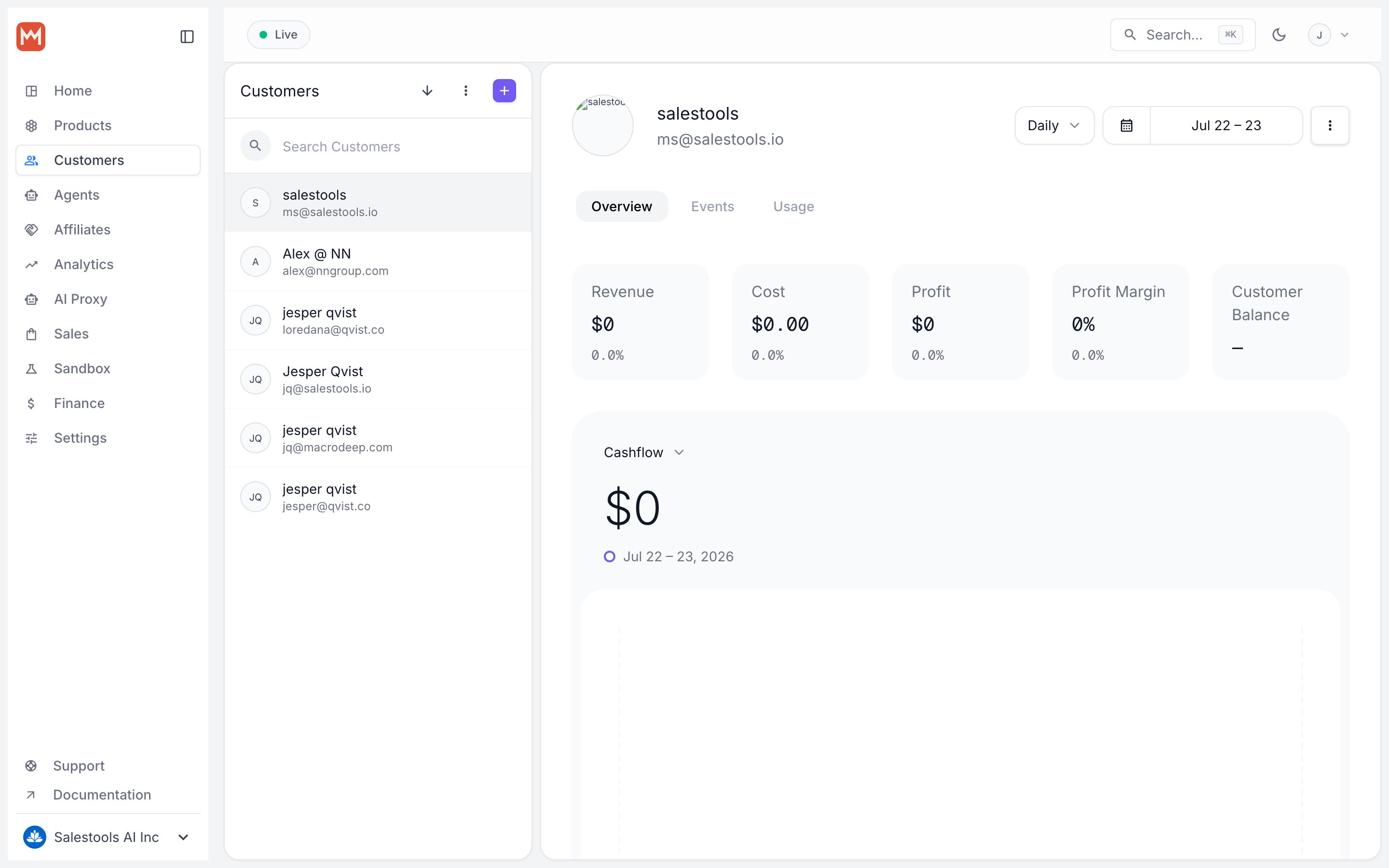
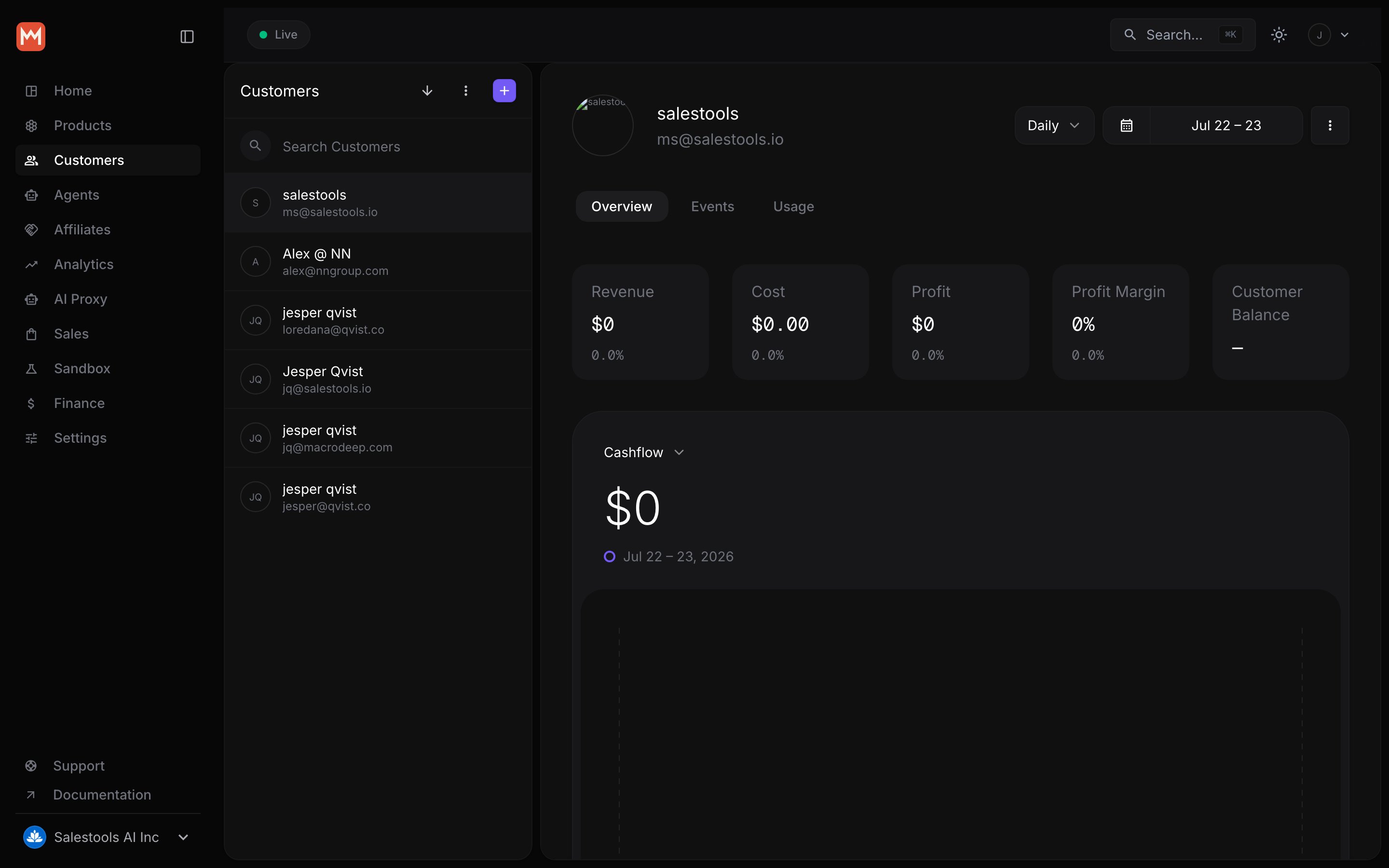
Open any customer in the dashboard and you get a consolidated view of their relationship with your business:- Order history — every one-time purchase and renewal, with tax already accounted for.
- Active subscriptions — current plans, seats, and renewal state.
- Lifetime metrics — totals and trends that show how each buyer is performing.
Link customers with your own external_id
Most applications already have a user table with their own primary key. Rather than forcing you to store and map Macropay’s internal ID, every Customer carries an external_id — the ID you assign. It is unique within your organization and, once set, is immutable, which makes it a safe join key for reconciliation.
The full set of customer operations has dedicated variants keyed on external_id, so you can read, update, and delete buyers using only the identifier your system already knows.
Fetch a customer by your ID
Update a customer by your ID
Delete a customer by your ID
Attach your own metadata
Customers support arbitrary metadata: a flexible key/value bag for anything you want to travel alongside the buyer through the API and webhooks. Common uses include the originating workspace, a plan tier, a referral source, or the internal account a buyer rolls up to.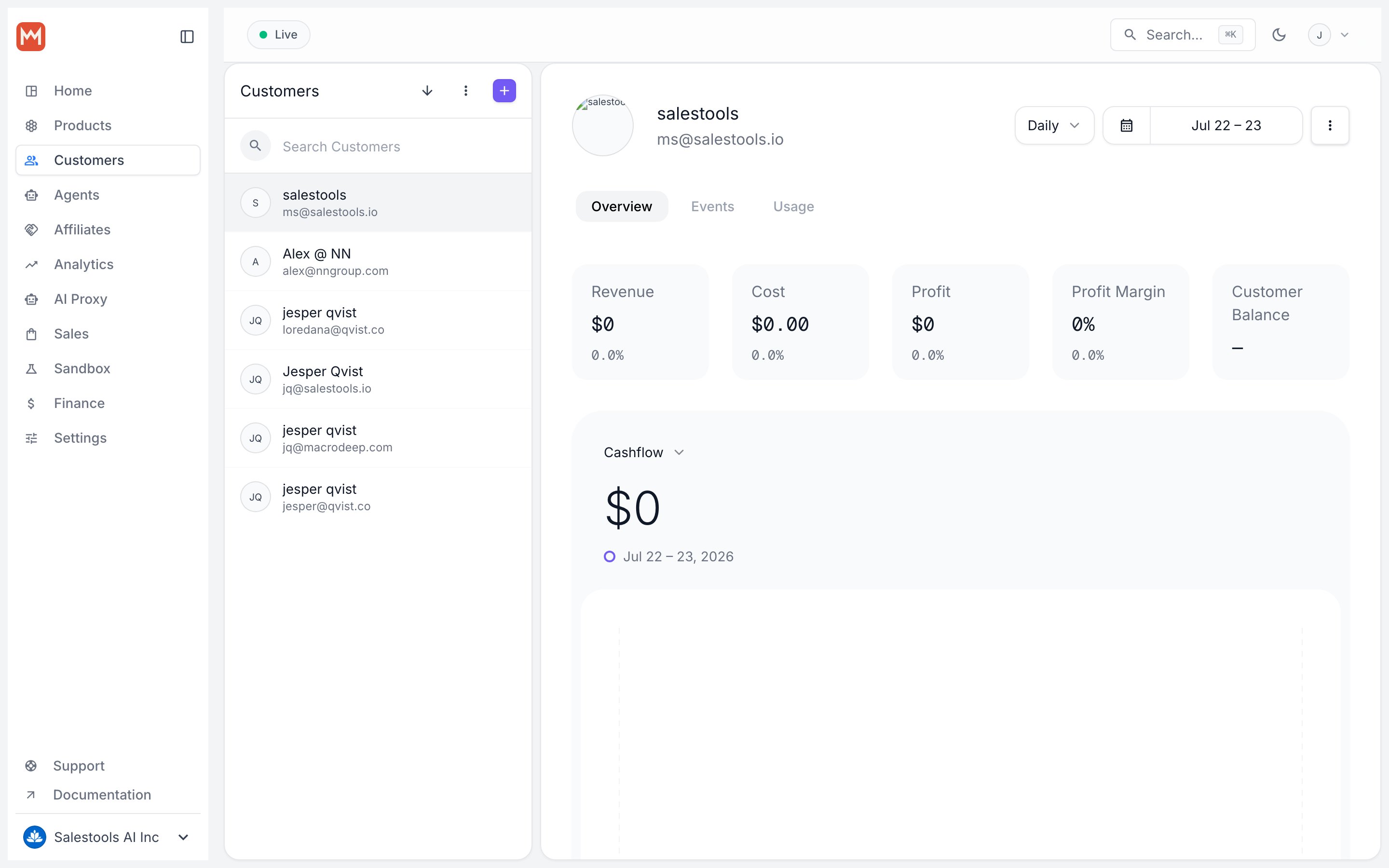
Set metadata at checkout time
You don’t have to wait for the customer to exist. Passcustomer_metadata when you create a checkout session, and Macropay applies it to the new Customer the moment the purchase completes — so the buyer arrives in your system already tagged.
Metadata is for your own data that you want exposed through the API and webhooks.
It isn’t searchable as a full-text index, so prefer structured, predictable keys
(like
workspace_id) over free-form notes if you plan to reconcile on them later.