

How MoR refunds protect you
As the seller of record, Macropay collected the sales tax / VAT on the original order and remitted it to the relevant jurisdiction. When you refund, that tax is unwound on our side too — there’s no separate filing for you to chase. We also watch for orders heading toward a dispute. A $30 chargeback fee applies regardless of outcome, and a refund almost always costs less, so we may step in before it escalates.We may refund on your behalf to stop a chargebackMacropay reserves the right to issue a refund within 60 days of purchase, at our discretion, to proactively prevent a costly dispute. This holds even if you operate a “no refunds” policy — a quiet refund is cheaper for everyone than a chargeback that lands a fee on your balance no matter how it resolves.
Issue a refund from the dashboard
1
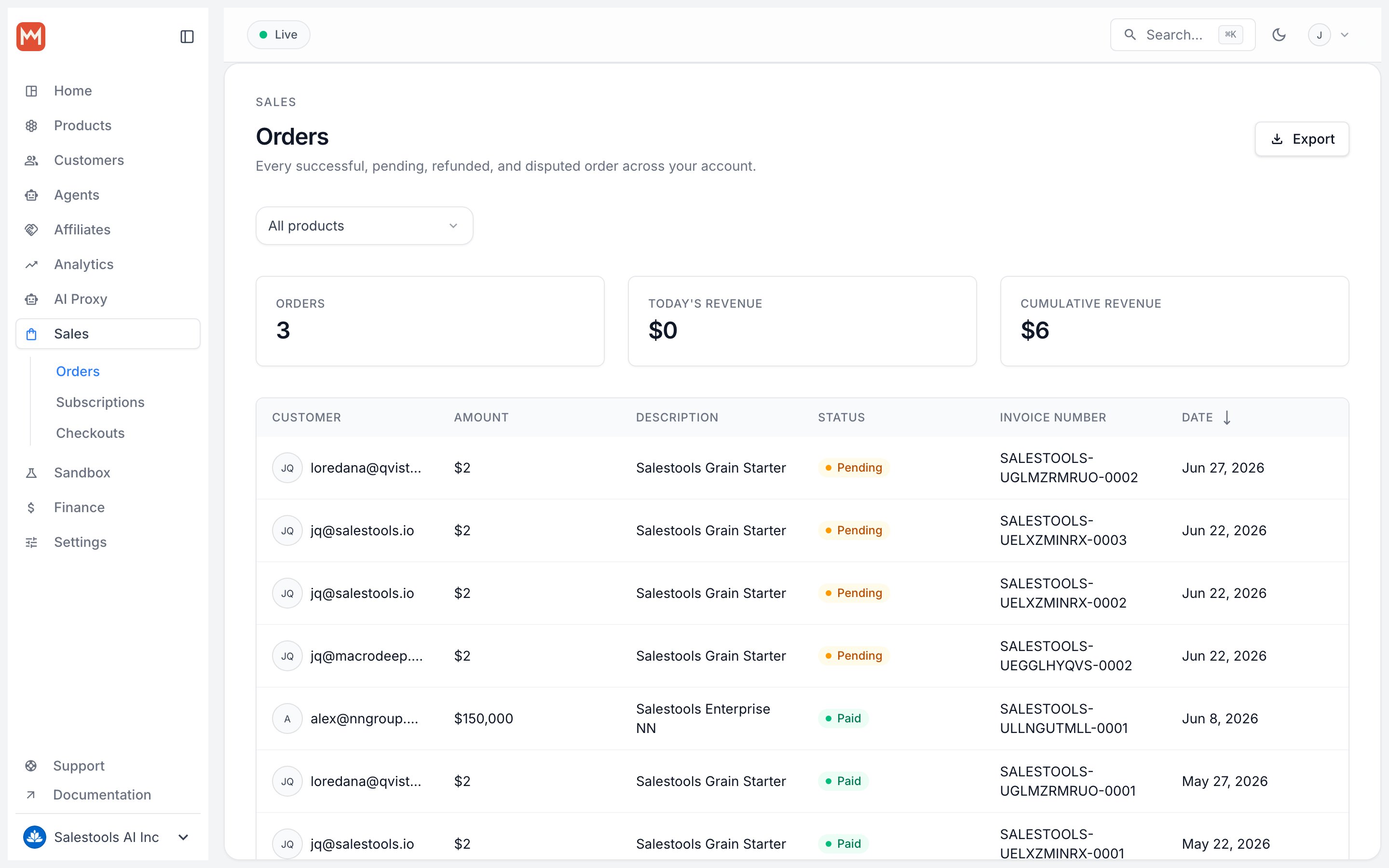
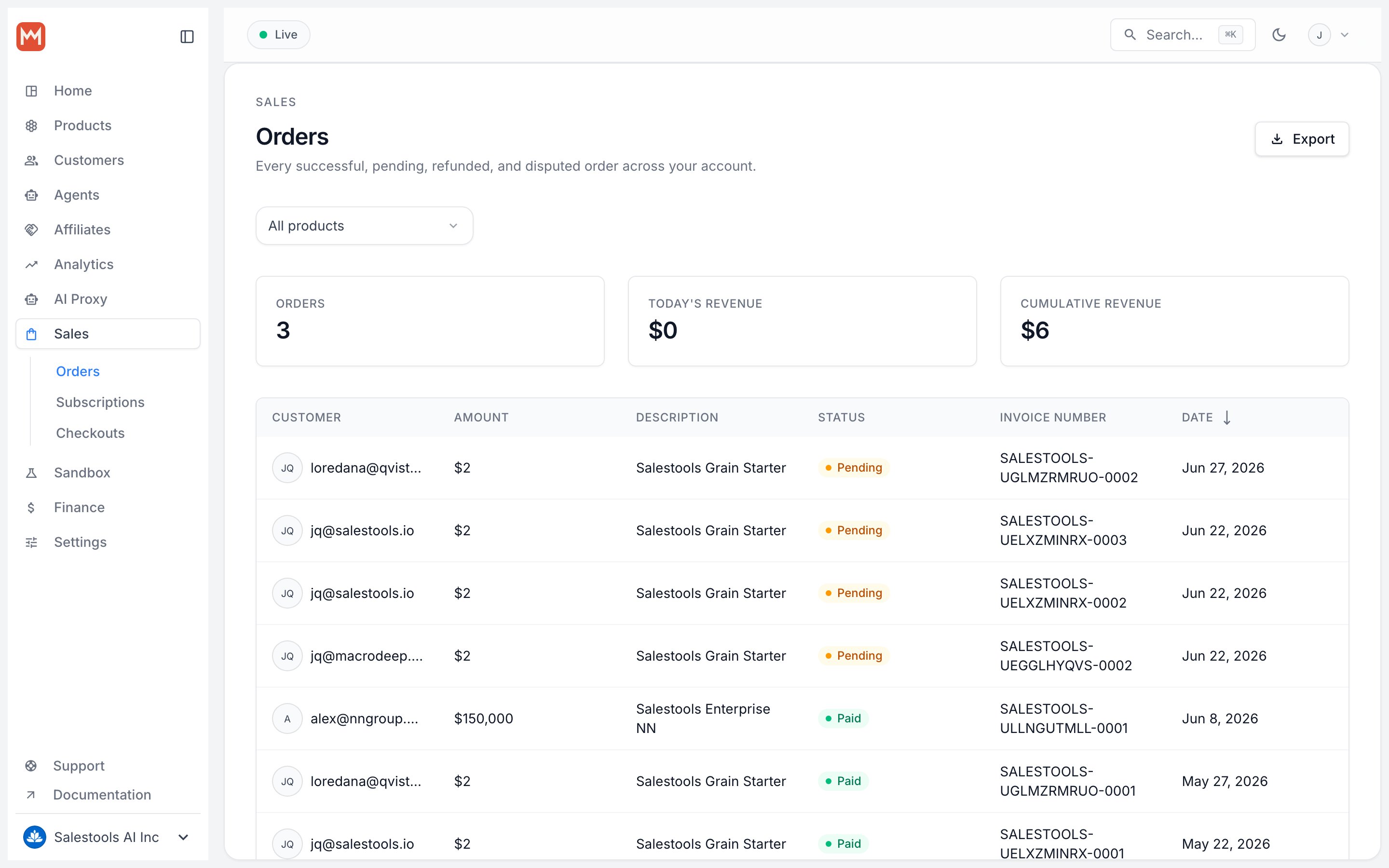
Open the order
Navigate to the order you want to refund and open its detail page.
2
Find the Refund section
Scroll to the Refund panel near the bottom of the order.
3
Set the amount, reason, and benefits
Confirm how much to return, pick a reason, and decide whether to revoke benefits (see below). Then click Refund.
Amount — full or partial
The field defaults to the full order total. Lower it to issue a partial refund — useful for prorating a half-used month, returning one seat of a multi-seat plan, or crediting back a single over-billed usage event.Reason
Tag the refund with a reason. It won’t change the outcome for the customer, but it gives you and your team useful context later and feeds cleaner refund analytics.Revoke benefits
What happens to the customer’s access depends on the kind of product.Refund via the API
Refunds are a first-class API resource, so support flows, internal tools, and agents can issue them without a human opening the dashboard. Reference the order, setamount in the smallest currency unit (cents, minimum 1), pick a reason, and choose whether to revoke benefits.