Usage Based Billing is a new feature. We’re shipping fast and actively want
your feedback.
Charge for what customers actually use
Flat subscriptions are easy to bill but rarely match how modern software gets consumed. AI products burn tokens, media apps stream minutes, infra tools move gigabytes — and the bill should follow the usage, not a guess. Macropay’s Usage Based Billing turns a stream of raw activity into invoiced revenue in three moves:- Ingest events — your app reports each unit of usage as it happens.
- Define meters — filter and aggregate those events into a number you can price.
- Attach a metered price — connect the meter to a product and let us bill it.
How the pieces fit together
Events
Events are the core of Usage Based Billing. They represent some usage done by a customer in your application. Typical examples of events are:- A customer consumed AI LLM tokens
- A customer streamed minutes of video
- A customer uploaded a file to your application
- A
name, which is a string that can be used to identify the type of event. For example,ai_usage,video_streamedorfile_uploaded. - A
customer_idorexternal_customer_id, which is Macropay’s customer ID or your user’s ID. This is used to identify the customer that triggered the event. - A
metadataobject, which is a JSON object that can contain any additional information about the event. This is useful for storing information that can be used to filter the events or compute the actual usage. For example, you can store the duration of the video streamed or the size of the file uploaded.
Meters
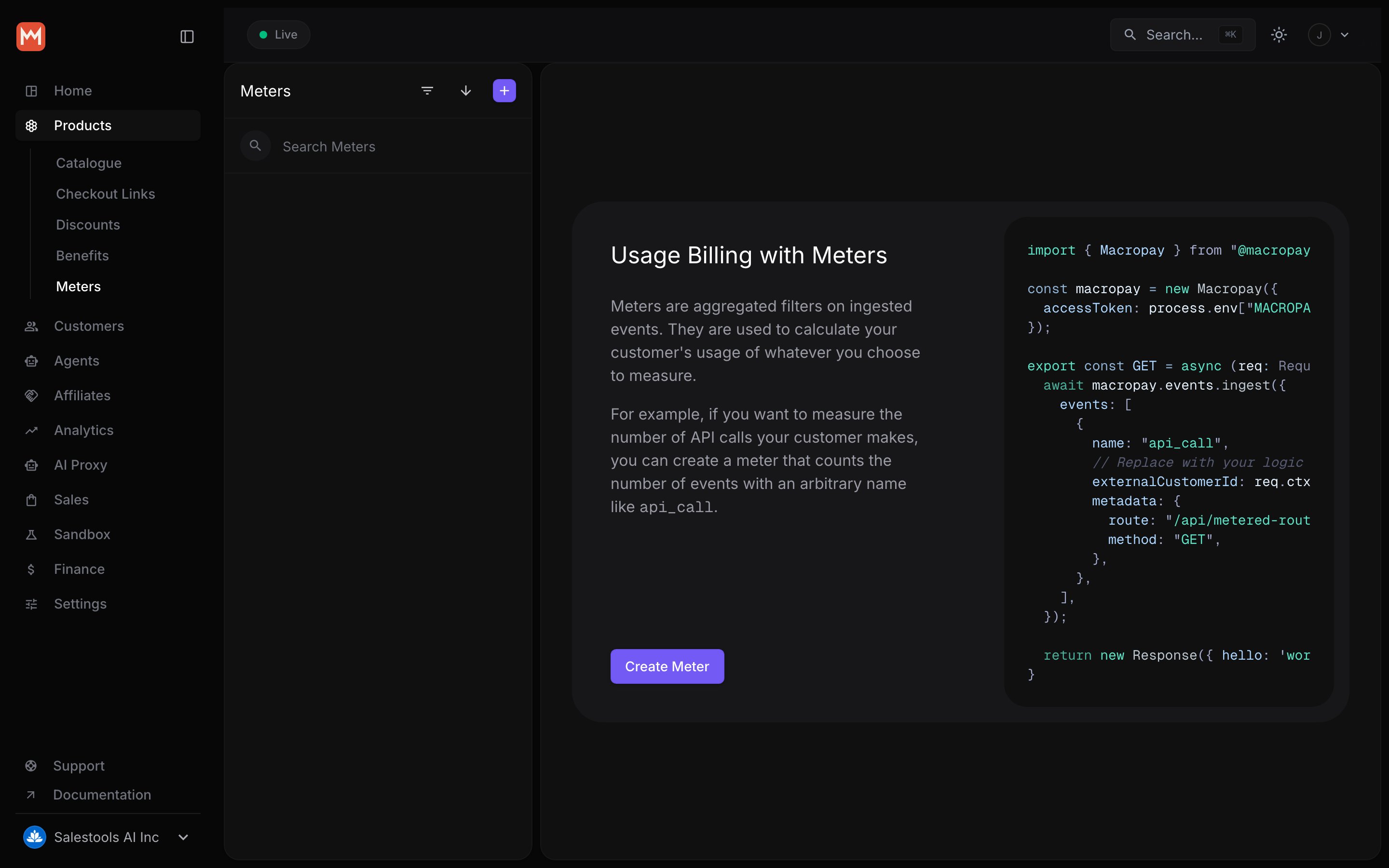
Meters are there to filter and aggregate the events that are ingested. Said another way, this is how you define what usage you want to charge for, based on the events you send to Macropay. For example:- AI usage meter, which filters the events with the name
ai_usageand sums thetotal_tokensfield. - Video streaming meter, which filters the events with the name
video_streamedand sums thedurationfield. - File upload meter, which filters the events with the name
file_uploadedand sums thesizefield.
Metered price
A metered price is a price that is based on the usage of a meter, which is computed by filtering aggregating the events that are ingested. This is how you charge your customers for the usage of your application.Meter credits benefit
You can give credits to your customers on a specific meter. This is done by creating a Meter Credits Benefit, which is a special type of benefit that allows you to give credits to your customers on a specific meter. On a recurring product, the customer will be credited the amount of units specified in the benefit at the beginning of every subscription cycle period — monthly or yearly.Quickstart
Stand up usage billing in about five minutes. Below we’ll wire up an AI product that charges per token consumed.1
Create a meter
A meter is a filter plus an aggregation function. The filter picks
which events count; the aggregation function turns them into a billable
quantity.For a token-based AI product, filter on the event name 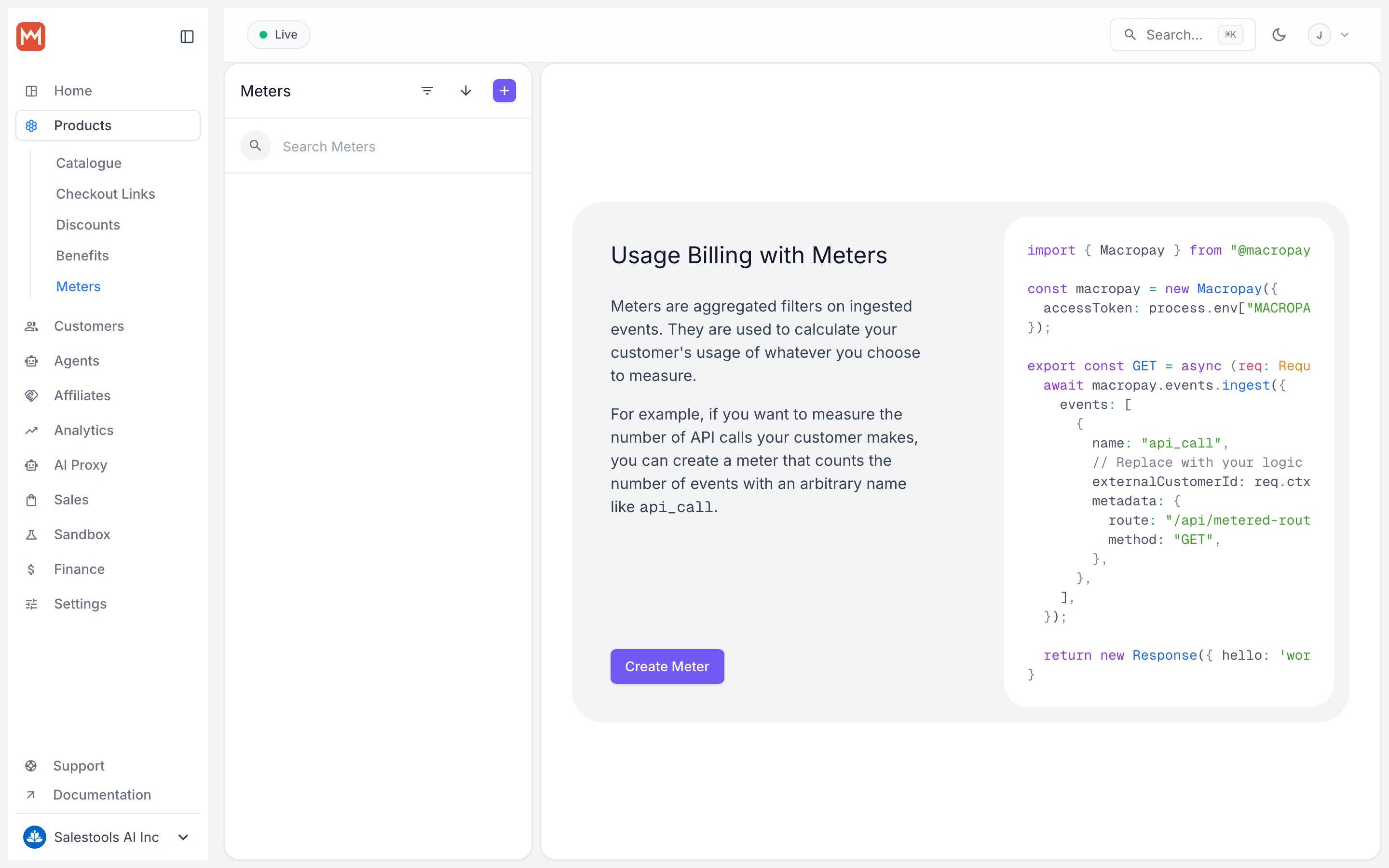
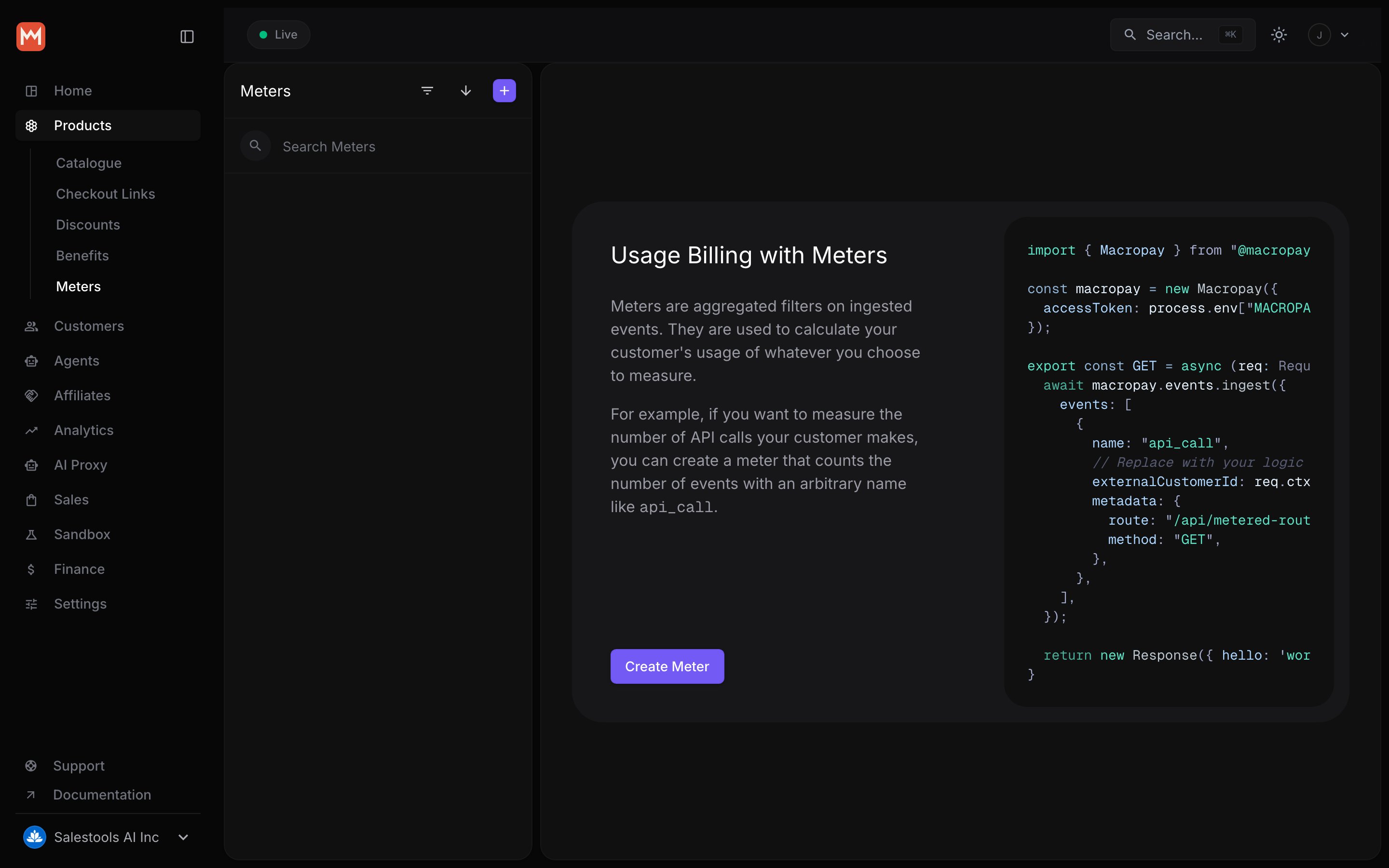
ai_usage and sum
the total_tokens field in each event’s metadata.2
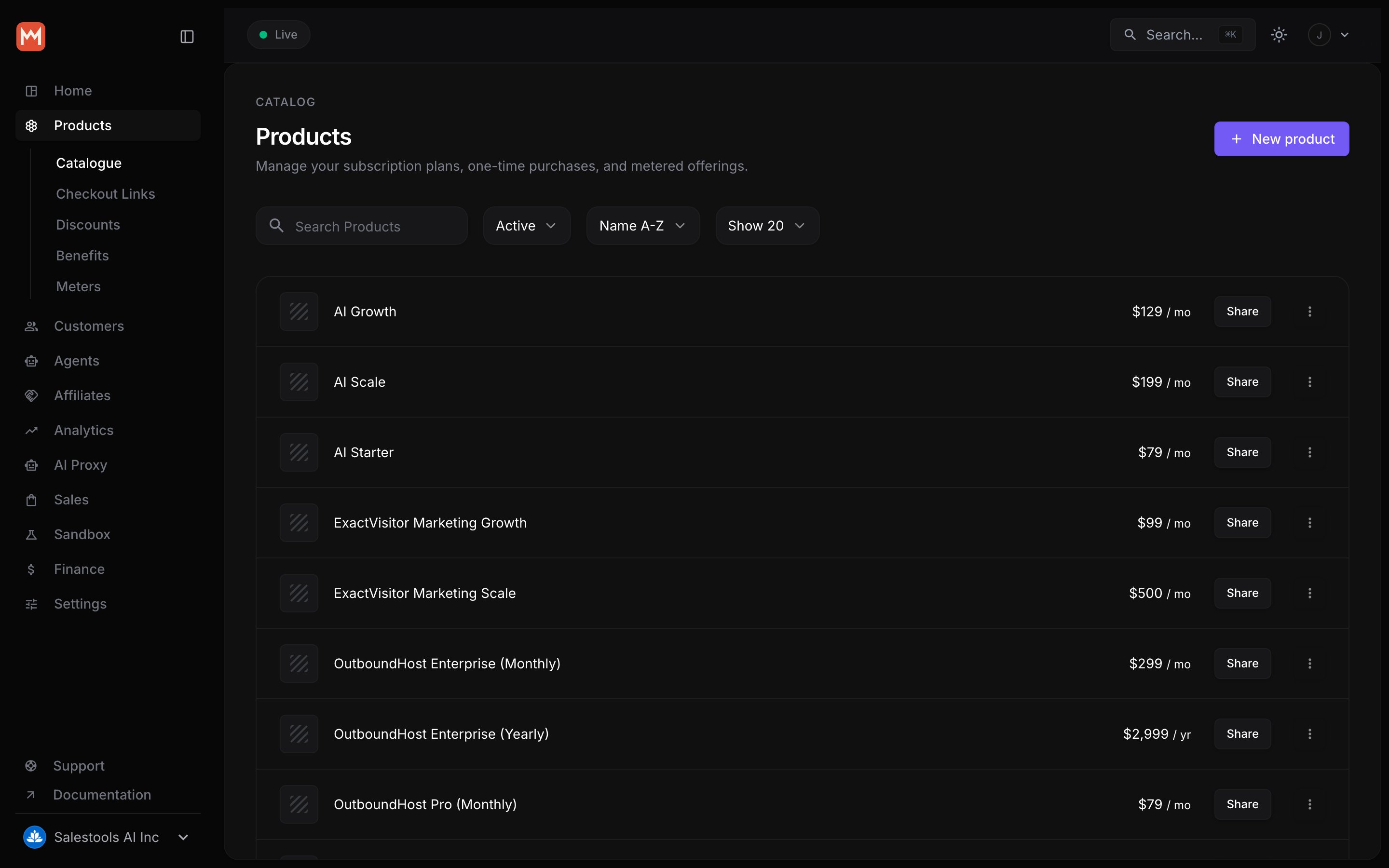
Attach a metered price to a product
Add a metered price to the product you want to charge on. The price reads
the meter’s aggregated usage and bills it each cycle.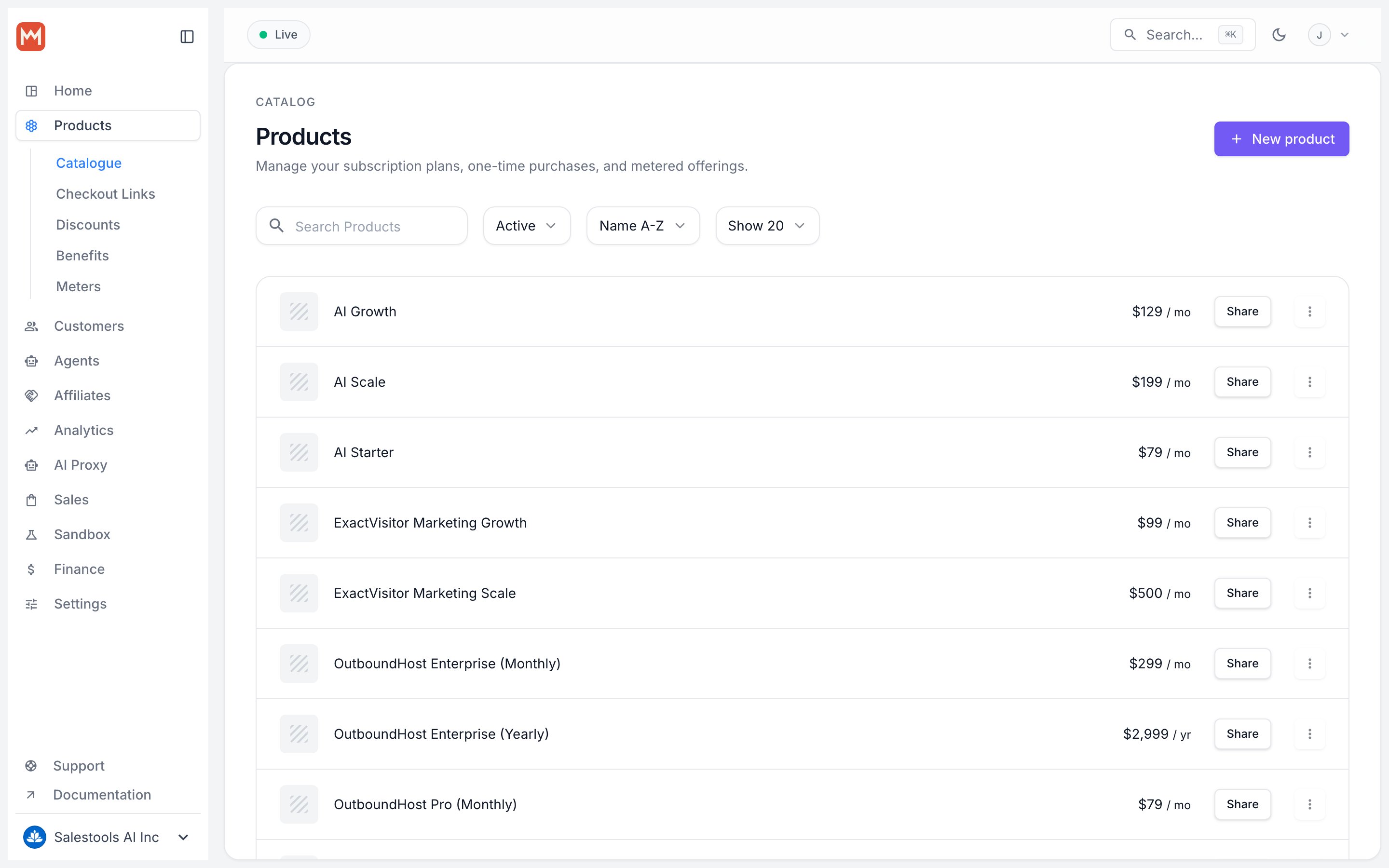
Metered prices apply to subscription products — usage accrues over a
billing period and settles when the cycle closes.
3
Ingest events
Send an event from your application each time a customer uses the product.
Any event matching the meter’s filter increments that customer’s usage.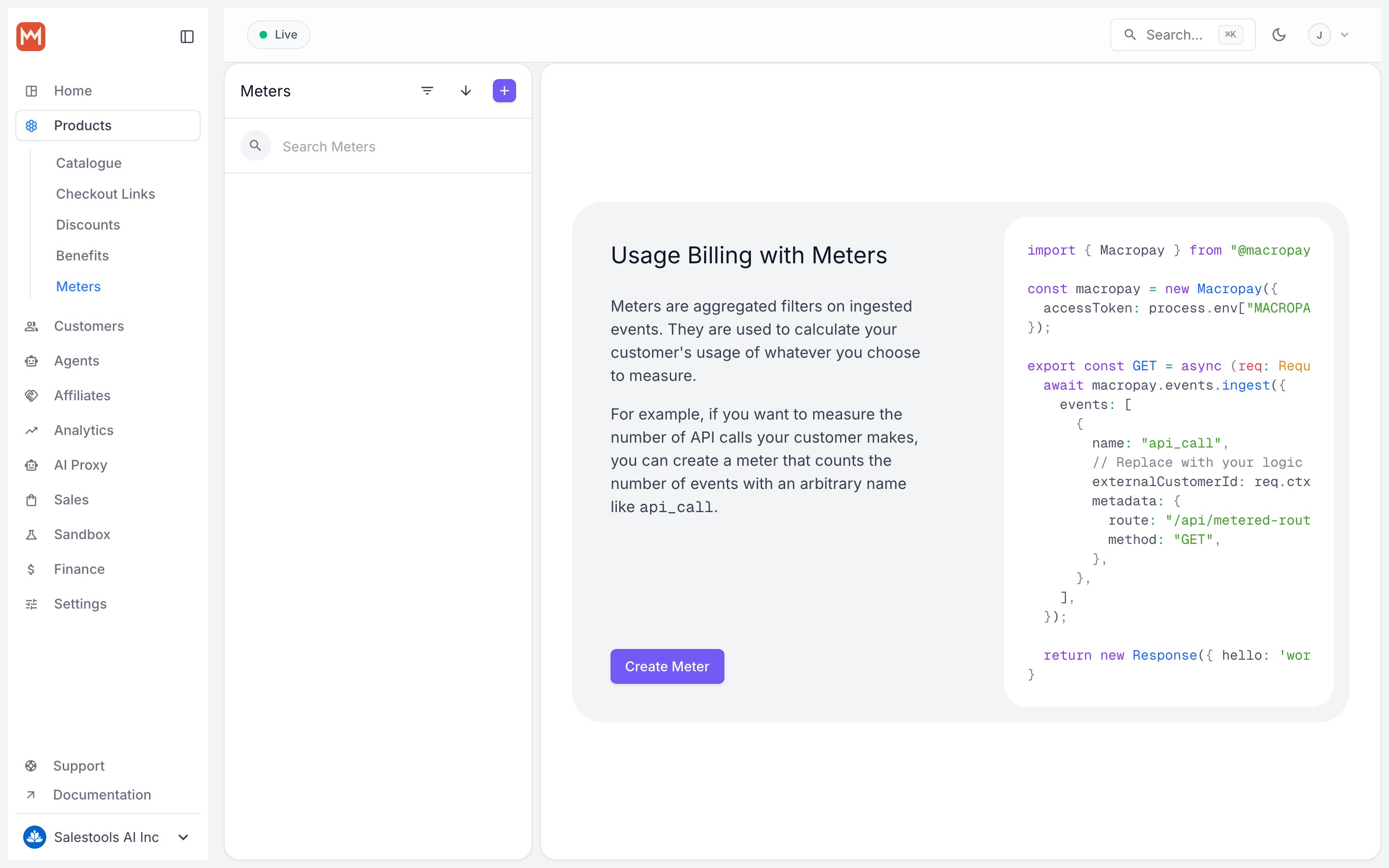
4
Let customers track their spend
Each customer sees their running usage and estimated charges per meter in the
self-serve Customer Portal — no support tickets to answer “what will this
cost me?”