

- AI usage meter, which filters the events with the name
ai_usageand sums thetotal_tokensfield. - Video streaming meter, which filters the events with the name
video_streamedand sums thedurationfield. - File upload meter, which filters the events with the name
file_uploadedand sums thesizefield.
Meters are the natural home for AI usage billing. Sum tokens for an LLM
feature, count successful agent actions, or bill per verified outcome — the
same filter-and-aggregate model covers all three. See
Usage-Based Billing for how
meters connect to events and credits.
How a meter works
Every meter is built from two decisions:- A filter — which ingested events belong to this meter.
- An aggregation — how those matching events collapse into a single number of billable units.
Create a meter
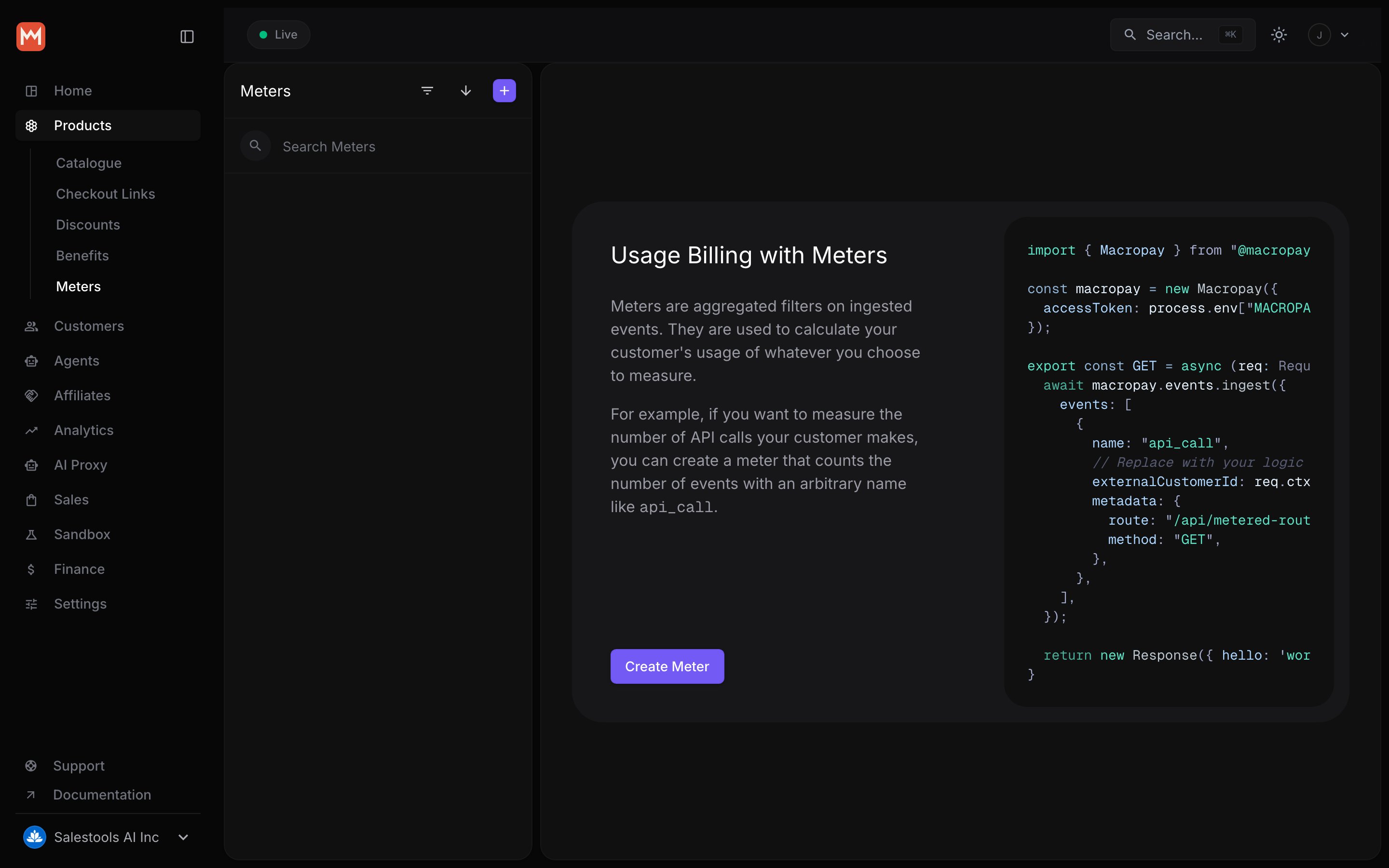
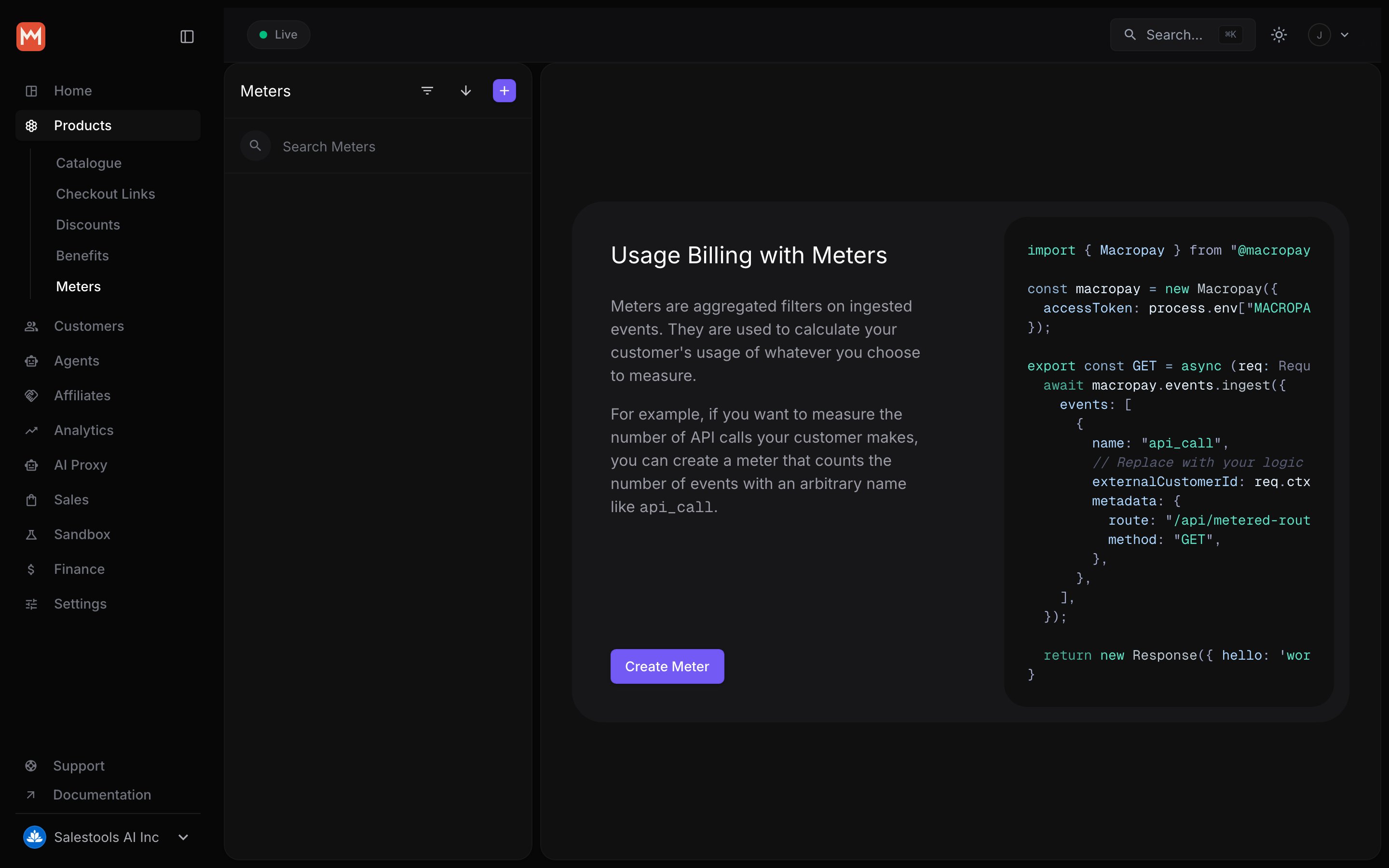
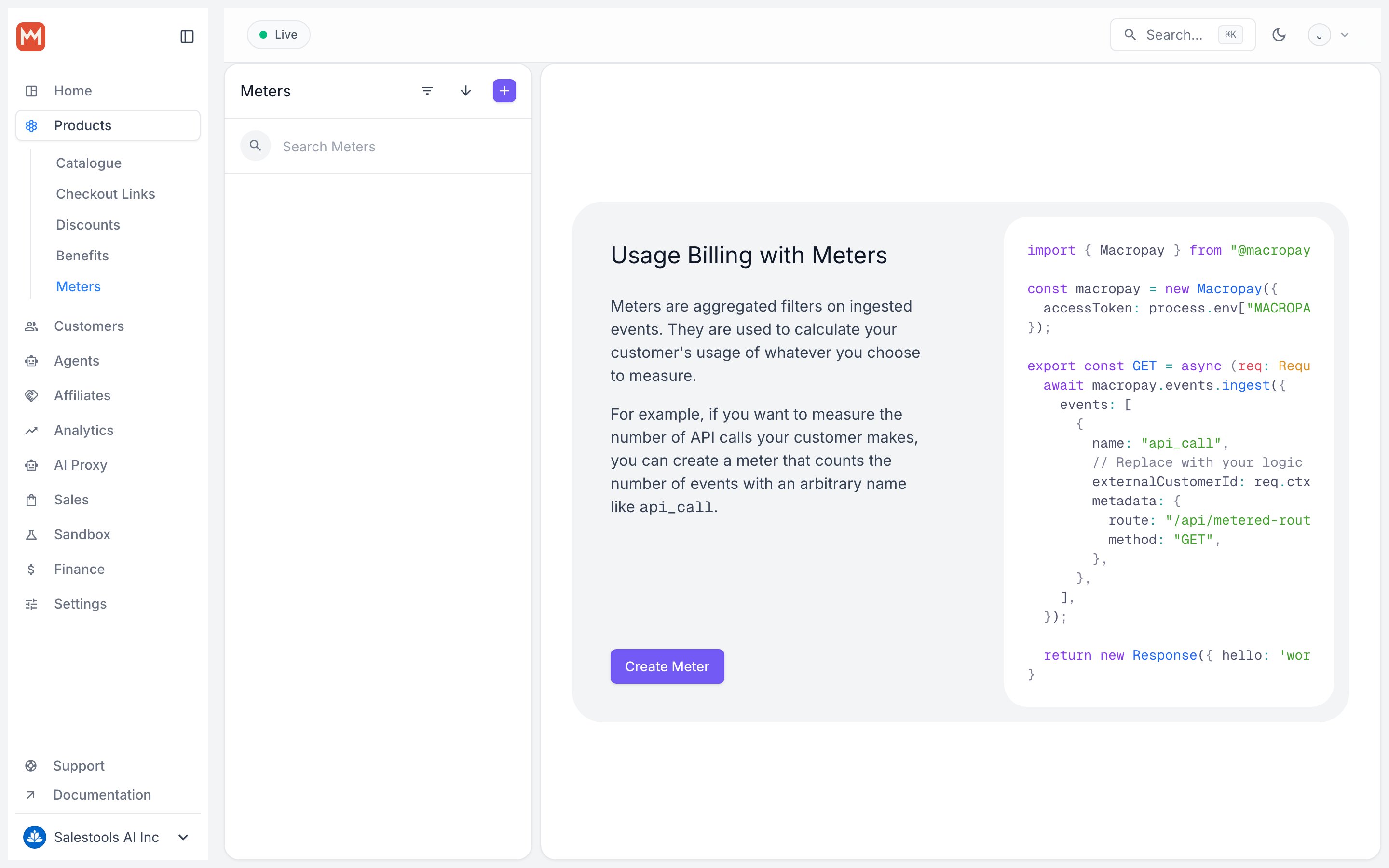
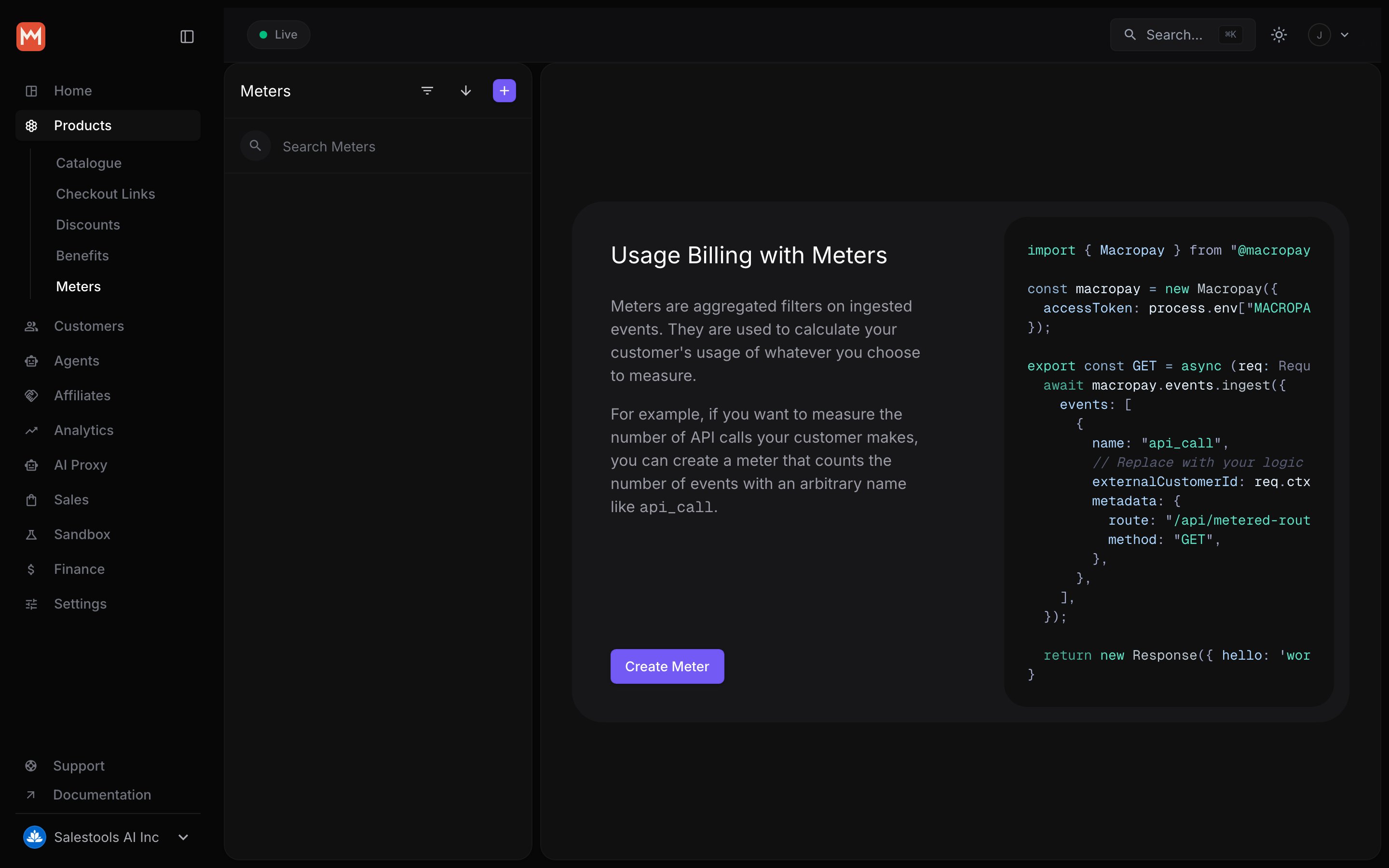
Open Meters in the dashboard sidebar and choose Create Meter.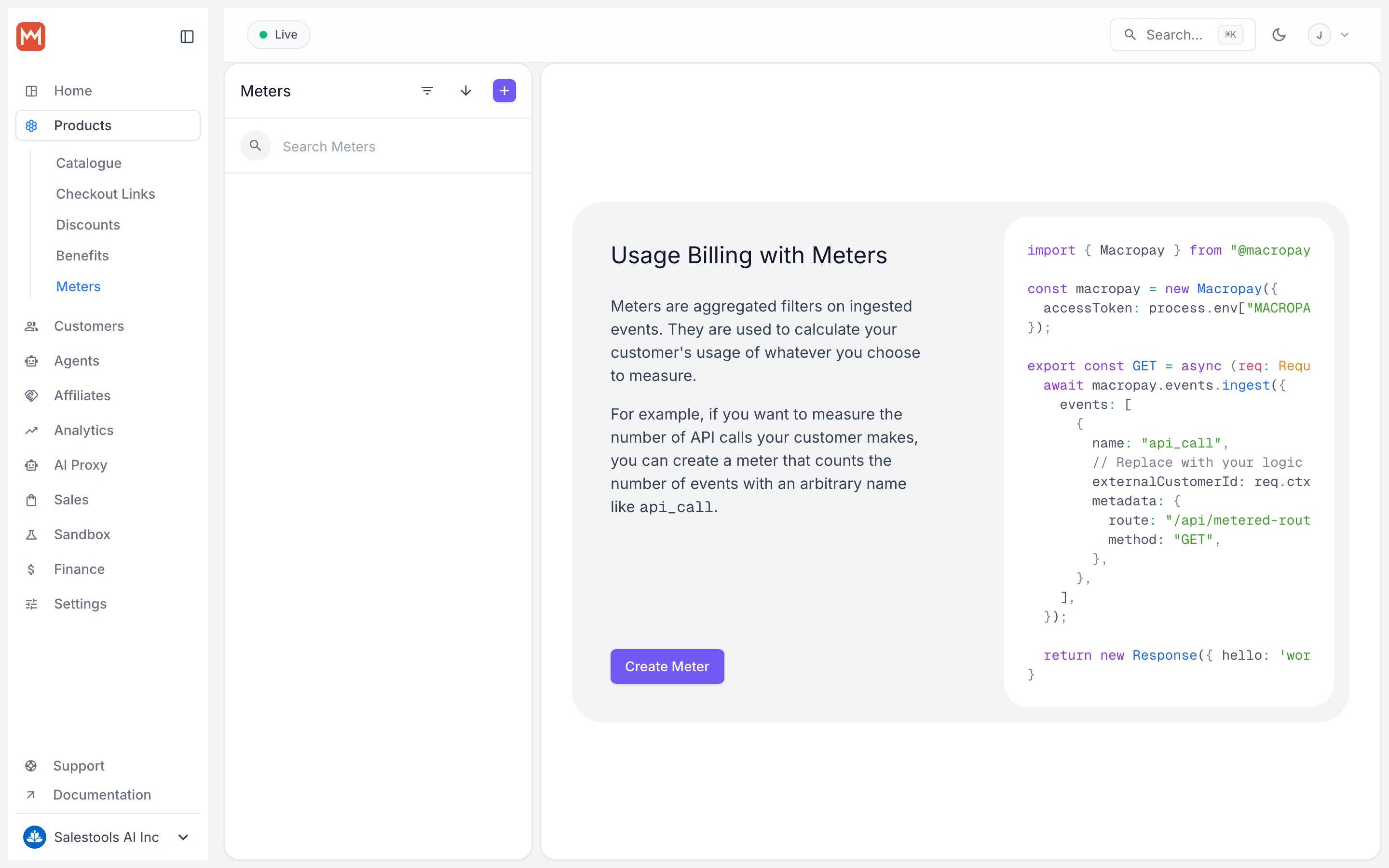
Filters: choosing which events count
A filter is one or more clauses joined by conjunctions. Only events that satisfy the filter contribute to the meter — everything else is ignored.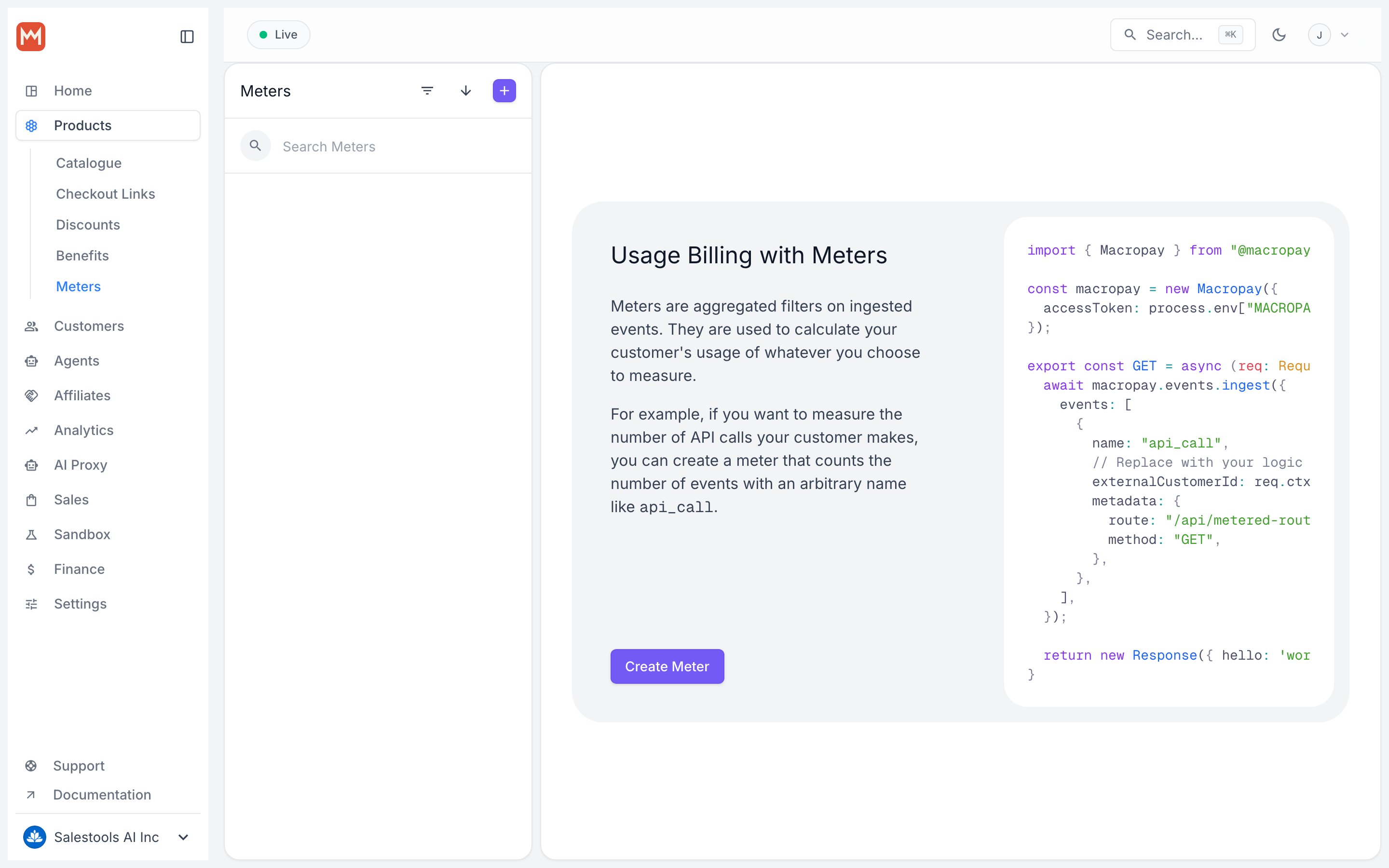
Clauses
A clause is a single condition an event must satisfy. Each clause has a property, an operator, and a value.Property
The field on the event you want to test. To match a metadata field, reference the metadata key directly — there’s no need to prefix it withmetadata..
Operator
Pick how the property is compared against your value:Value
The filter builder parses your value automatically, trying each type in order:- Number — parsed as a number if possible
- Boolean —
trueorfalse - String — used verbatim as a fallback
Conjunctions
When a filter has more than one clause, a conjunction decides how they combine:- and — every clause must pass for the event to count.
- or — at least one clause must pass.
Aggregation: turning events into units
The aggregation function reduces all matching events into the billable quantity for the period. Counting raw events? Use Count. Adding up a numeric metadata field like tokens or bytes? Use Sum.
As with filters, reference a metadata property directly in the aggregation — no
metadata. prefix required.
Worked example: aggregating token usage
Worked example: aggregating token usage
Suppose your AI feature has ingested these four events for one customer:Aggregating over the
total_tokens property yields:A complete example
Say you bill an AI writing assistant by output tokens. Configure the meter to:- Filter: events whose
nameequalsopenai-usage - Aggregate: Sum over the metadata property
completionTokens
Billing AI agents by outcome
The same meter mechanics extend to agent billing. Ingest activity and outcome signals through the Signals API, then meter them: Count completed actions to bill by activity, or Sum avalue_generated field to bill by the outcome an agent delivered. Pair that with value receipts to certify ROI and track agentic margin — billed revenue against the underlying AI cost.