

Where to configure a trial
A trial period is defined by two values:
You can attach that period in three places, listed from most general to most specific:
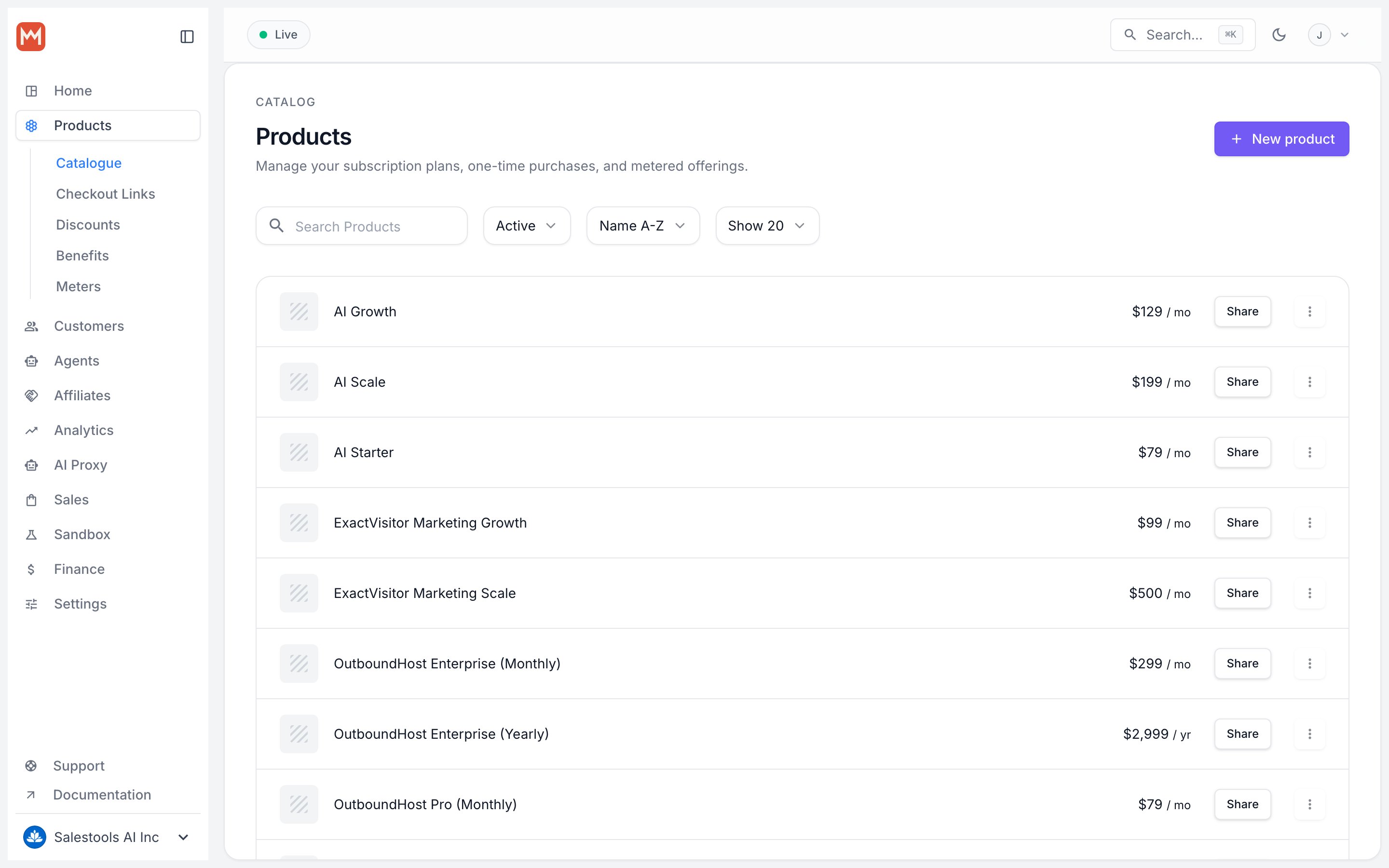
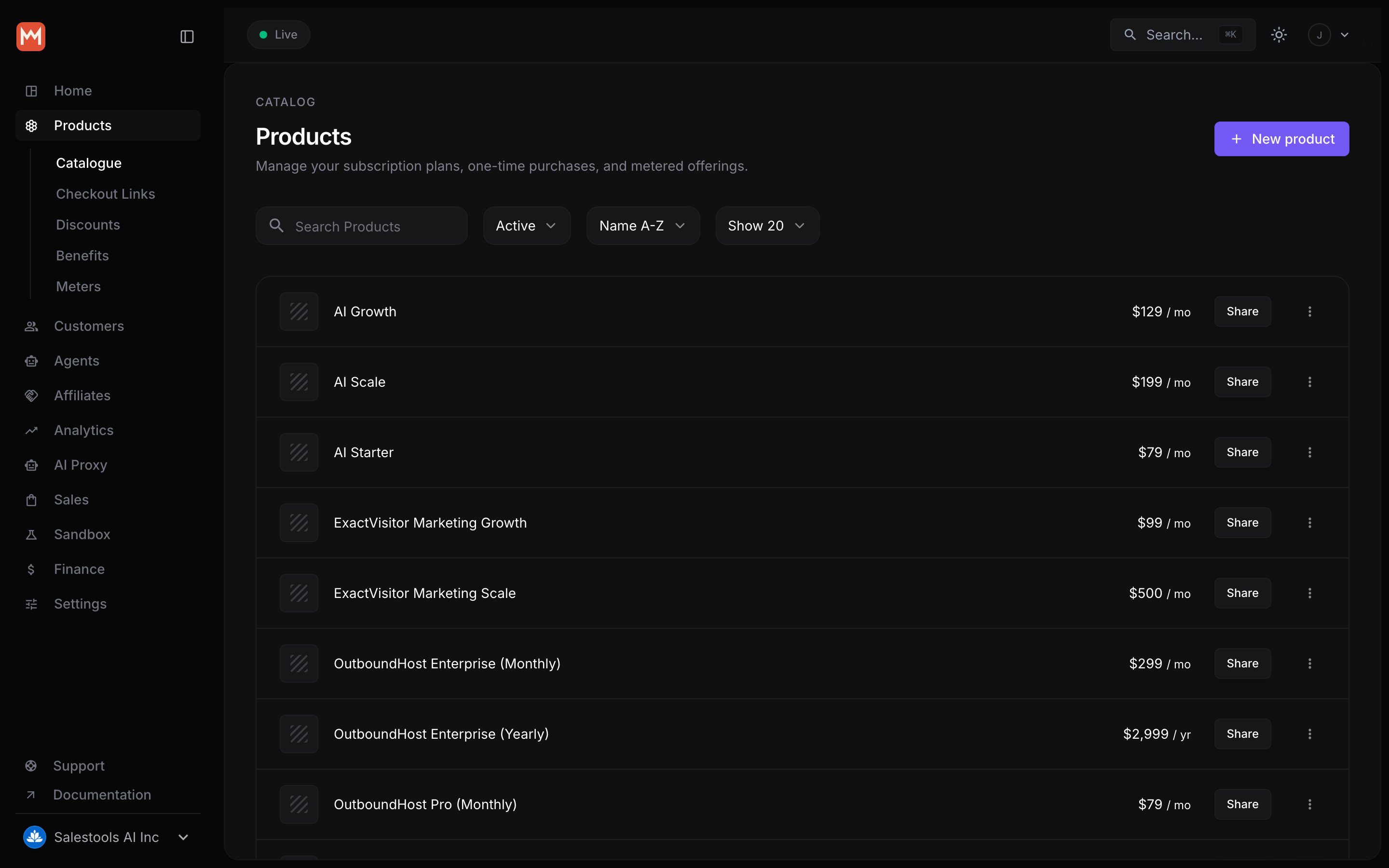
- On the product itself — the default for every checkout.
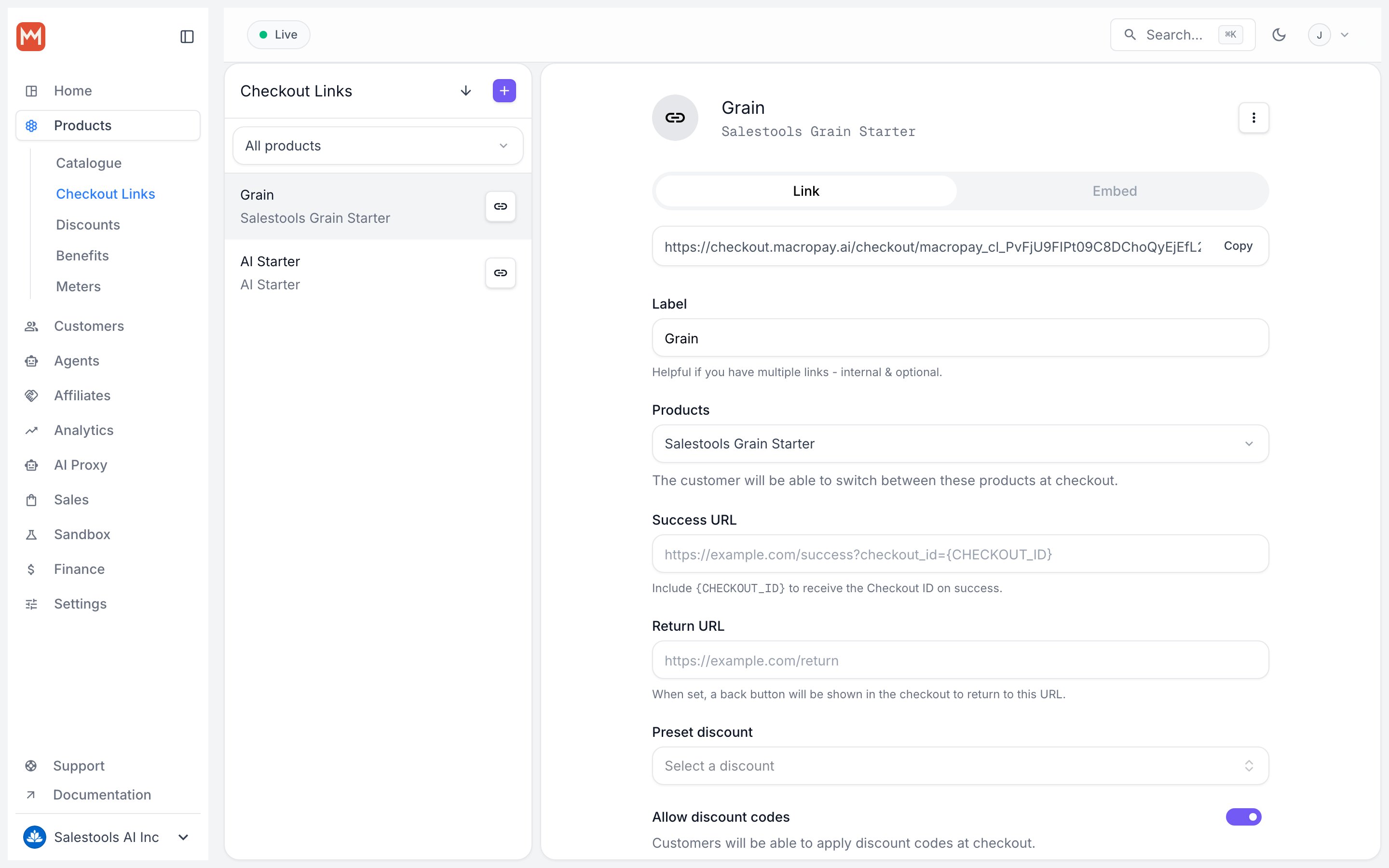
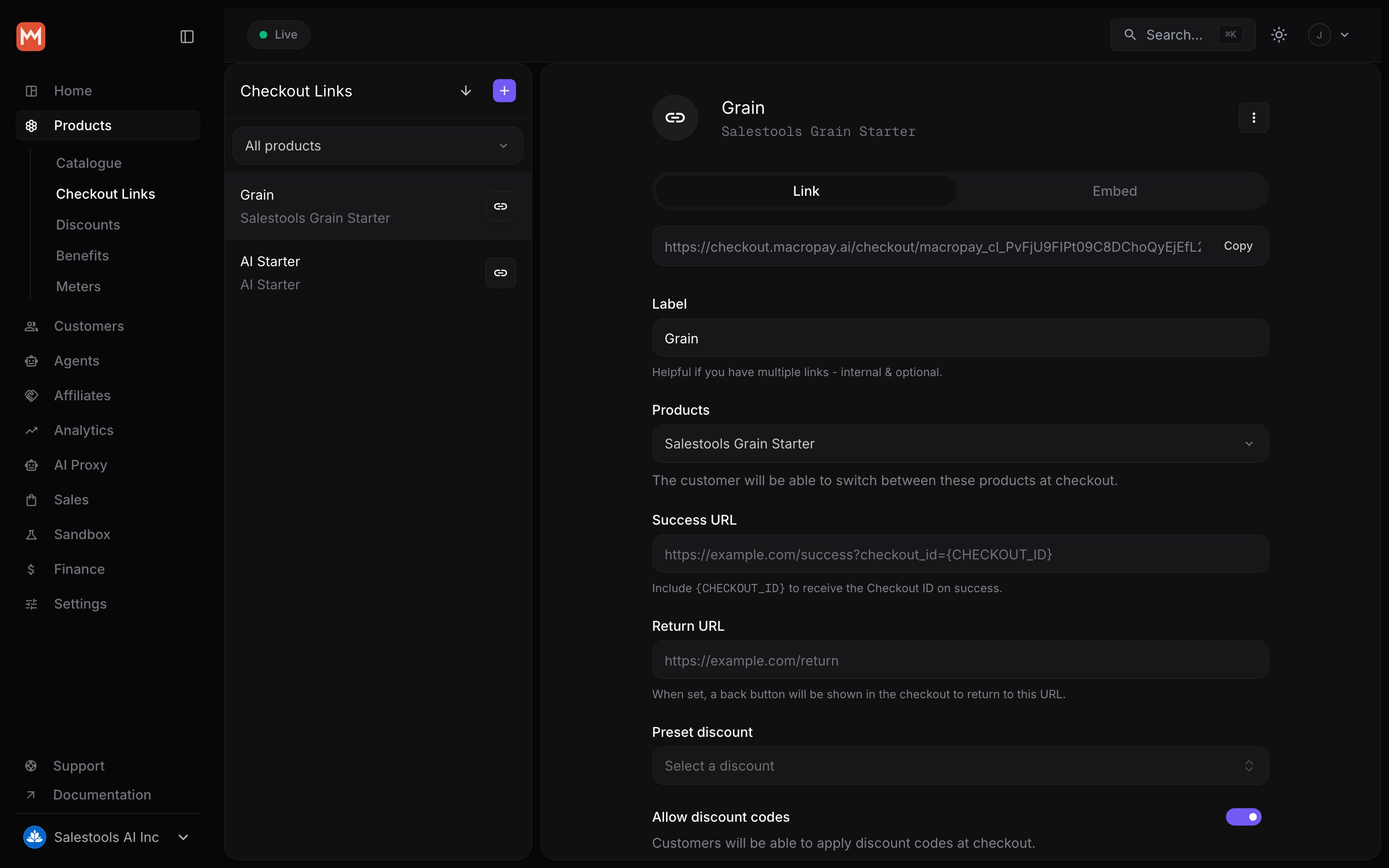
- On a checkout link — for a campaign or partner-specific offer.
- On a Checkout Session via the API — for fully programmatic flows.
A trial set on a checkout link or session overrides the one on the product. Use this to run a 30-day partner promo without touching your default 14-day offer.
How a trial behaves at checkout
When someone subscribes to a trial-enabled product, nothing is charged at checkout — but their payment method is still collected and stored in our PCI DSS Level 1 compliant vault. That single design choice does the heavy lifting:- During the trial, the customer has full access. No invoice, no charge.
- If they cancel before it ends, they pay nothing.
- When the trial ends, we automatically charge the first cycle and start the billing clock — with tax and VAT calculated and remitted on your behalf.
Adjusting a trial on a live subscription
Plans change after checkout. From a subscription’s detail page, open Update Subscription and switch to the Trial tab to add, extend, or end a trial at any time.- Add or extend
- End now
Set a trial end date in the future. If the subscription was already active, its status flips to trialing and the next charge is deferred until that date. Handy for comping an extra two weeks to a customer who hit a support snag.
Stop serial trial sign-ups
Free access is an invitation to abuse it. Enable Prevent trial abuse in your organization’s Subscription settings to stop the same person from claiming trial after trial.What gets matched
When the setting is on, Macropay records each trial redemption against two signals:- Normalized email — sub-addressed aliases collapse to their root, so
dana+trial2@studio.devanddana+round3@studio.devare both recognized asdana@studio.dev. - Payment method fingerprint — the card’s unique fingerprint is tracked even when a returning customer swaps to a brand-new email.
Turn it on
1
Open Settings
Go to your organization’s Settings.
2
Find Subscription
Navigate to the Subscription section.
3
Toggle the guard
Switch on Prevent trial abuse. It applies to every future trial checkout across all products — no per-product setup.
What a blocked customer sees
The experience stays graceful — they can still buy, just not for free again:- An inline message appears: “You have already used a trial for this product. Trials can only be used once per customer.”
- Checkout refreshes automatically with the trial removed.
- The customer can complete the purchase at the standard price.