

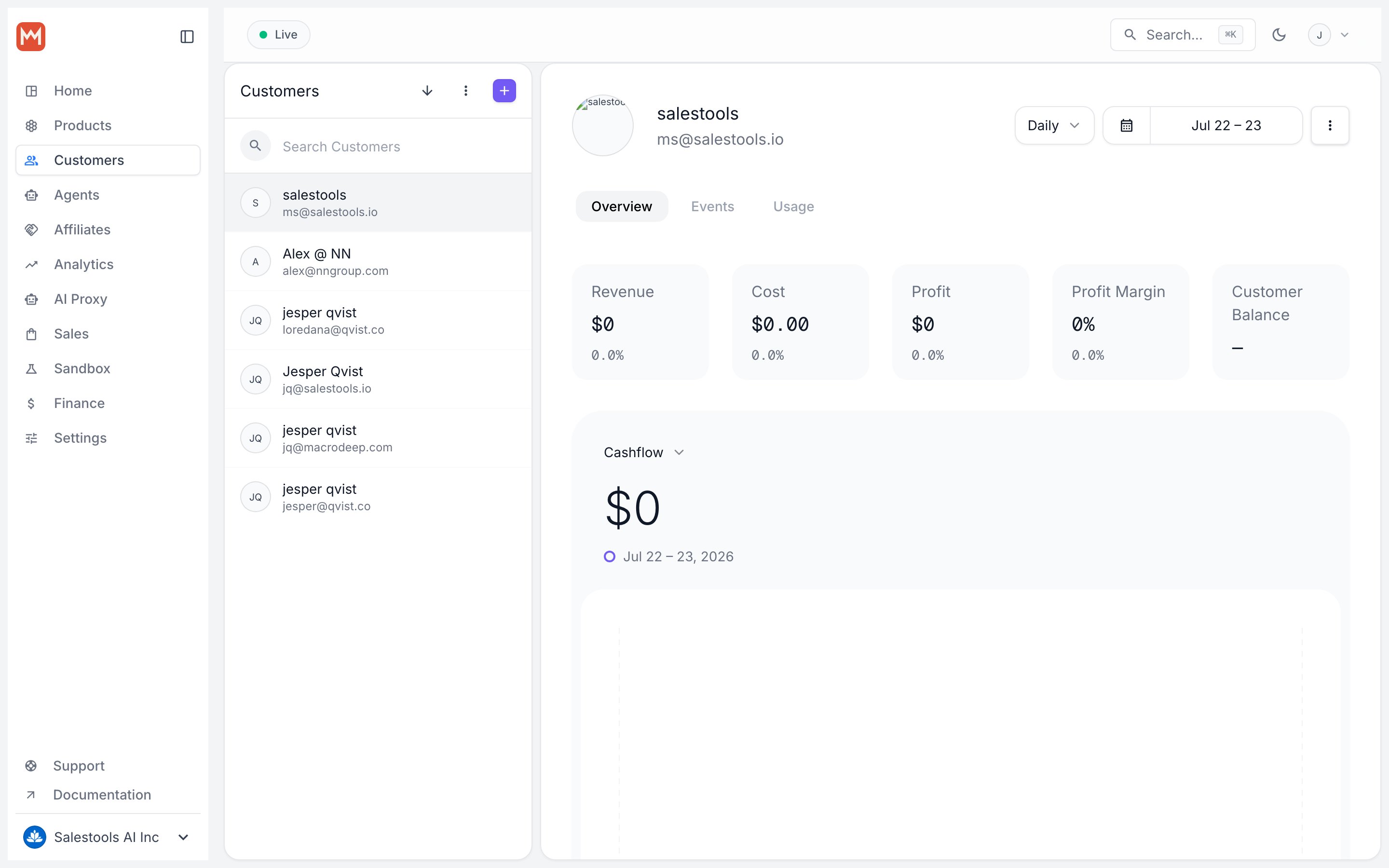
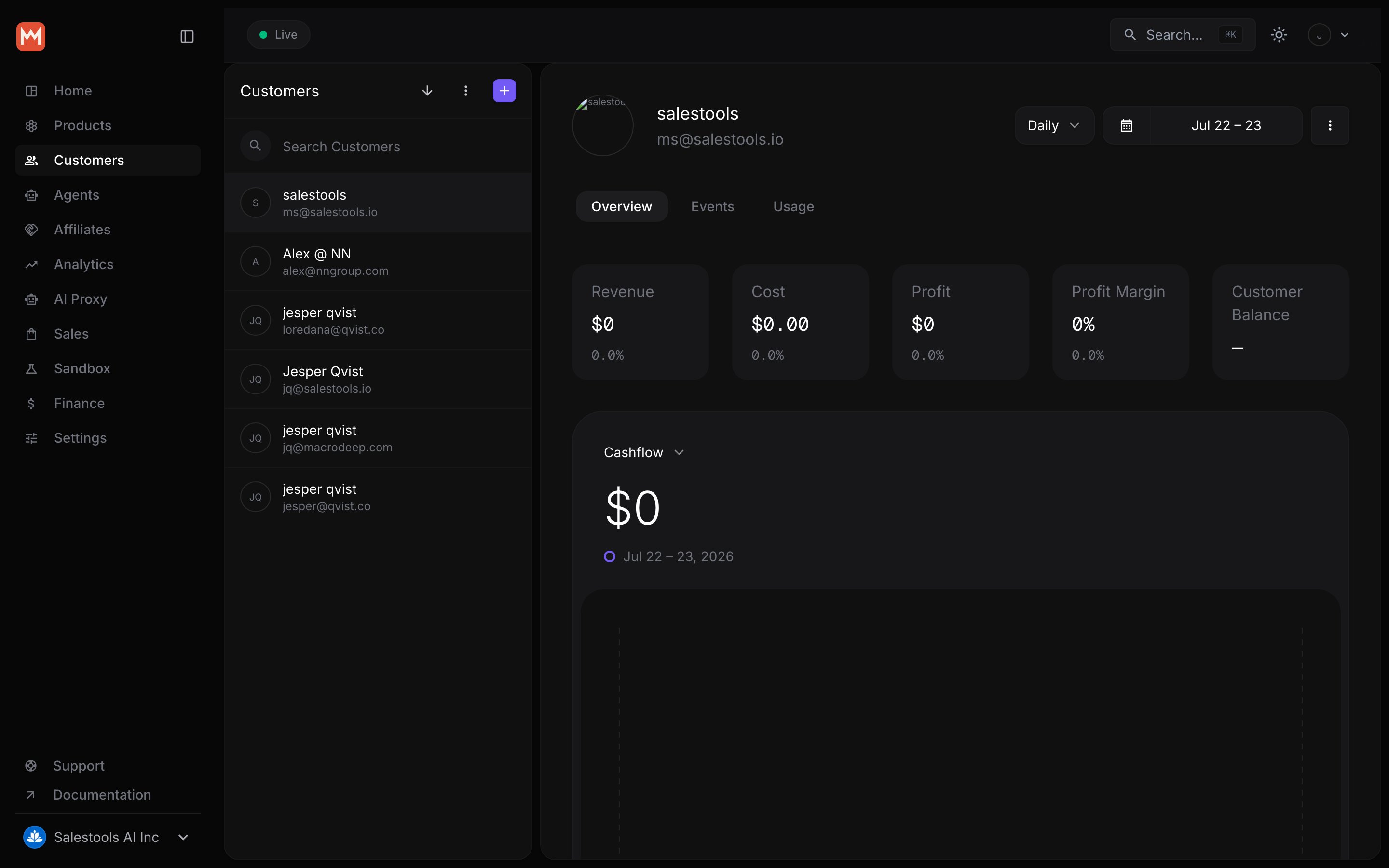
What customers can do
Review orders & subscriptions
Full purchase history, current plan status, and renewal dates in one view.
Download tax-compliant receipts
Invoices and receipts reflect the VAT/sales tax we remit on your behalf as Merchant of Record.
Manage billing
Update payment details, switch plans, or cancel — securely, without touching card data you’d have to protect.
Claim benefits
Retrieve license keys, file downloads, Discord and GitHub access, and any custom entitlements tied to a product.
Two ways in
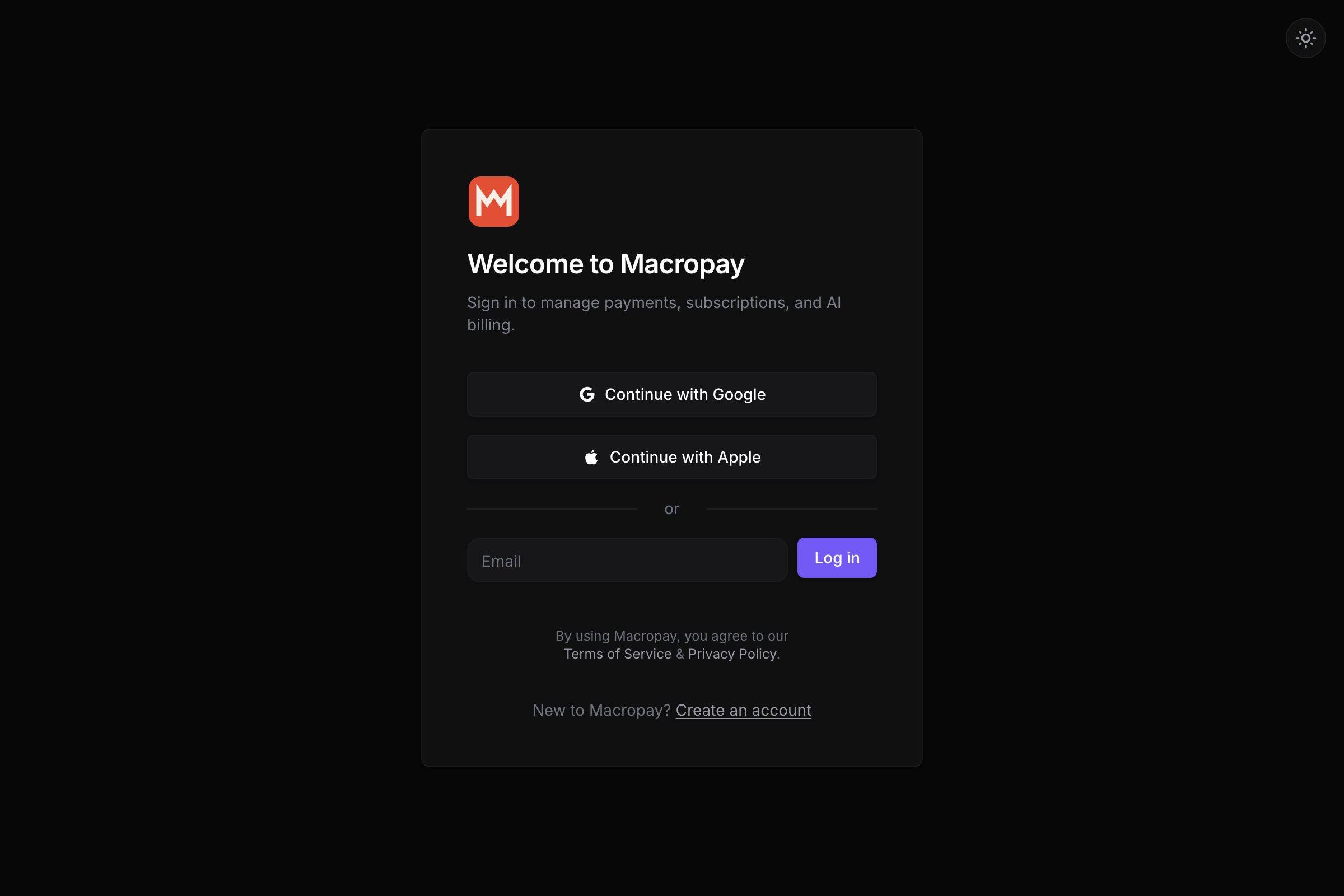
There are two paths to the portal: a public URL your customers sign in to, and a pre-authenticated link you mint from the API and drop into your own app.1. The hosted sign-in URL
The portal lives at a fixed address tied to your organization: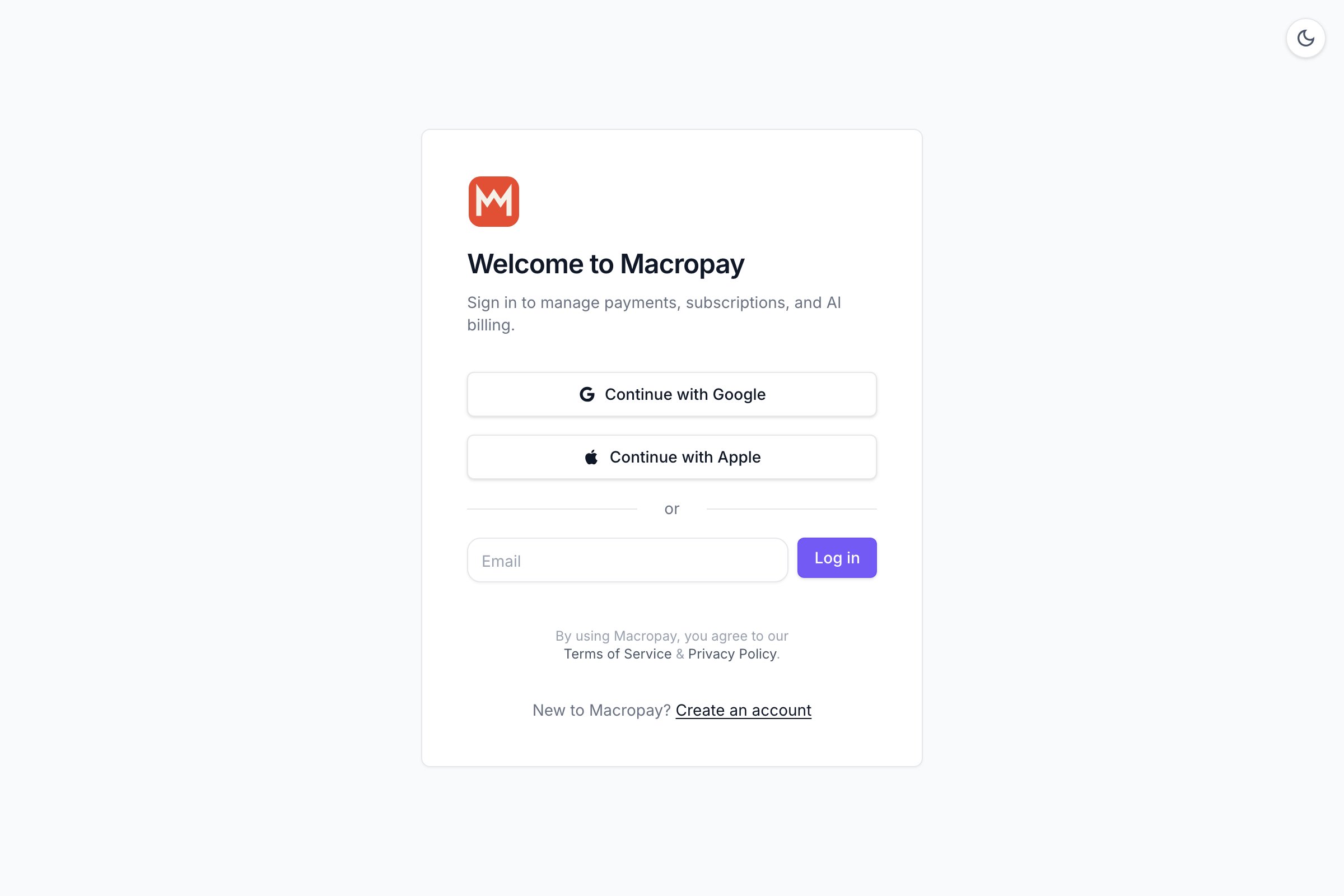
2. A pre-authenticated portal link
If your users are already logged into your product, sending them through an email-code flow is friction you don’t need. Create a customer session instead: it returns a one-time, pre-authenticated URL that drops the customer straight into their portal. CallcustomerSessions.create with the customer’s ID, then redirect to the customerPortalUrl on the response.
A note on security
The portal lets customers update payment methods, but your servers never see raw card numbers. Card details are captured and stored in our PCI DSS Level 1 compliant vault, so the sensitive surface stays off your infrastructure and out of your compliance scope.Disputes and chargebacks initiated against a payment are also handled by us as Merchant of Record — another support burden the portal and our MoR model keep off your plate.