

Add your bank account
1
Open Finance
Head to the Finance page in your dashboard.
2
Start setup
In the Payout Account card, click Setup.
3
Enter your details
Choose your country and fill in your bank details. The form selects the correct payout rail automatically based on where you bank.
Pick the right rail
Macropay settles to three payout networks. You never choose manually — the country you select drives which fields appear.ACH and SEPA payouts are free. SWIFT is passed through at cost — there’s no Macropay markup on the wire fee.
How your details are protected
- Bank credentials are encrypted at rest.
- Payouts originate from Macropay’s own bank account via MoR bank wire — as the seller of record, we move the funds to you directly.
- Your banking details are never shared with the card networks or our payment processors. Card data, separately, is handled in a PCI DSS Level 1 compliant tokenized vault.
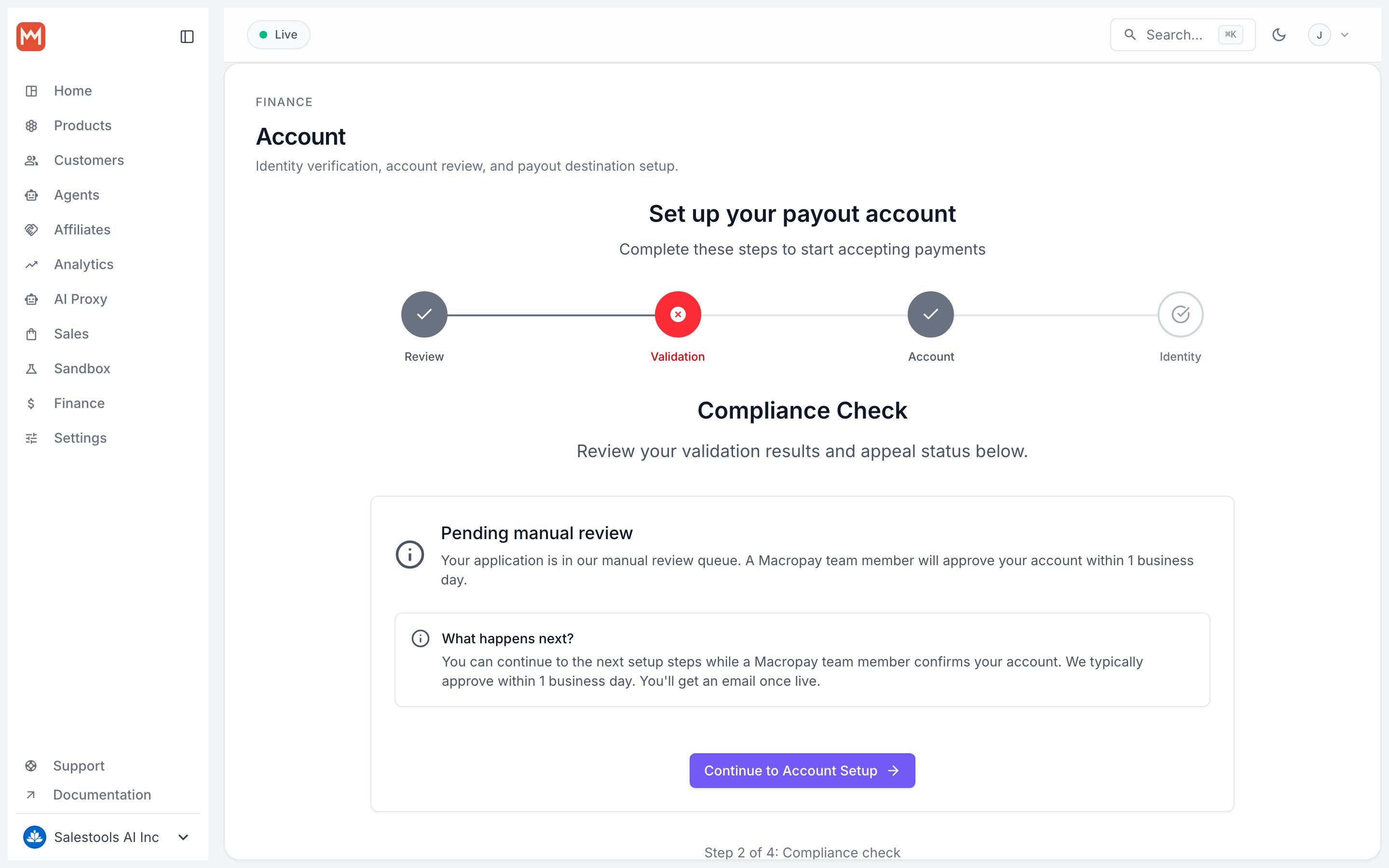
Verify your identity (KYC)
Once your bank account is on file, you’ll complete a two-stage Know Your Customer check. This is a compliance requirement for any MoR platform that holds and disburses funds on your behalf.1
Automated check
A quick ID-plus-selfie verification handled by our identity-verification provider. Most accounts clear in under a minute.
2
Document review
Upload supporting documents — government ID, business registration, proof of address, and tax certificate. Our compliance team reviews these manually.
What happens next
With a verified payout account in place:- Your share of every order is collected by Macropay, with tax and VAT already remitted on your behalf.
- The remaining balance accrues to your account — track it on the Payouts page.
- Funds settle to your bank on your payout schedule, over ACH, SEPA, or SWIFT.
One account, one KYC review — and revenue from products, subscriptions, metered usage, and agent billing all pays out the same way.