

- ACH for US bank accounts — free
- SEPA for Eurozone accounts — free
- SWIFT for everywhere else — bank cost passed through at cost
You decide when to withdraw
Payouts are merchant-initiated, not automatic. That’s deliberate:- Cleaner books. Batching a month of sales into one transfer beats reconciling dozens of trickle payments.
- Cost control. International wires carry a fixed cost, so you choose when it’s worth pulling funds versus letting the balance build.
Minimum payout thresholds
Each currency has a floor. Low-cost currencies sit near the default; others are higher so a cross-border wire fee doesn’t swallow the payout. These limits can change over time.What it costs
Macropay never adds a payout fee. The only charge you’ll ever see is the bank’s own cost, passed straight through:
When a wire deducts a fee, you’ll see the exact amount on the payout summary, so the number that leaves Macropay always reconciles with the number that hits your bank.
Reverse invoices for your accounting
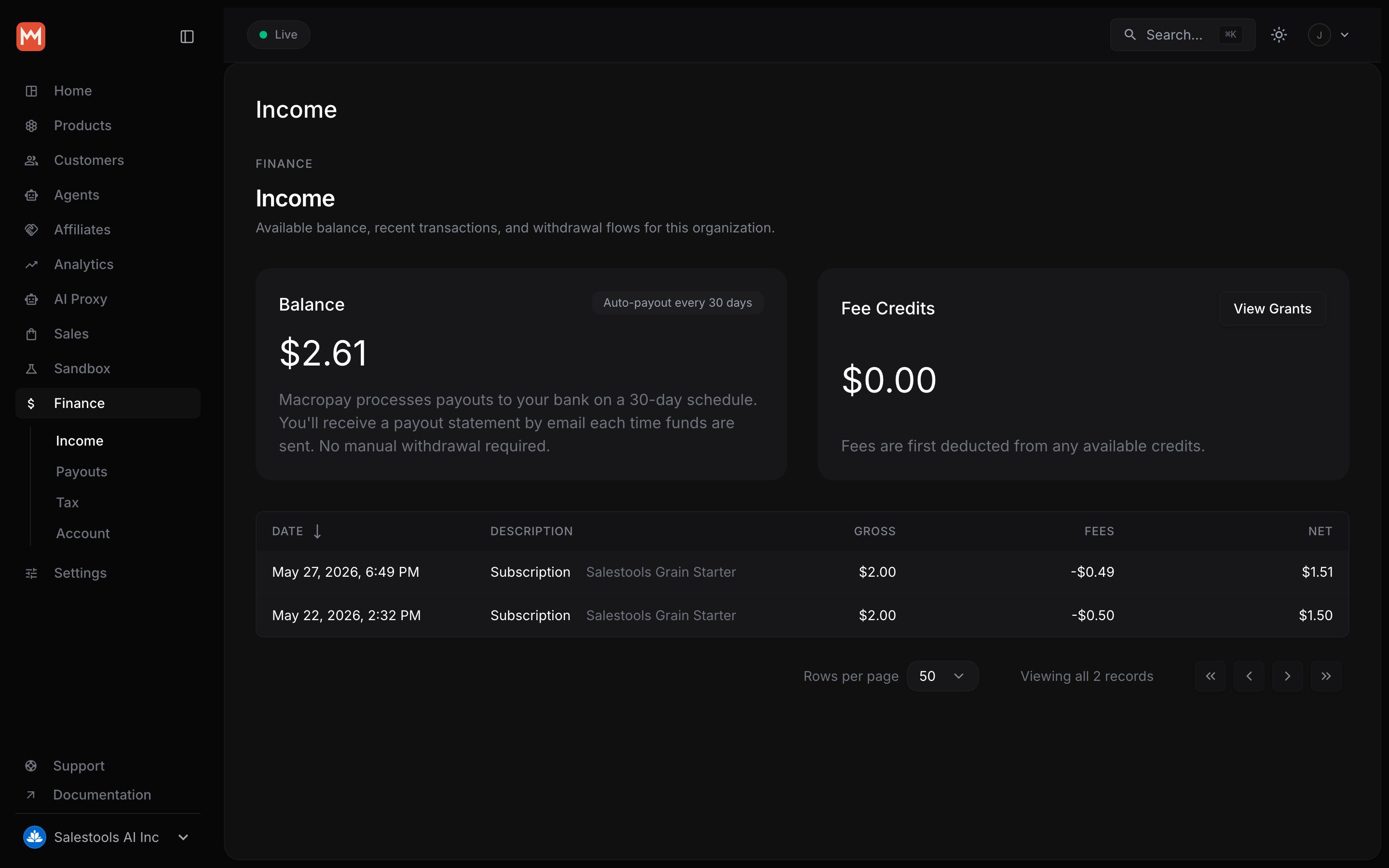
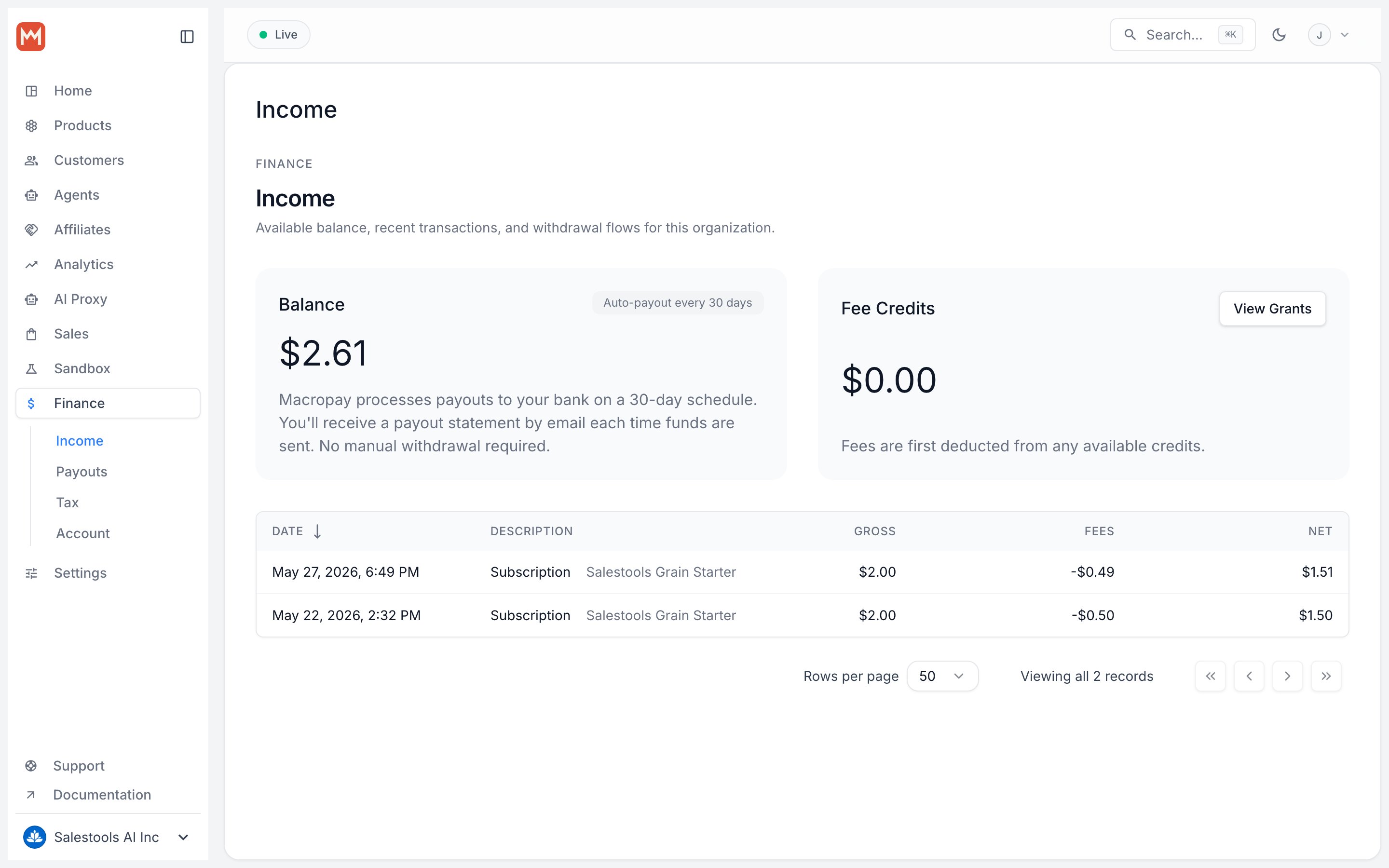
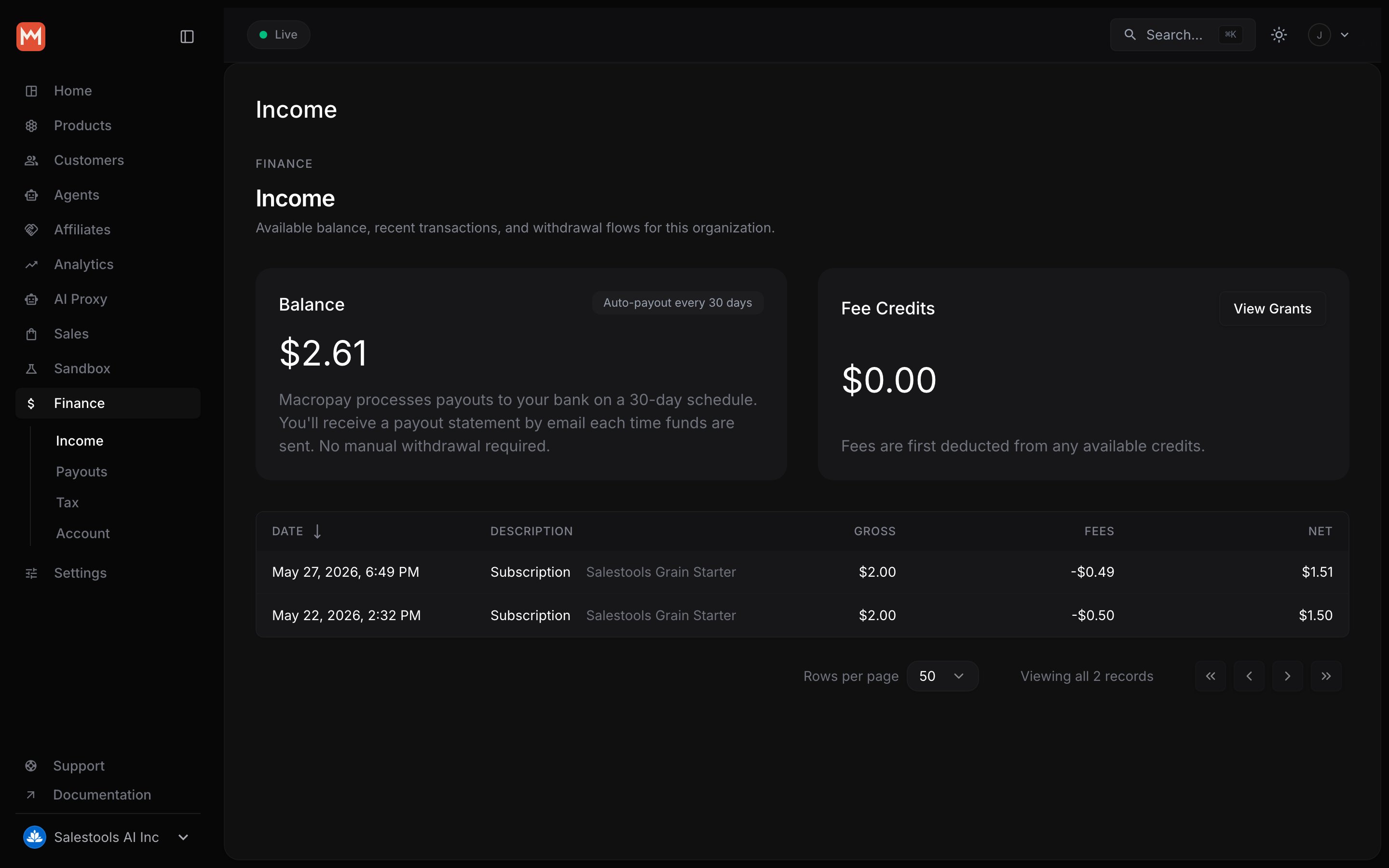
Because Macropay is the Merchant of Record, your customers receive an invoice from Macropay, not from you — that’s what lets us shoulder the tax and compliance. For your own books, the flip side is that you invoice Macropay for what we paid out to you. To keep that effortless, we generate the reverse invoice automatically: a document that lists the sales we made on your behalf, less our fees, ready for your records. Open the Payouts page under Finance in your dashboard, click the ellipsis next to the payout, and choose Download invoice.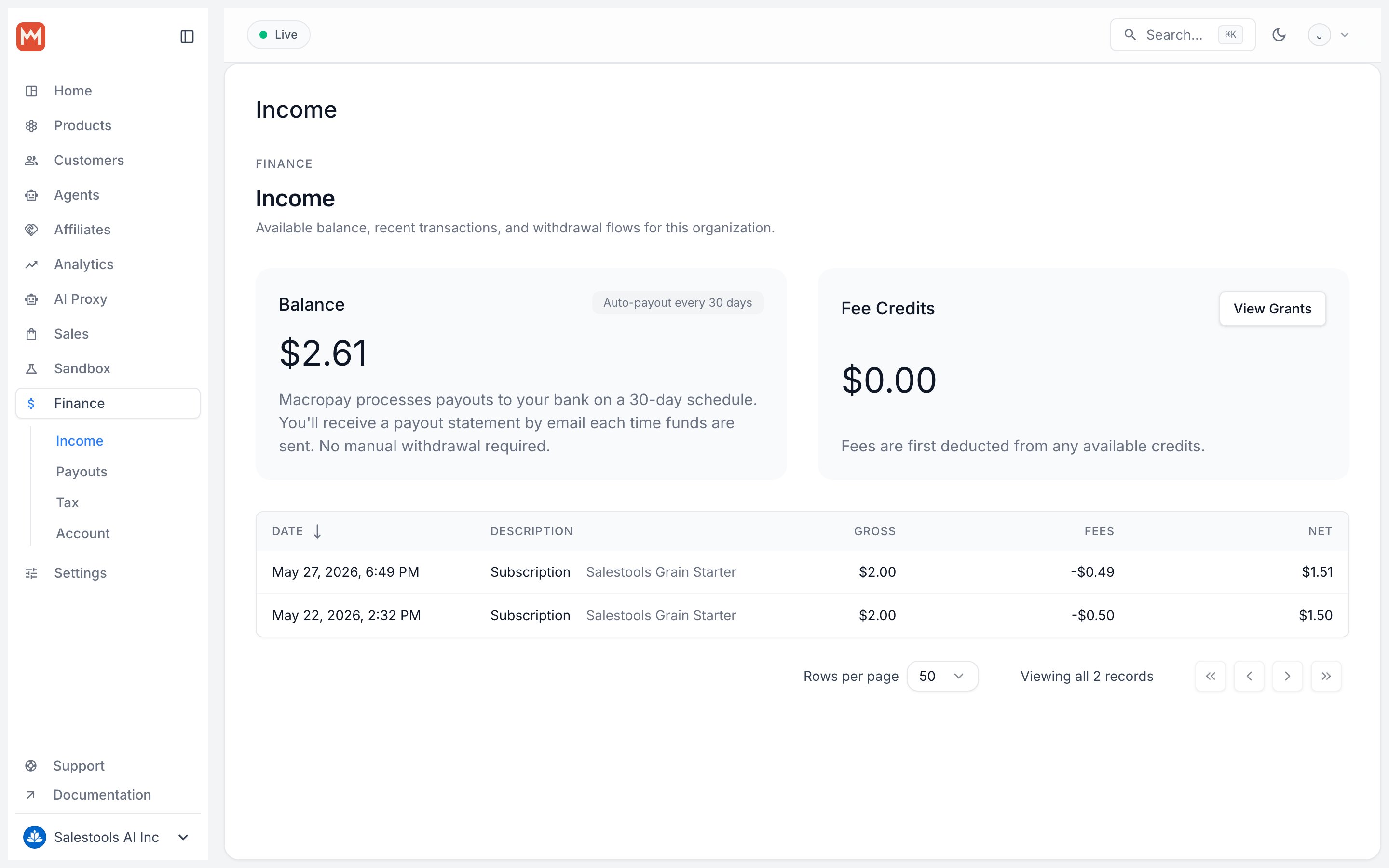
- Set your billing name and address.
- Add a line of detail beneath the billing address.
- Add notes for the bottom of the invoice.
- Customize the invoice number. We default to a sequence like
MACROPAY-0001, but you can swap in your own format and numbering.
FAQ
How long does a payout take to arrive?
How long does a payout take to arrive?
Most payouts land in 4–7 business days, depending on the rail and your bank.
When does processing start after I request one?
When does processing start after I request one?
Requests are processed in batches 24 hours after you initiate them.
Can I pay out to a personal bank account?
Can I pay out to a personal bank account?
Individual accounts can use a personal bank account. Business accounts must
pay out to a business bank account.
Is there a fee to withdraw?
Is there a fee to withdraw?
No. Macropay charges nothing for payouts. ACH and SEPA are free; SWIFT wires
pass through the bank’s cost ($5–$25), shown on the payout summary.