

How a Checkout Link works
Unlike a raw session URL, a Checkout Link is durable. Each click hits the Macropay API, which mints a fresh, short-lived checkout session and redirects the buyer to it.Create a Checkout Link
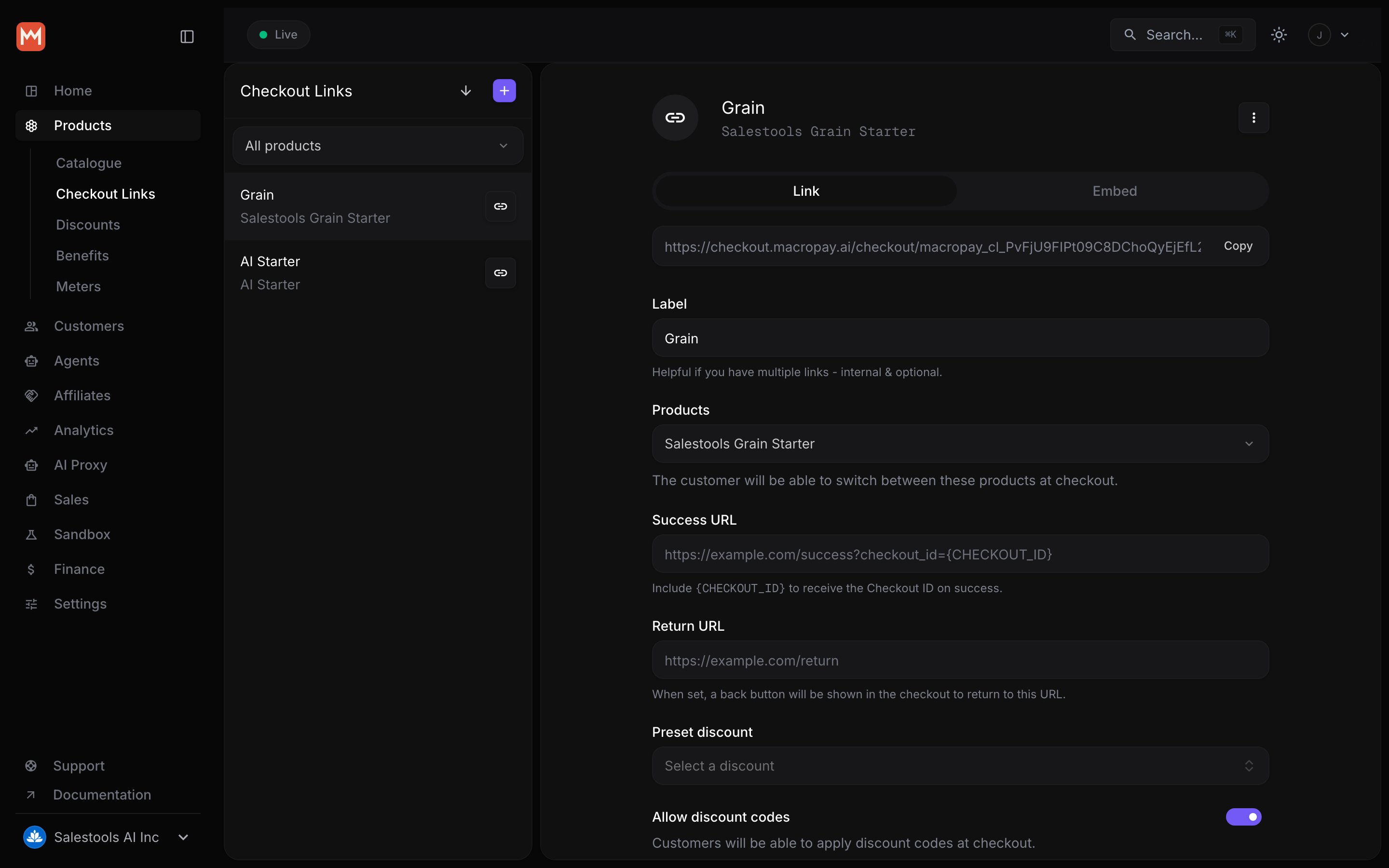
Open the Products section in your dashboard, switch to the Checkout Links tab, and click New Link.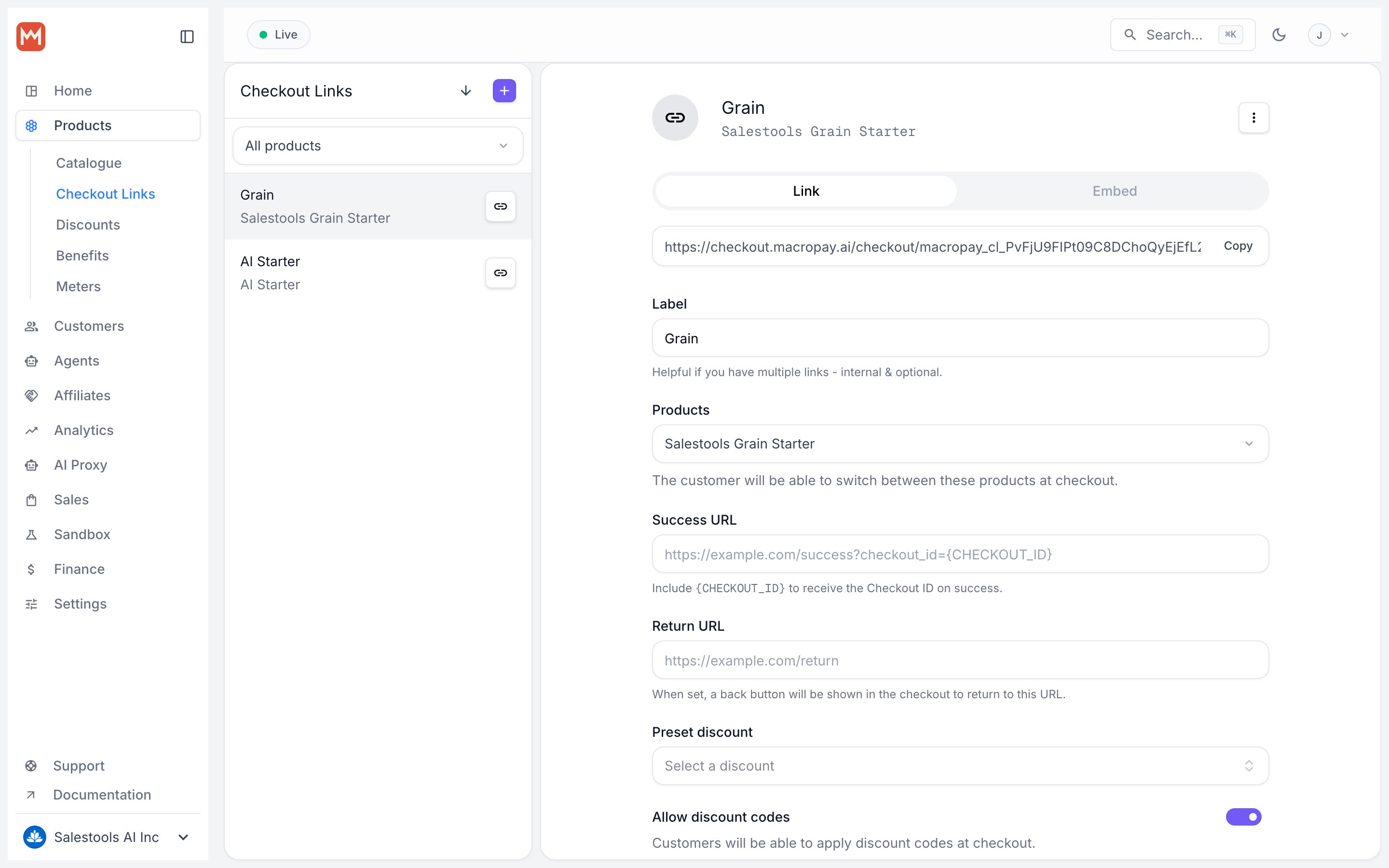
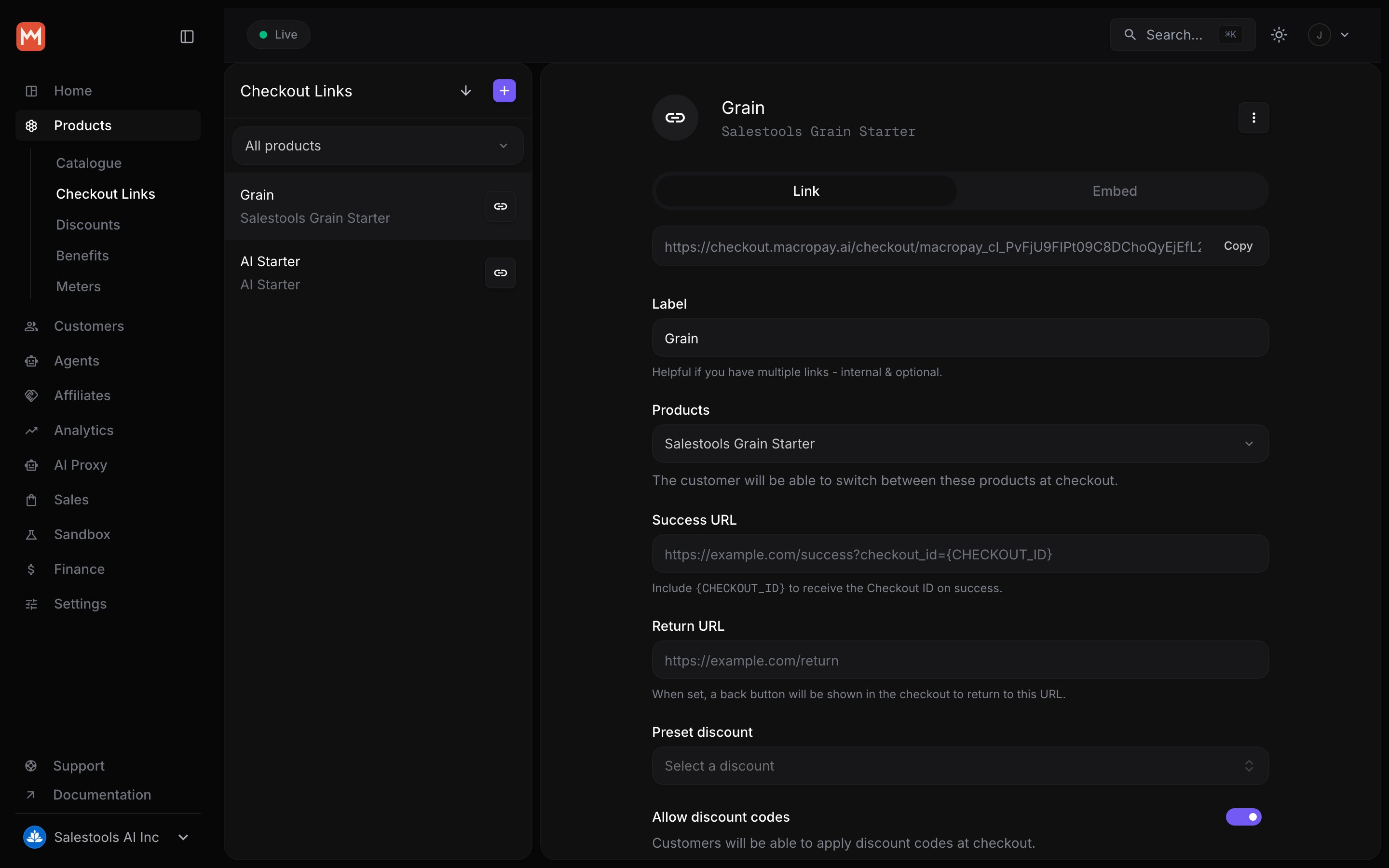
Label
An internal name to help you tell links apart — for examplelaunch-week-discord or newsletter-footer. Buyers never see it.
Products
Attach one product or several. When you add multiple, the checkout shows a switcher so the buyer can pick between them on the same page — handy for a “Standard vs. Pro” or “monthly vs. annual” choice.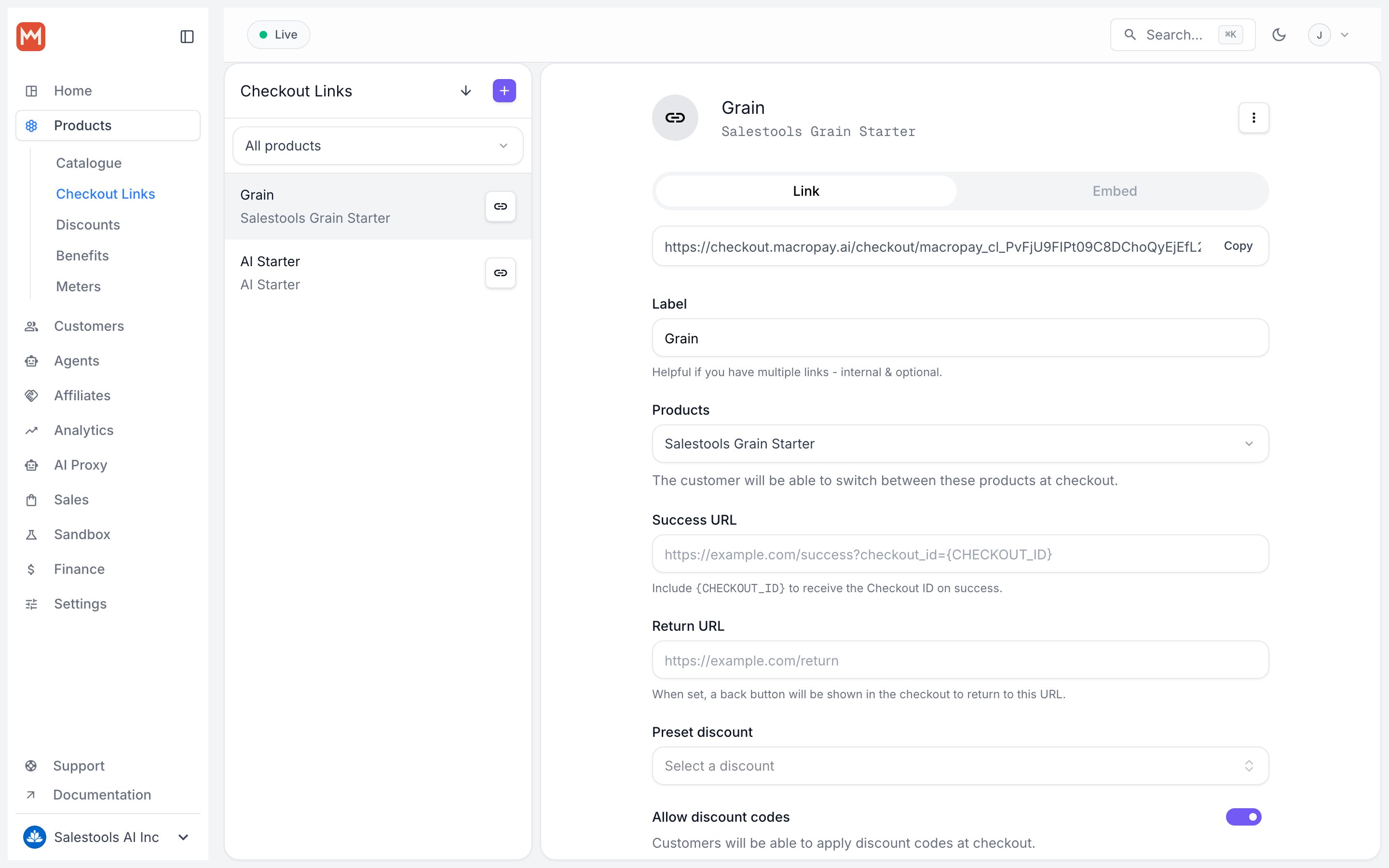
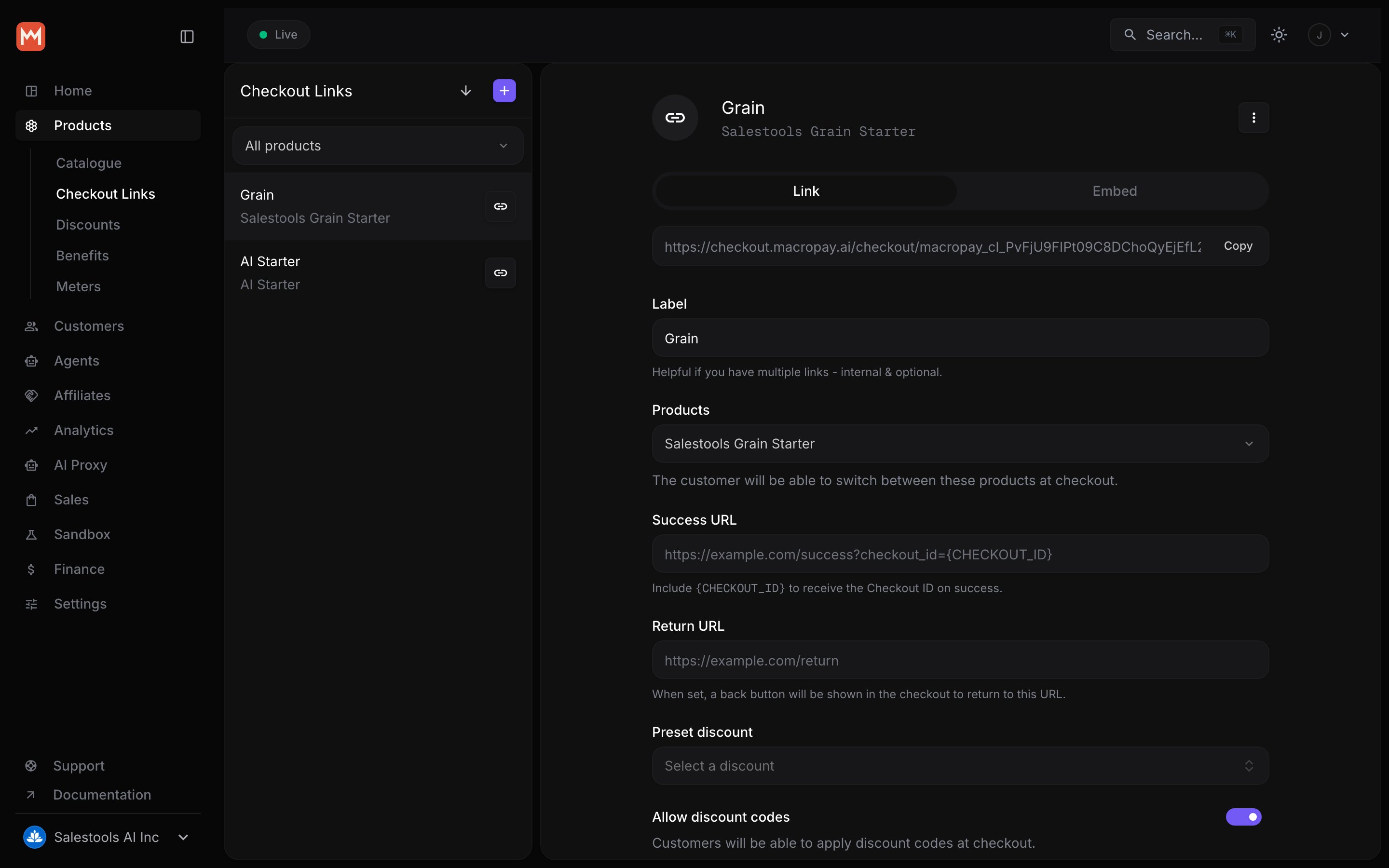
Discount
Preset a discount and it’s applied automatically the moment a buyer arrives — no code to type, no step to forget. This is the cleanest way to run a campaign-specific price: give your Black Friday link a 30% preset and the savings appear on the first page load. Turn on Allow discount codes if you also want buyers to enter their own codes on top of (or instead of) the preset.Metadata
An optional key-value object for anything you’ll want when the order lands — an affiliate ID, a campaign tag, an internal SKU. Macropay copies this metadata onto the generated Checkout object, and on success onto the resulting Order and/or Subscription, so it flows straight through to your webhooks and reporting.Sharing your link
Drop the link anywhere a URL can live: a website button, a Framer or Raycast landing page, a Slack announcement, an affiliate post via Affonso, or a one-to-one message to a customer.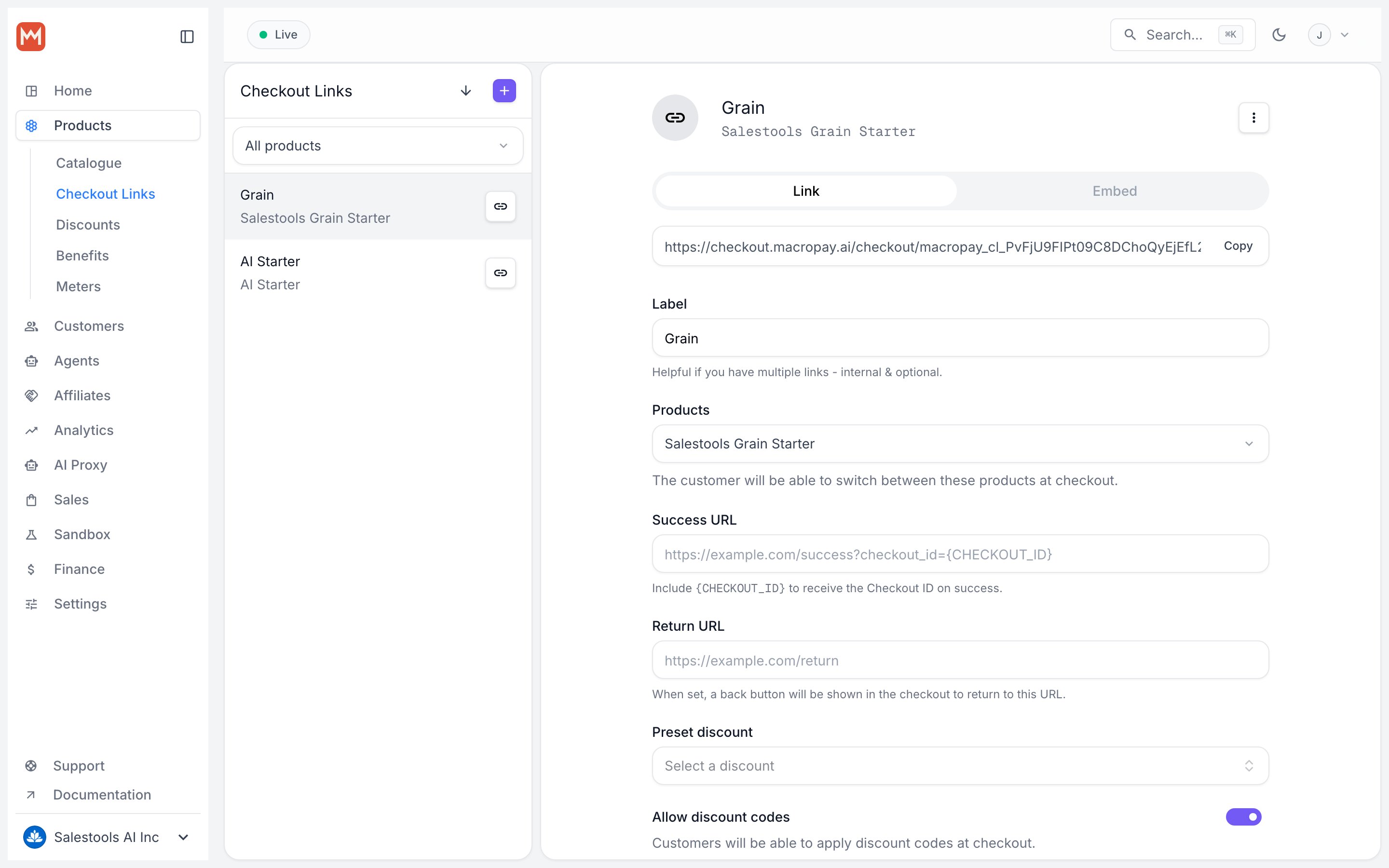
Query parameters
Append query parameters to tailor the checkout per click — prefill what you already know, and capture where the buyer came from.Prefill checkout fields
Pass any of these to pre-populate the form. Great for “you’re already logged in, just confirm” flows.string
Prefill the customer’s email.
string
Prefill the customer’s name.
string
Pre-populate the discount-code input so the buyer can see it filled in. Works
only with discounts that have a code set — see Discounts.This differs from a preset discount: a preset is applied silently and
automatically, whereas
discount_code simply fills the visible input field.string
Prefill the amount for Pay What You Want pricing.
string
Prefill a custom field’s value, where
{slug} is the field’s slug.Capture attribution
These parameters are written automatically onto the Checkout’smetadata, so attribution travels with the order all the way to your webhooks and ledger.
string
Your own reference ID for the checkout session.
string
UTM source of the checkout session.
string
UTM medium of the checkout session.
string
UTM campaign of the checkout session.
string
UTM content of the checkout session.
string
UTM term of the checkout session.
Example
A link that arrives pre-filled, pre-discounted, and fully attributed:Because Macropay is the Merchant of Record, every order through a Checkout
Link is sold under our entity: we calculate and remit the right sales tax or
VAT for the buyer’s location, keep that liability off your books, and handle
any disputes on your behalf.