

What you’ll need
A session needs only one thing to start: a Product ID. Grab it from Products in your dashboard — open the context menu next to a product and choose Copy Product ID. Pass that ID to create a checkout session. The response is a session object describing the order, including aurl field. Redirect the customer there to complete payment; card details are entered on our PCI DSS Level 1 compliant checkout, never your servers.
Offer several products in one session
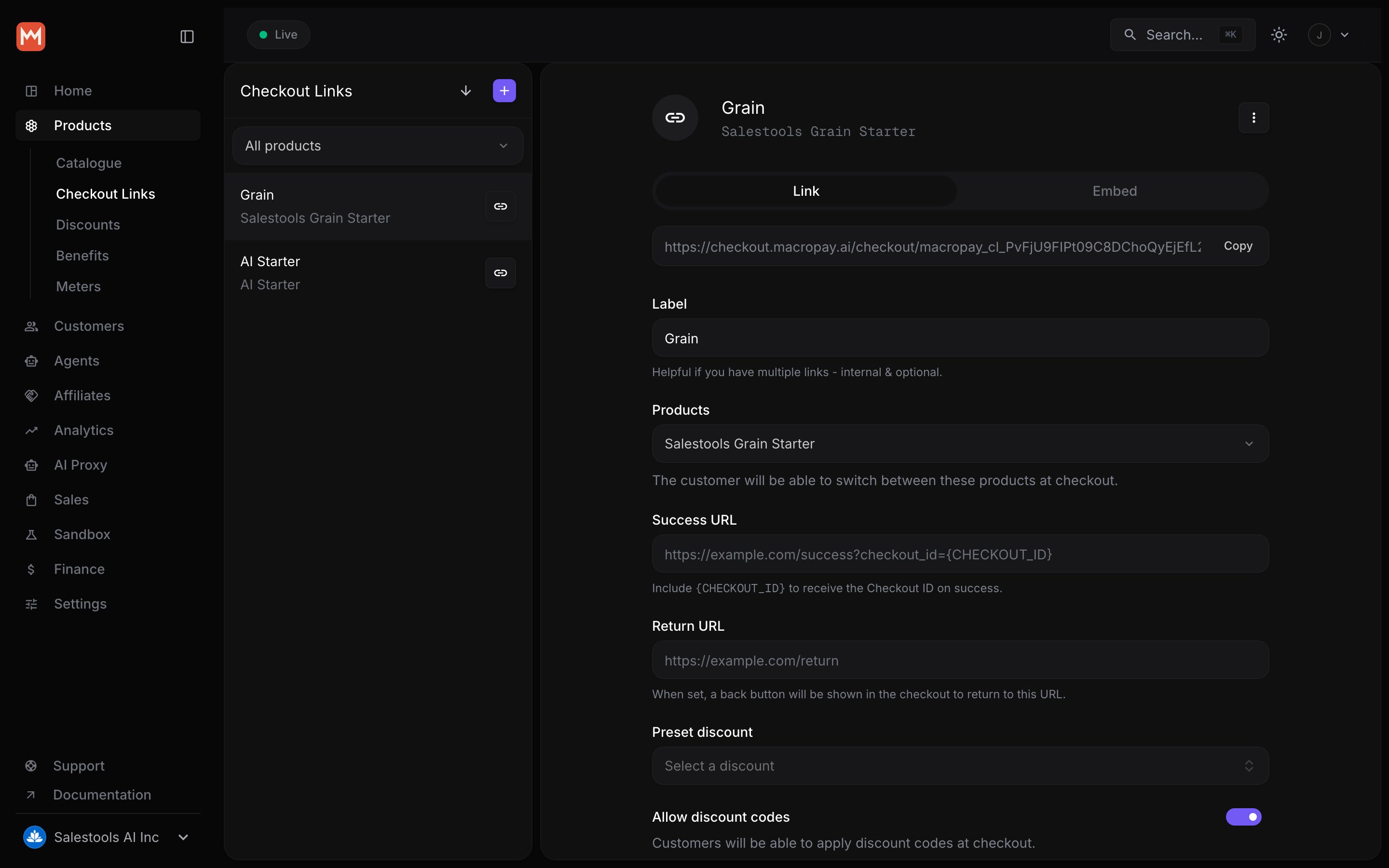
Pass more than one Product ID and the checkout lets the customer pick before they pay — handy for “Starter vs. Pro vs. Team” selectors or add-on bundles without building the comparison UI yourself.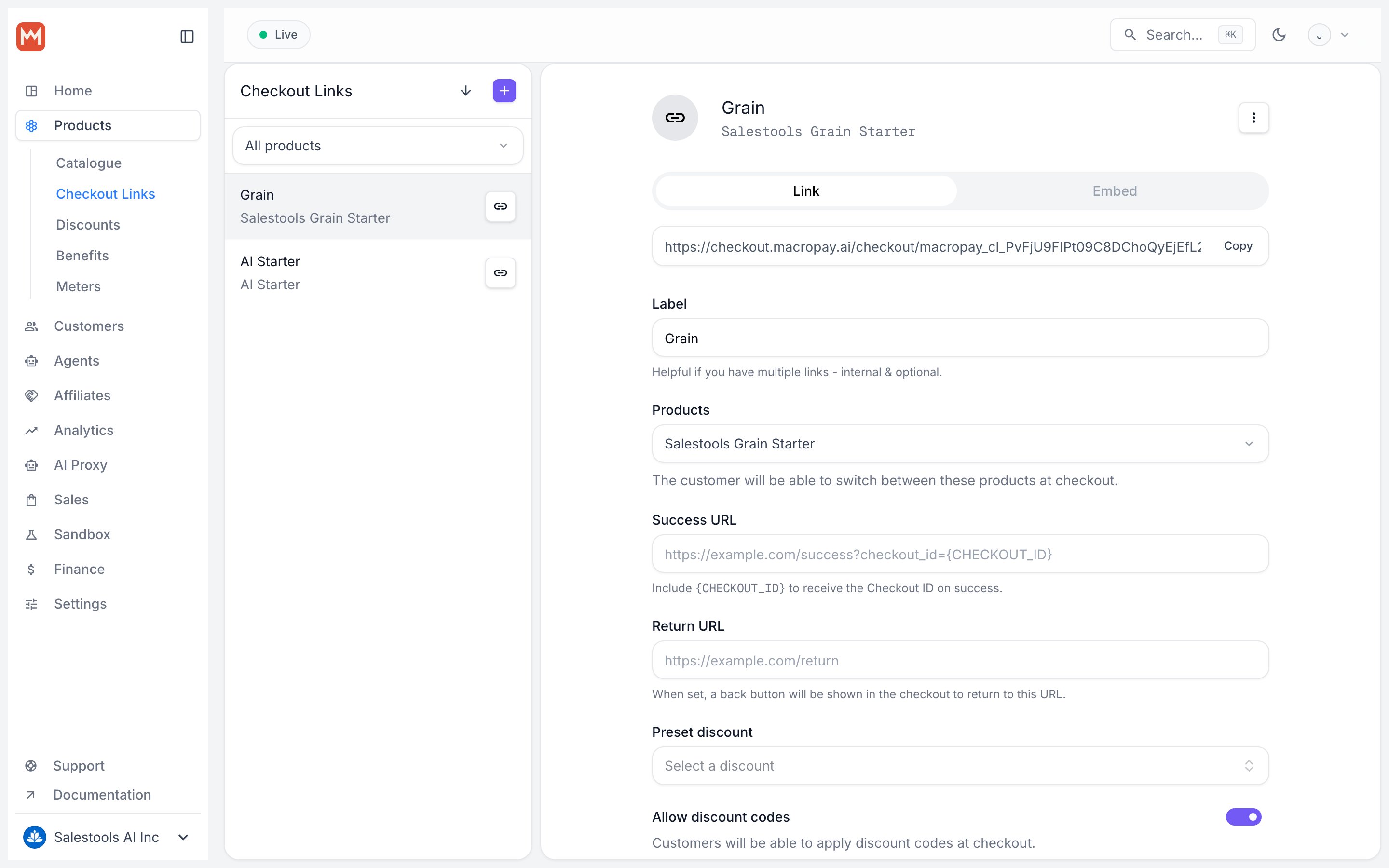
Ad-hoc prices
Sometimes the price isn’t known until checkout time — a negotiated enterprise rate, a calculated quote, or a one-off you don’t want cluttering your catalog. Pass aprices map and Macropay mints the price on the fly, scoped to that single session only.
Reach for ad-hoc prices when you need to:
- Quote a per-customer or contract-negotiated amount
- Compute a total from your own logic before redirecting
- Run a pricing experiment without touching the live catalog
- Bill a calculated, usage-derived amount for that one order
In the API response, ad-hoc prices carry
source: "ad_hoc", while catalog prices show source: "catalog". Ad-hoc prices live and die with their session — they’re never added to the product.Example
This session charges a custom $149.00 rate for a single product:Supported price types
Ad-hoc prices accept the sameamountType values as catalog prices:
The full schema for each type lives in the Checkout API reference.
Reconcile with your own users
Most apps already have a user table. Pass your identifier inexternal_customer_id and Macropay threads it through the whole order so you never have to keep two ID systems in sync.
After a successful checkout we create (or match) a Customer with that external ID, and surface it as customer.external_id on every related webhook — so your fulfillment logic can map the payment straight back to the right account.
What we handle after the session
Because Macropay is the seller of record on the resulting order:- Tax is ours. We calculate, collect, and remit sales tax and VAT worldwide, and limit your liability for it.
- PCI is ours. Cards are tokenized in our PCI DSS Level 1 compliant vault — they never touch your stack.
- Disputes are ours. We field chargebacks and work to prevent them before they hit.