

Pass one or more products into a session and the customer can switch between them on the page. Everything in Macropay is a product — one-time or subscription — so the same flow powers a single license sale or a recurring plan.
What you’ll need
- An organization access token (created below)
- One or more product IDs from your catalogue
- A terminal with
curl, or any HTTP client / SDK
1
Create an organization access token
Sessions are created with an organization access token (OAT). Generate one by following the Organization Access Tokens guide.
2
Copy the token immediately
The token is shown once at creation time. Copy it and store it in a secret manager or environment variable — you won’t be able to view it again.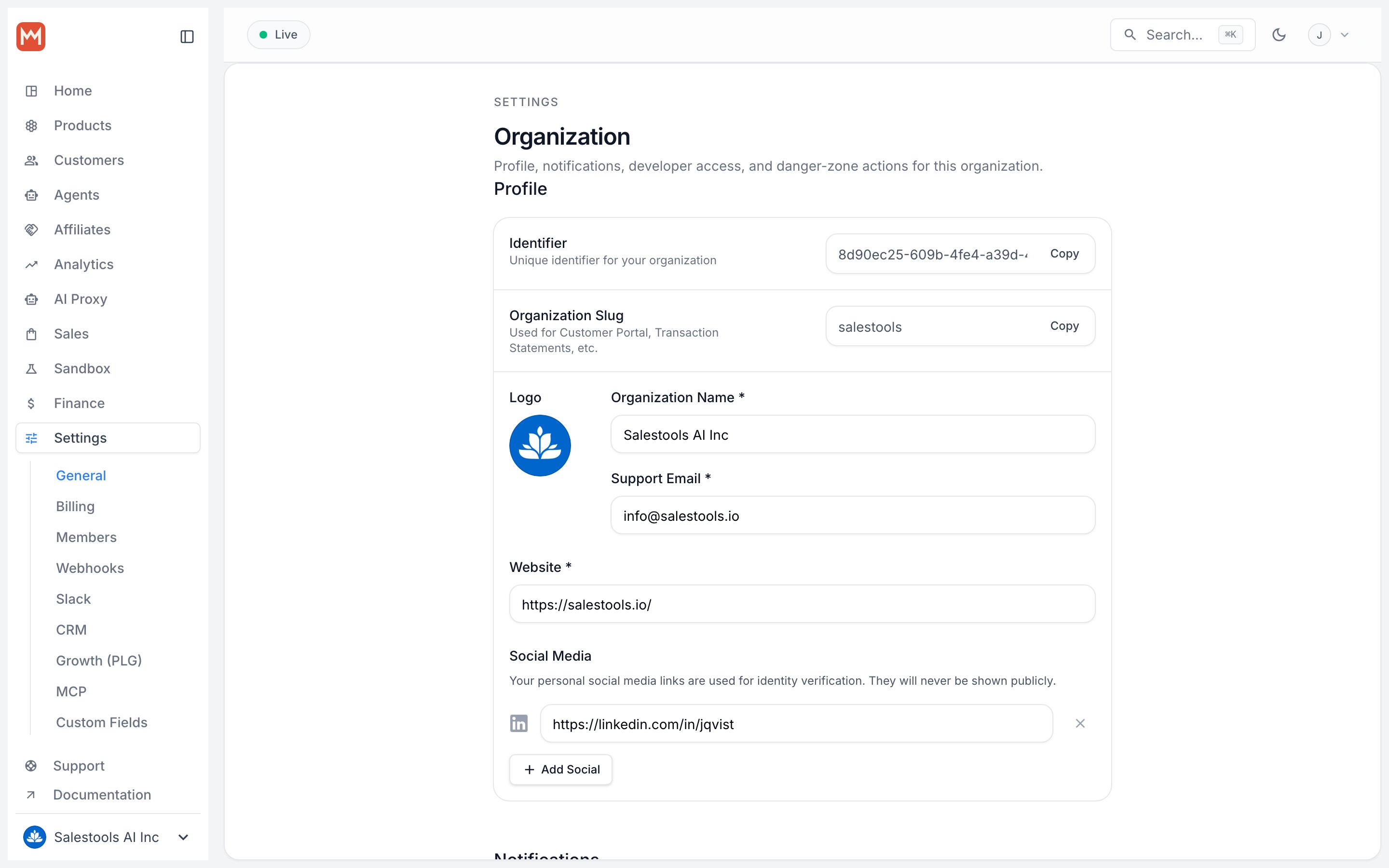
3
Open your product catalogue
In the Macropay dashboard sidebar, go to Products > Catalogue, or jump straight to the catalogue for your organization: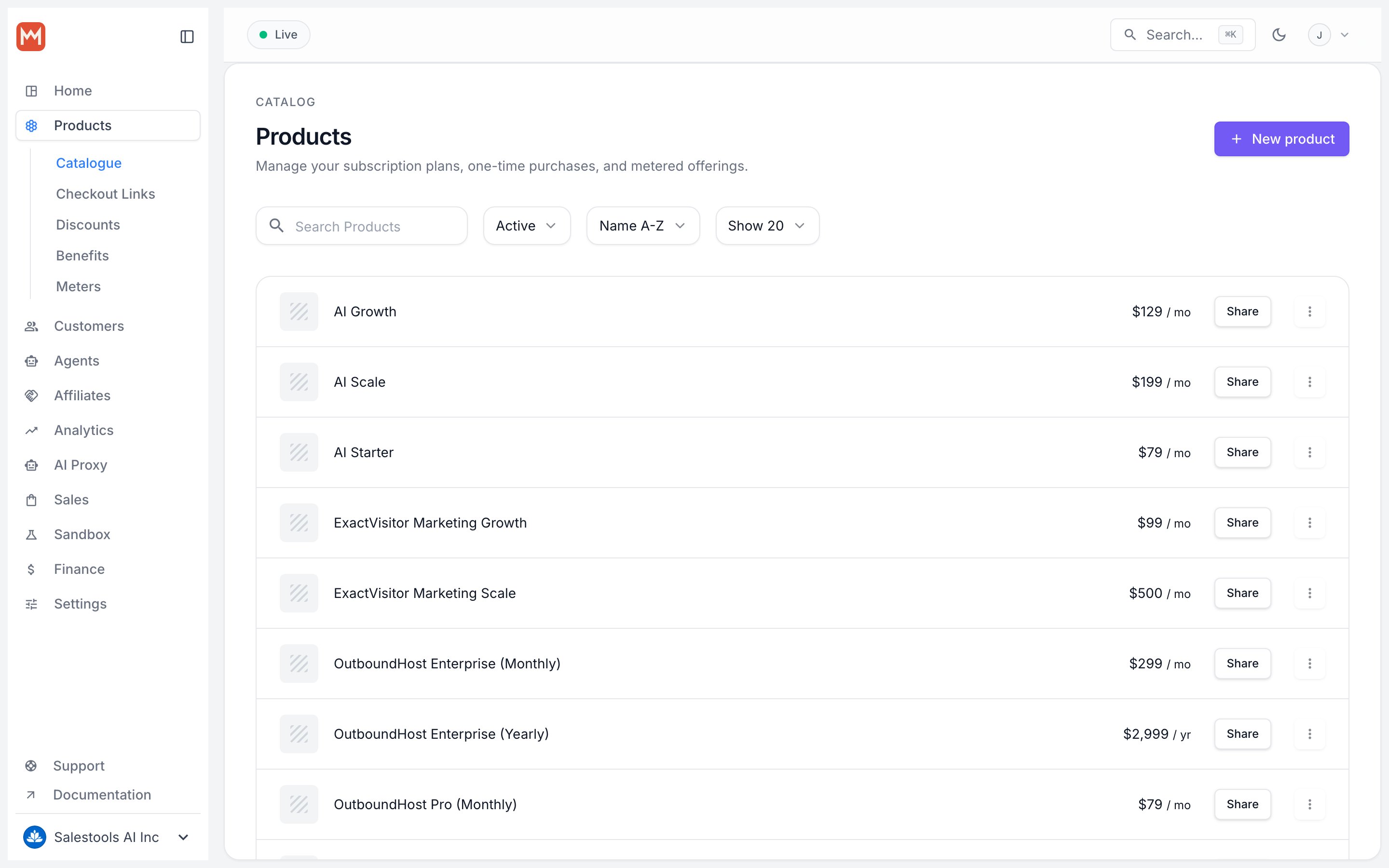
https://macropay.ai/dashboard/${org_slug}/products4
Grab the product IDs
For each item you want to offer, open the ⋮ (More options) menu next to the product and choose Copy Product ID. Collect the IDs you need for the next step.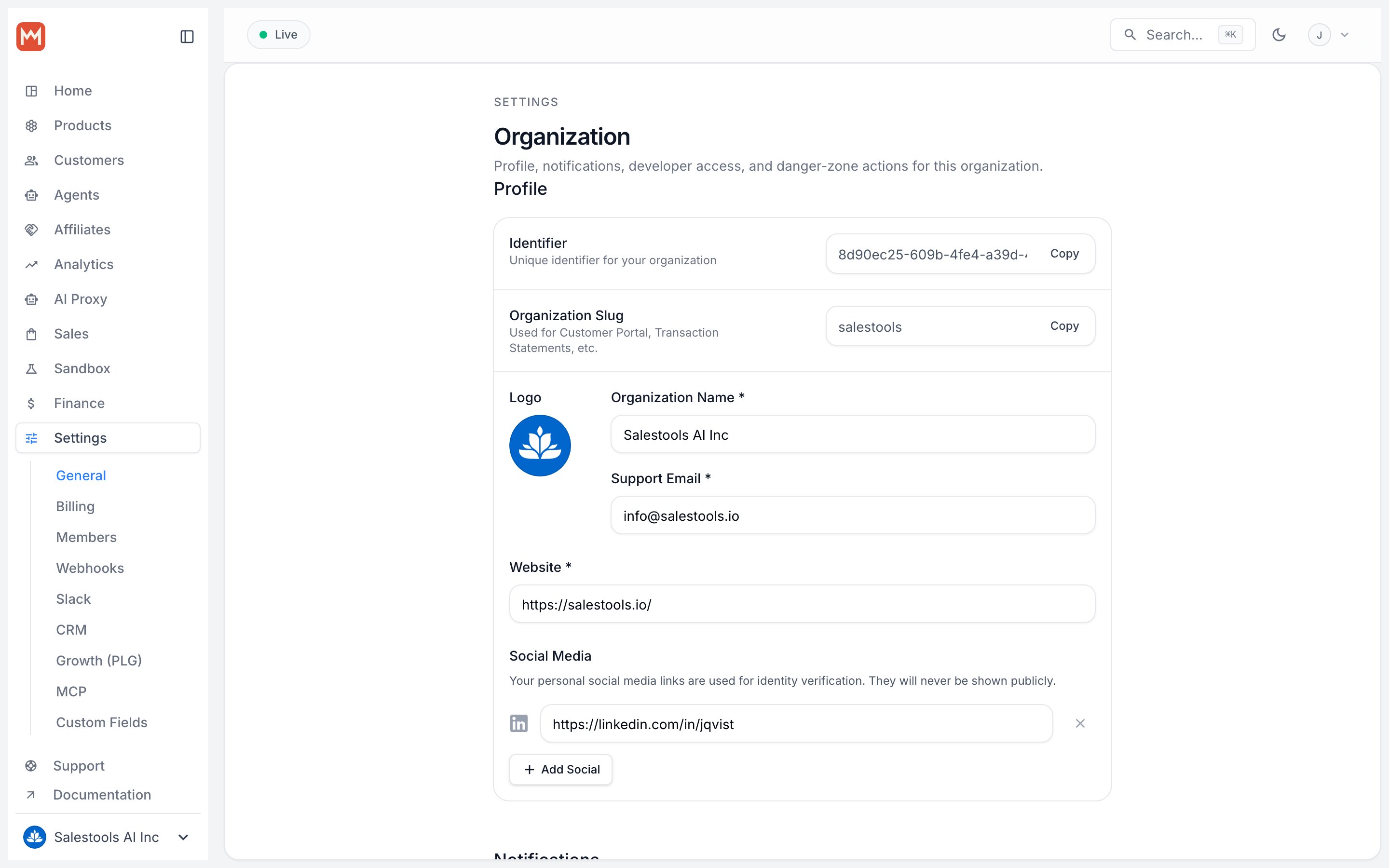
5
Create the session
Send a Every accepted field is documented in the Create Checkout Session API reference.
POST to the checkouts endpoint with the products you want available on the page. Replace <YOUR_ACCESS_TOKEN> with your token and the placeholder UUIDs with your real product IDs.Terminal
6
Redirect the customer to the URL
The response is a checkout object. Read the The
url field and send the customer there — that’s the hosted, tax-aware payment page.tax_amount is computed for the buyer’s location and remitted by us — you keep your net_amount without touching a tax return.Selling to AI agents
The same endpoint works when the buyer is an autonomous agent rather than a person. Create a session, hand back theurl, and let the agent complete payment programmatically. To bill agents by what they actually do, pair checkout with usage-based pricing so you can charge on activity or verified outcome and track agentic margin per agent. See the API reference for the signals and metering endpoints.
Next steps
Checkout Links
Skip the API and share a no-code, reusable payment link.
Embedded Checkout
Drop checkout straight into your own site instead of redirecting.