

An OAT is a bearer credential. Treat it like a password: store it in a secret manager or environment variable, never commit it to source control, and never ship it in client-side or browser code.
When to use an OAT
Because the token is bound to a single organization, there’s no consent screen and no token-refresh dance — you mint it once, grant exactly the scopes you need, and use it as a
Bearer token until it expires.
Create a token
1
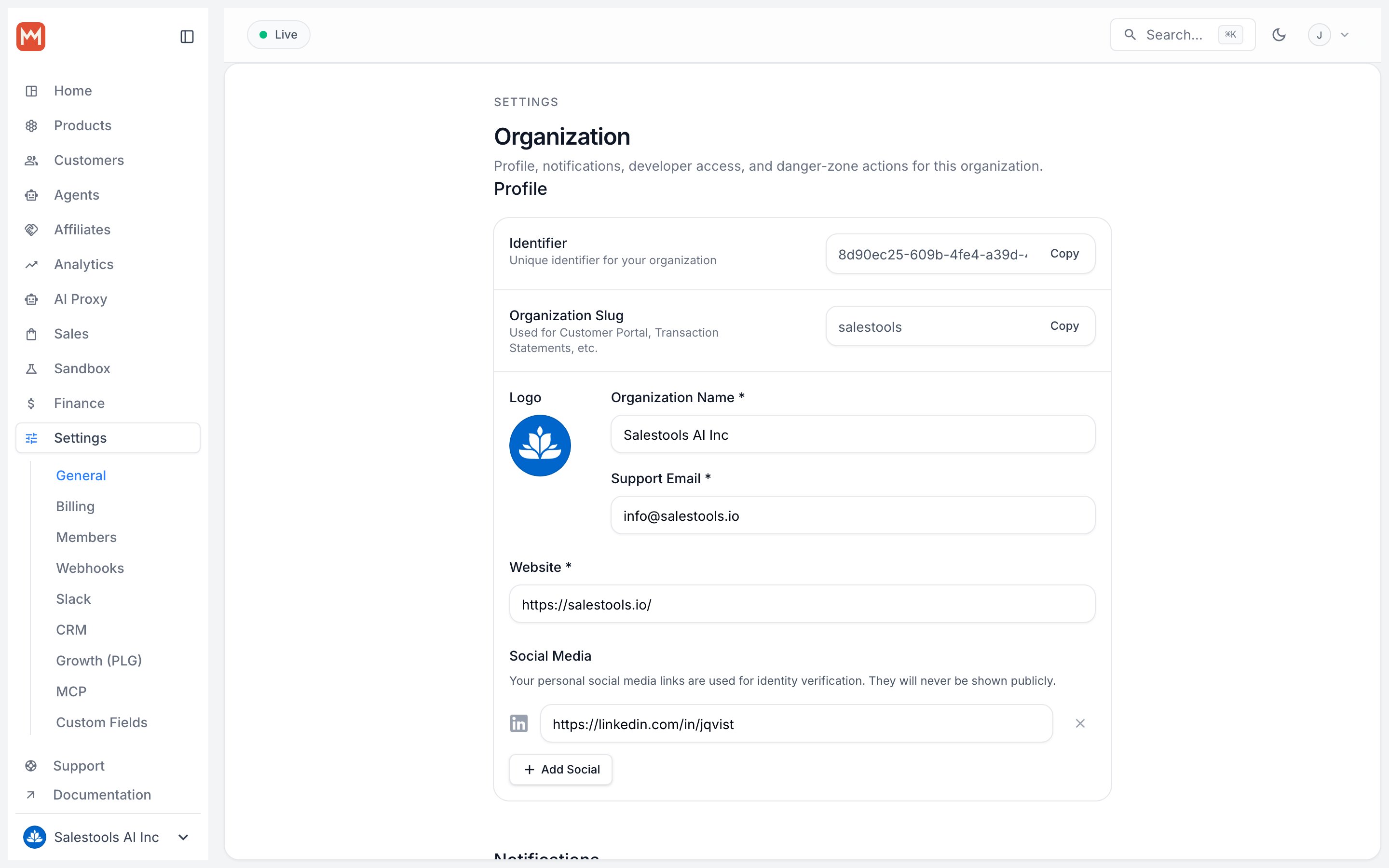
Open organization settings
In the Macropay dashboard sidebar, go to Settings > General. You can also jump straight there: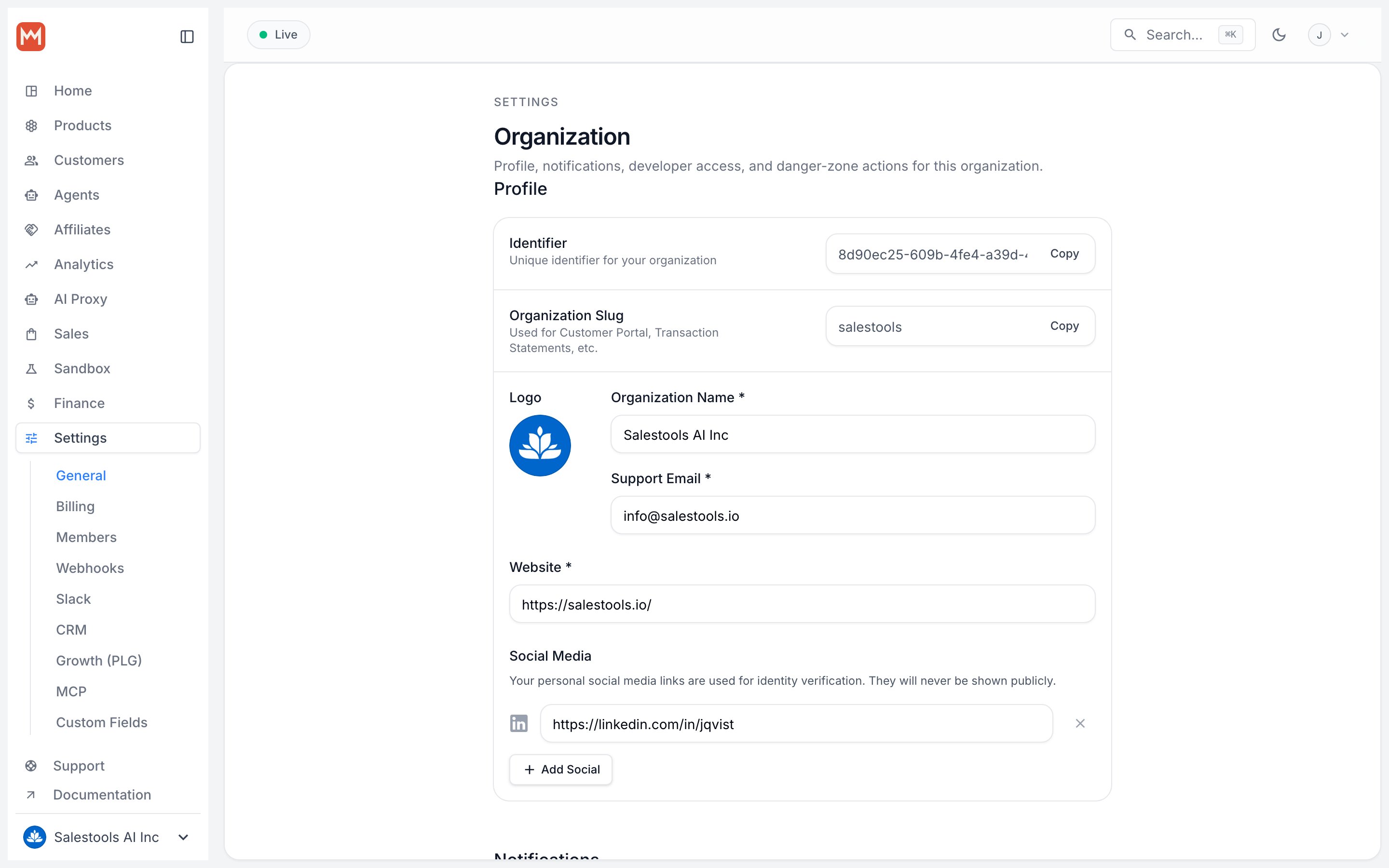
https://macropay.ai/dashboard/${org_slug}/settings2
Open the Developers section
Scroll to Developers and click New Token.
3
Configure the token
- Name — something descriptive (e.g.
billing-cron-prodorsupport-agent) so you can identify and revoke it later. - Expiration — pick the shortest lifetime that fits the job. Short-lived tokens limit the blast radius if one ever leaks.
- Scopes — grant only the permissions this token actually needs. A metering script that ingests events shouldn’t be able to issue refunds.
Use the token
Send the token in theAuthorization header as a bearer credential against the API base https://api.macropay.ai.
Example: bill an agent’s activity
A common backend use of an OAT is reporting agent work to the Signals API so it can be metered and turned into a value receipt. Scope the token to signal ingestion and nothing else:Security best practices
Scope tightly
Scope tightly
Treat scopes as the access boundary. Issue separate tokens per service so a leaked metering token can’t touch payouts or customer data.
Expire early, rotate often
Expire early, rotate often
Set a real expiration date and rotate tokens on a schedule. For one-off scripts, prefer a token that expires in days, not years.
Keep tokens server-side
Keep tokens server-side
Never embed an OAT in a frontend bundle, mobile app, or anything a customer can inspect. For browser-facing flows, use hosted checkout or OAuth2 instead.
Revoke on suspicion
Revoke on suspicion
Revoke immediately from Settings > Developers if a token may have been exposed. Revocation takes effect right away — no propagation delay.