

Because Macropay is the Merchant of Record, any plan change a subscriber makes still gets billed, prorated, and tax-handled correctly on your behalf. Disabling the toggle simply removes the self-serve path — it doesn’t change how billing works when you move a customer between plans via the API or dashboard.
What this setting controls
The Allow price changes toggle governs one thing: whether subscribers can change their own plan from the portal.
Turning it off does not disable the portal, block cancellations, or stop renewals. Customers keep their other self-serve controls; they just can’t reprice themselves.
Turn off self-serve plan changes
1
Open organization settings
From the Macropay dashboard sidebar, choose Settings, or jump straight there: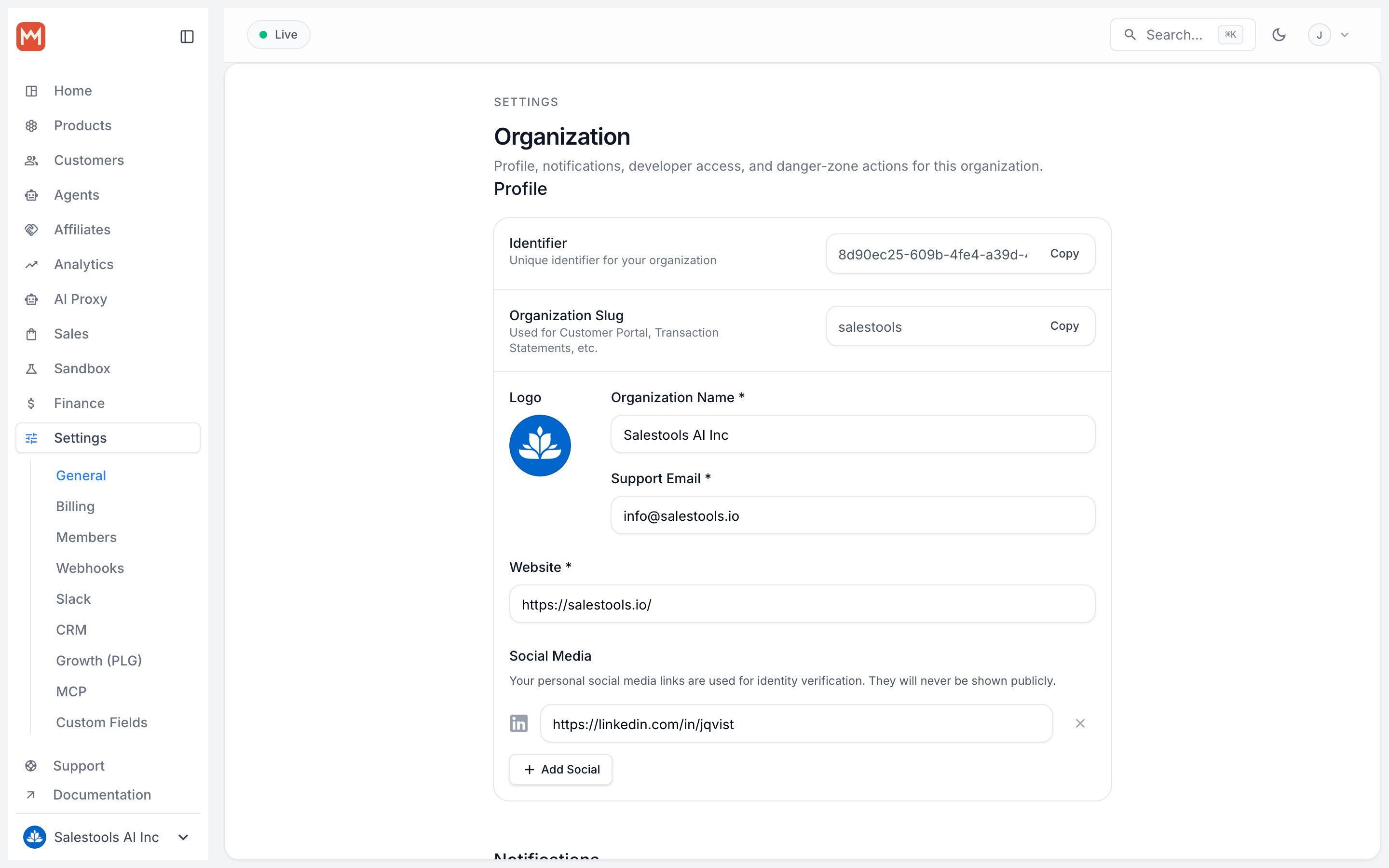
https://macropay.ai/dashboard/${org_slug}/settingsScroll to the Subscriptions section.2
Toggle off Allow price changes
Switch Allow price changes to off. This hides upgrade and downgrade controls from every subscriber’s portal.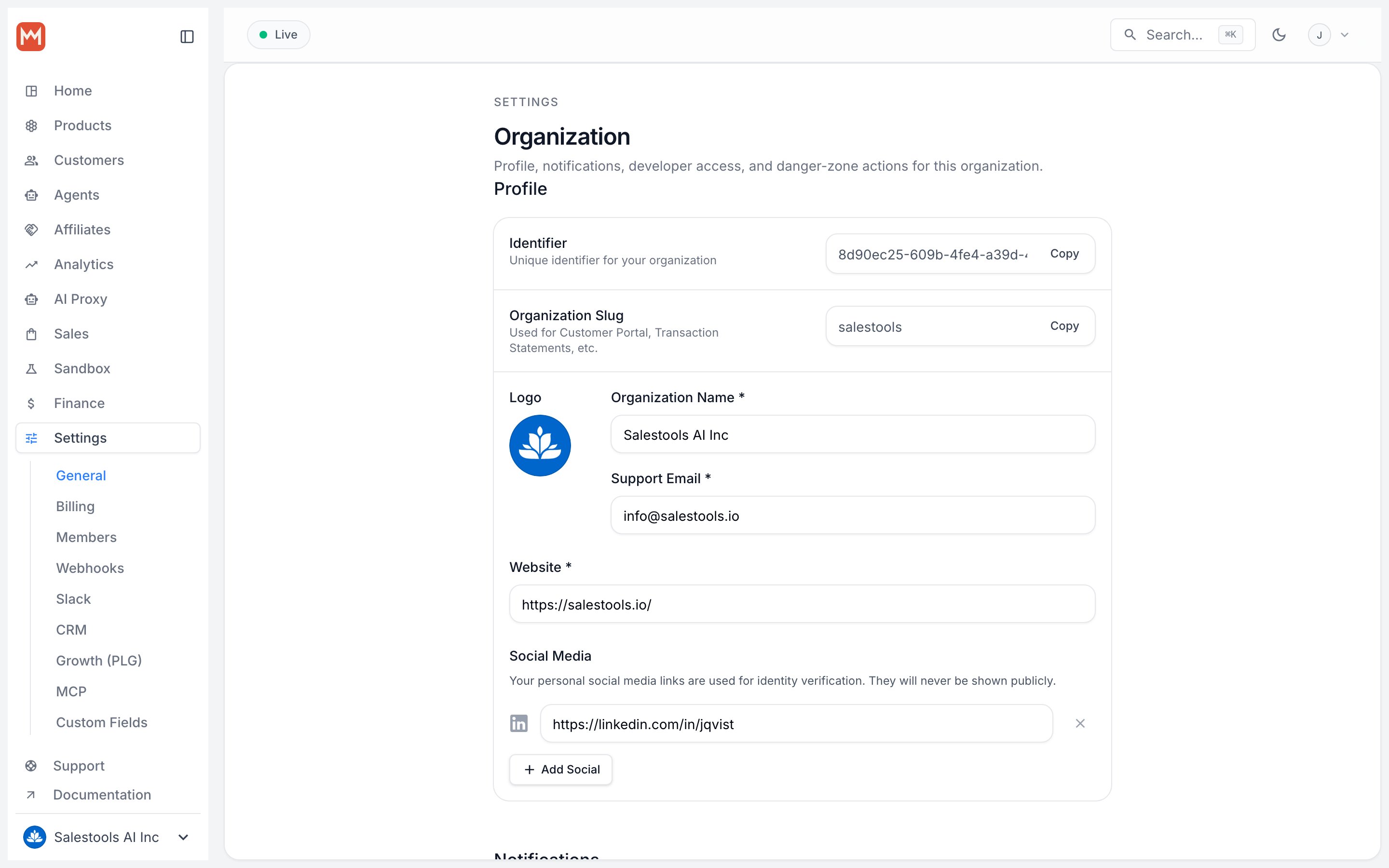
3
Save
Click Save in the Subscriptions section. The change applies immediately across the portal.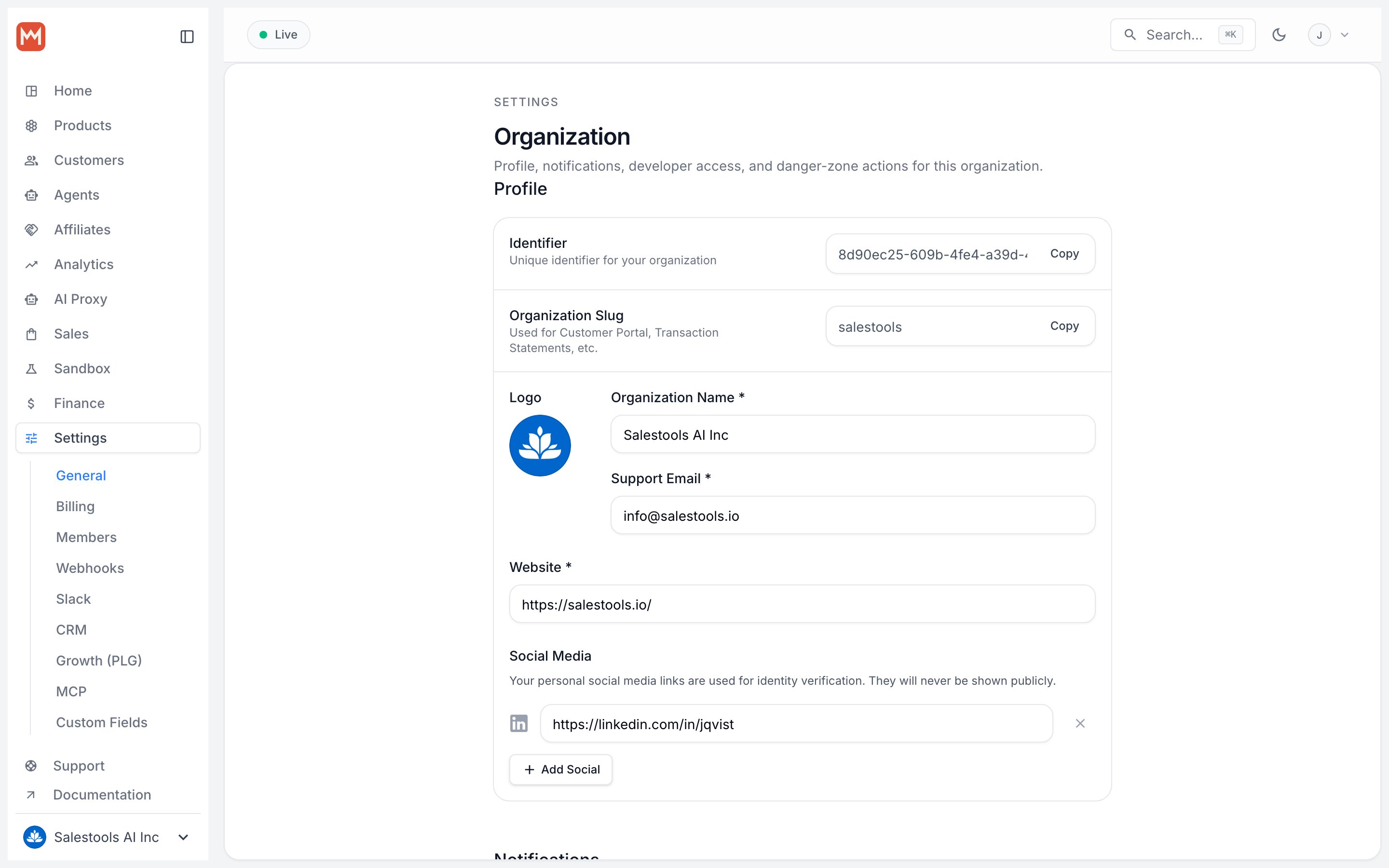
Open the customer portal as a test subscriber. The plan-switch option should be gone, while cancellation and payment-method management remain.
Moving customers between plans yourself
With self-service off, you stay in control of every tier change. You can still update a subscription from the dashboard, or programmatically — handy when a sales rep closes an upgrade or your own logic decides a customer should move.Related
Customer portal
What subscribers can manage on their own, and how to configure it.
Subscriptions
Define plans, pricing, and the products behind each tier.