

When to use more than one
Separate brands
Ship a SaaS product and a paid newsletter without mixing their catalogs, customers, or payout schedules.
Client work
Run a billing org per client. Each gets isolated revenue, refunds, and a clean MoR tax trail.
Per-agent billing
Give each AI agent its own org to track agentic margin — billed revenue vs. AI cost — without cross-contamination.
Sandbox vs. live
Keep experiments walled off from a production org while you validate pricing or metered events.
Create and switch between organizations
1
Start with your first organization
If you haven’t yet, sign up on Macropay. The org you create during onboarding becomes your default workspace.
2
Open the organization menu
From the dashboard, click the menu in the bottom-left corner and choose 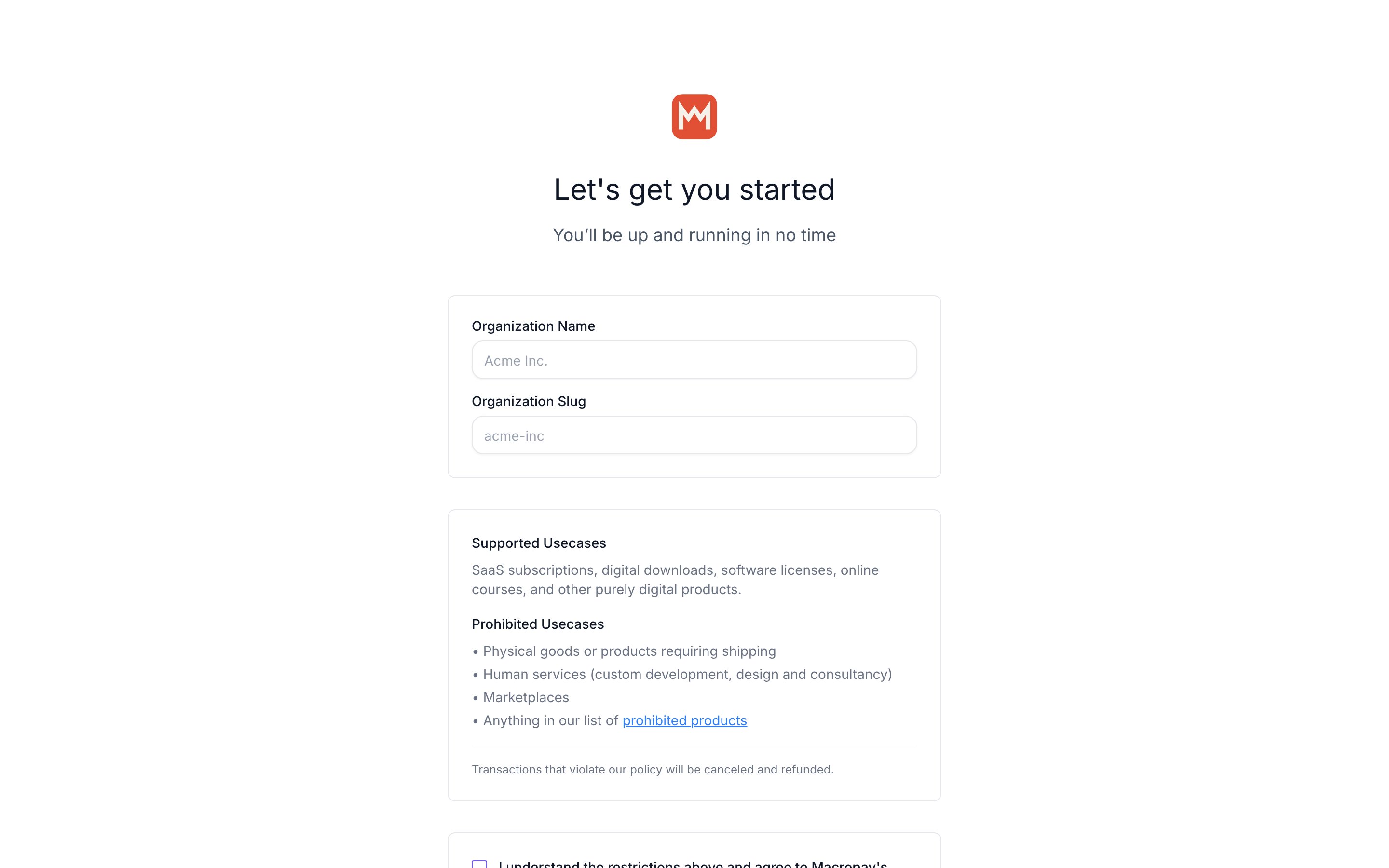
New Organization.3
Name and describe the new organization
Fill in the details for the new org — its name and slug determine the public-facing identity your customers will see at checkout.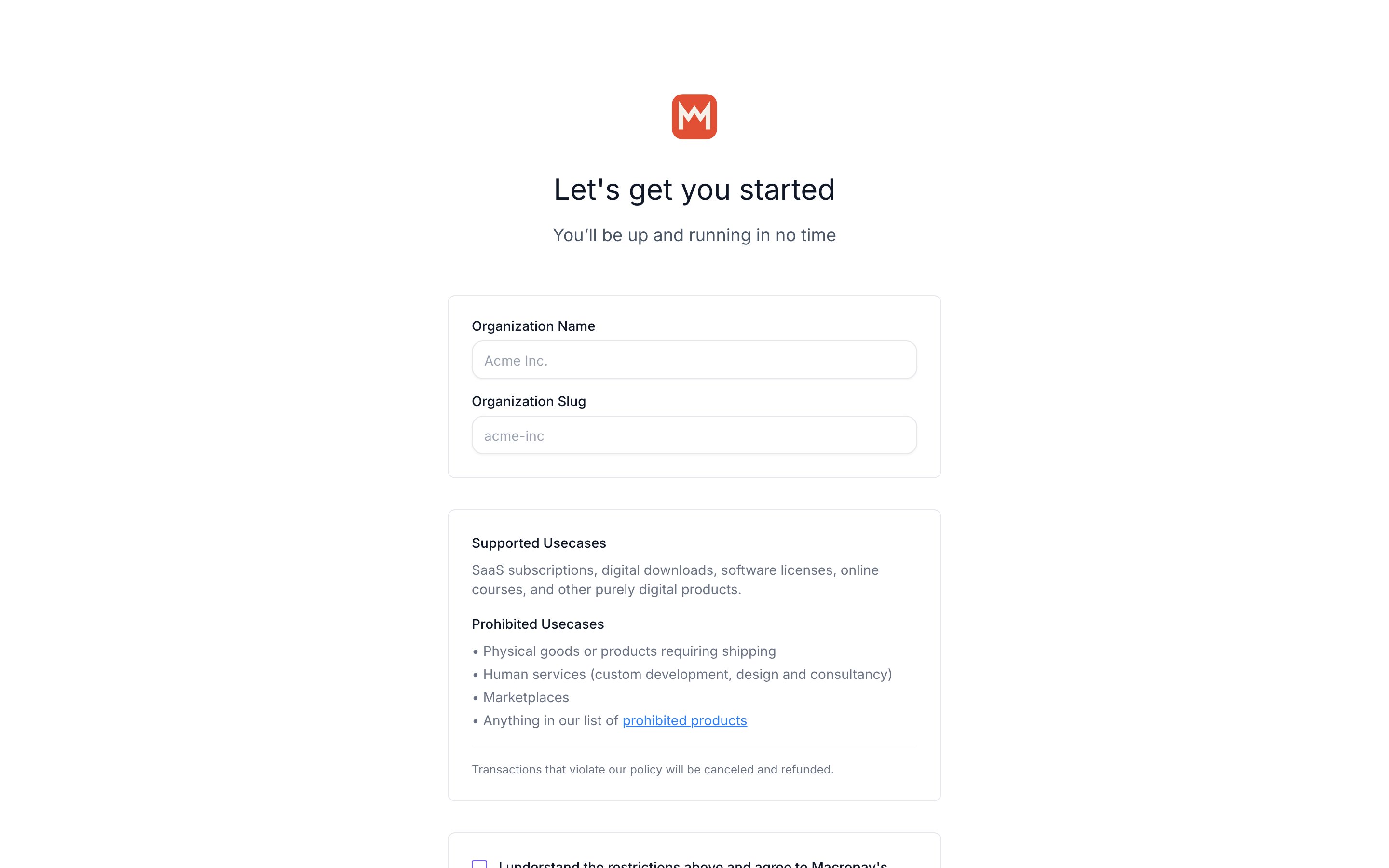
4
Add your first product
Every org starts empty. Create a product to make it sellable — one-time or subscription, both use the same API and data model.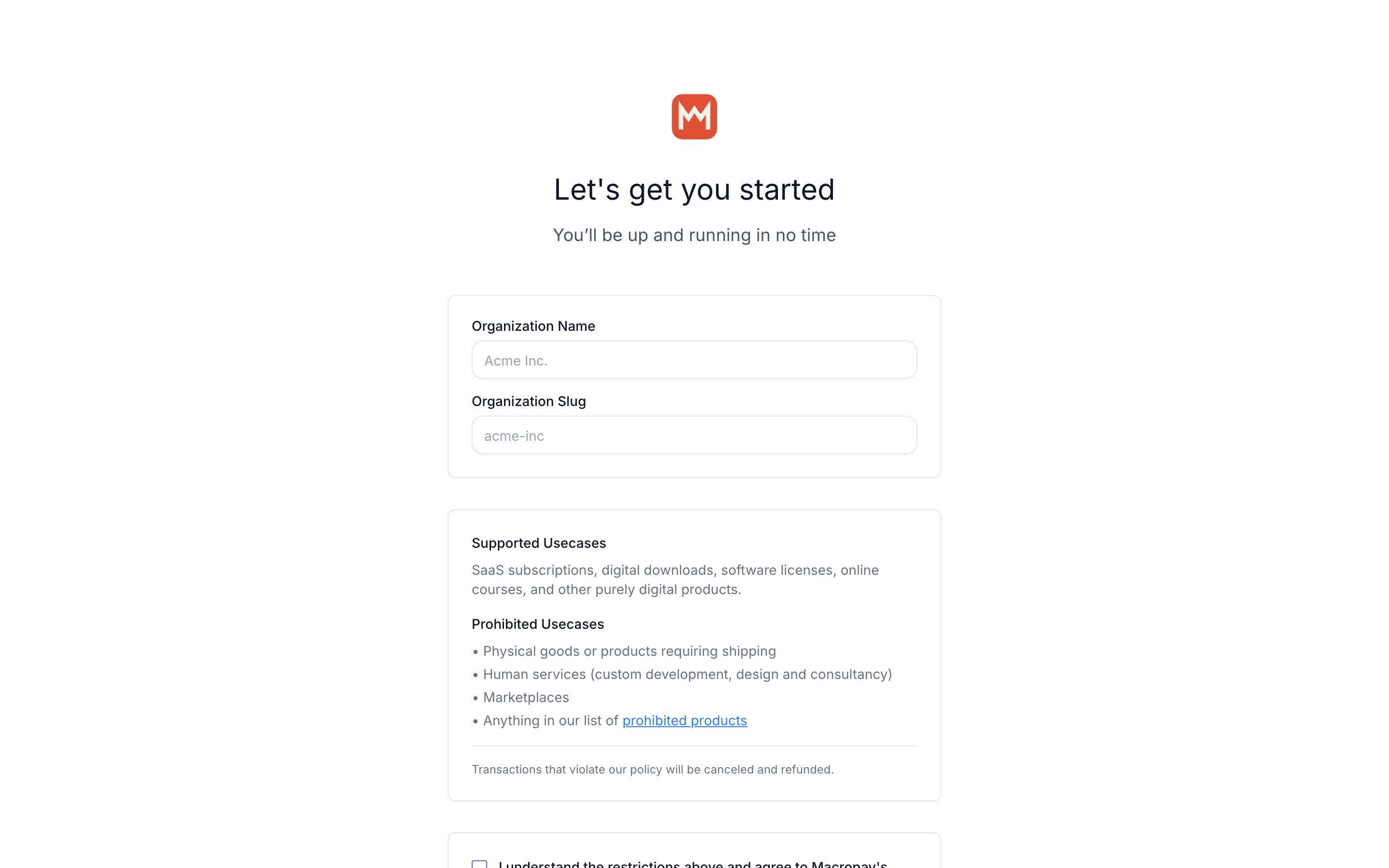
5
Done — the organization is live
Your new organization is ready to take payments, with tax and PCI handled for you.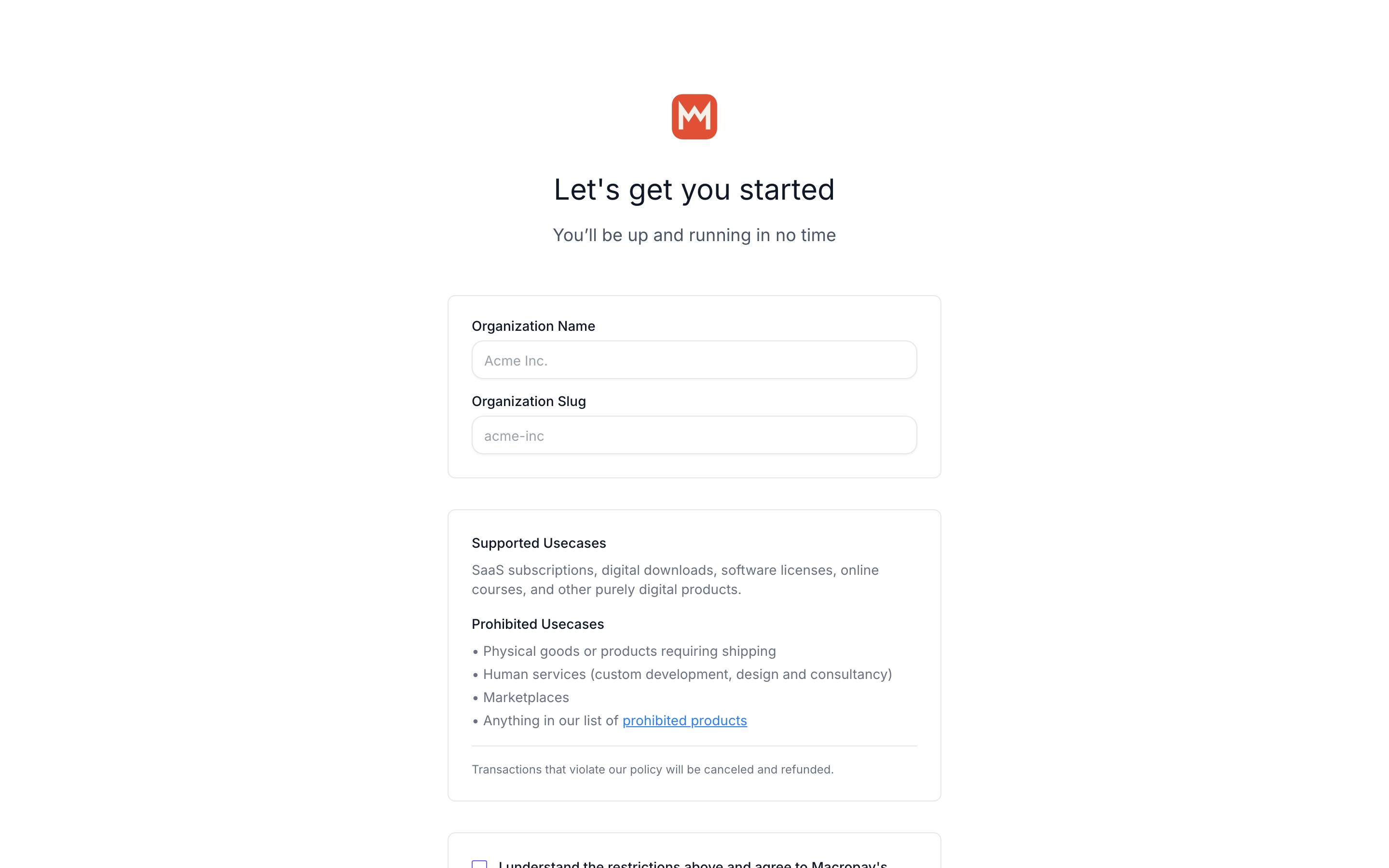
6
Switch between organizations
Reopen the bottom-left menu and select any organization to switch context. Products, customers, and payouts swap instantly.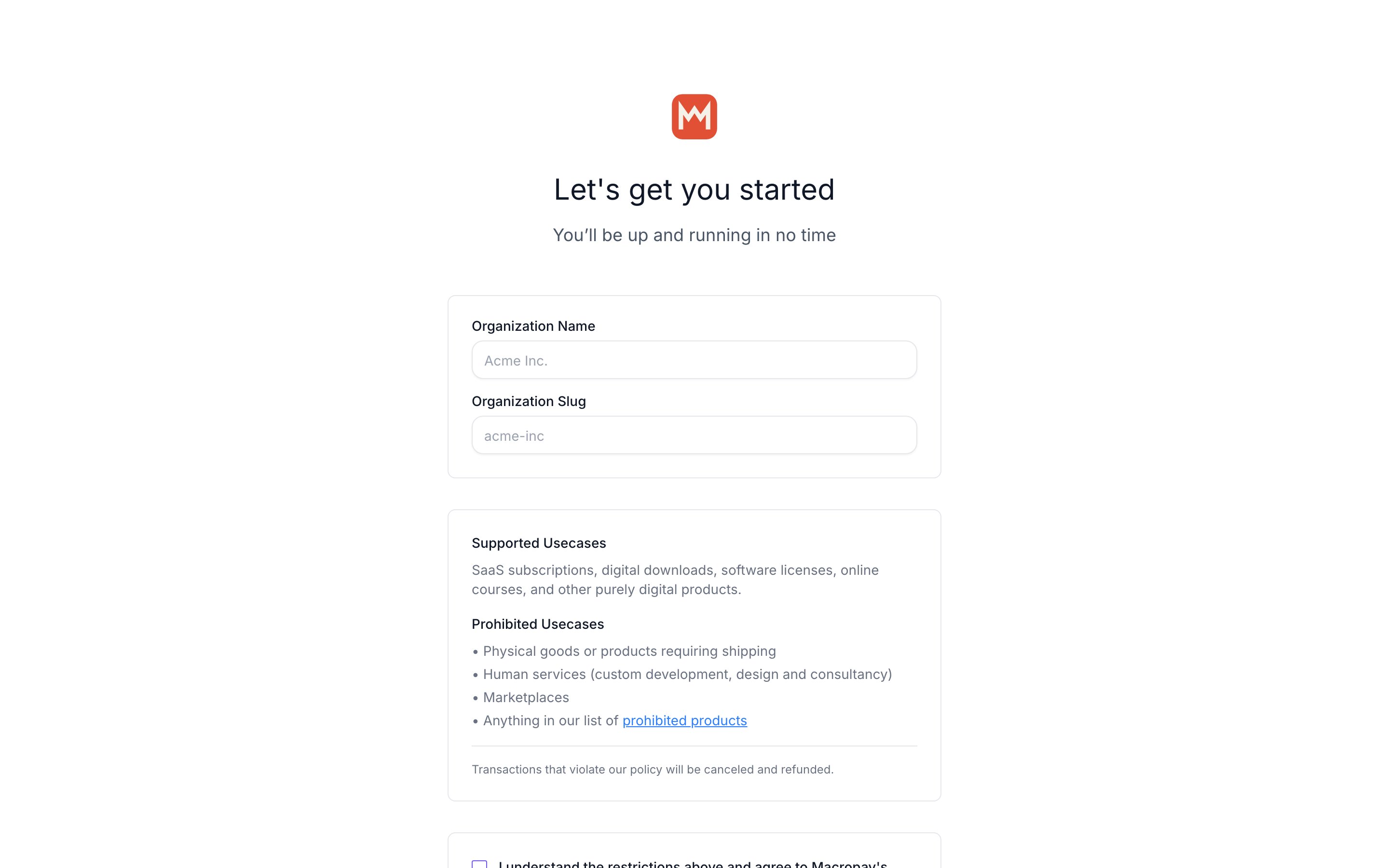
Organizations are fully isolated. Products, customers, payouts, webhooks, and access tokens belong to exactly one org and never leak across the boundary.