

When you’ll want this
Multiple products
A customer subscribes to your API plan and your analytics dashboard, each with its own renewal cycle.
Add-ons & seats
A base plan plus separately-billed add-ons, or a parallel seat-based subscription for the same account.
Per-agent billing
Each AI agent a customer spins up gets its own metered subscription, so usage and agent ROI stay isolated per agent.
Team & sub-account plans
One billing customer fans out into several plans across the teams or environments they run.
Turn it on
1
Open Organization Settings
In the Macropay dashboard, open Settings from the sidebar — or jump straight there: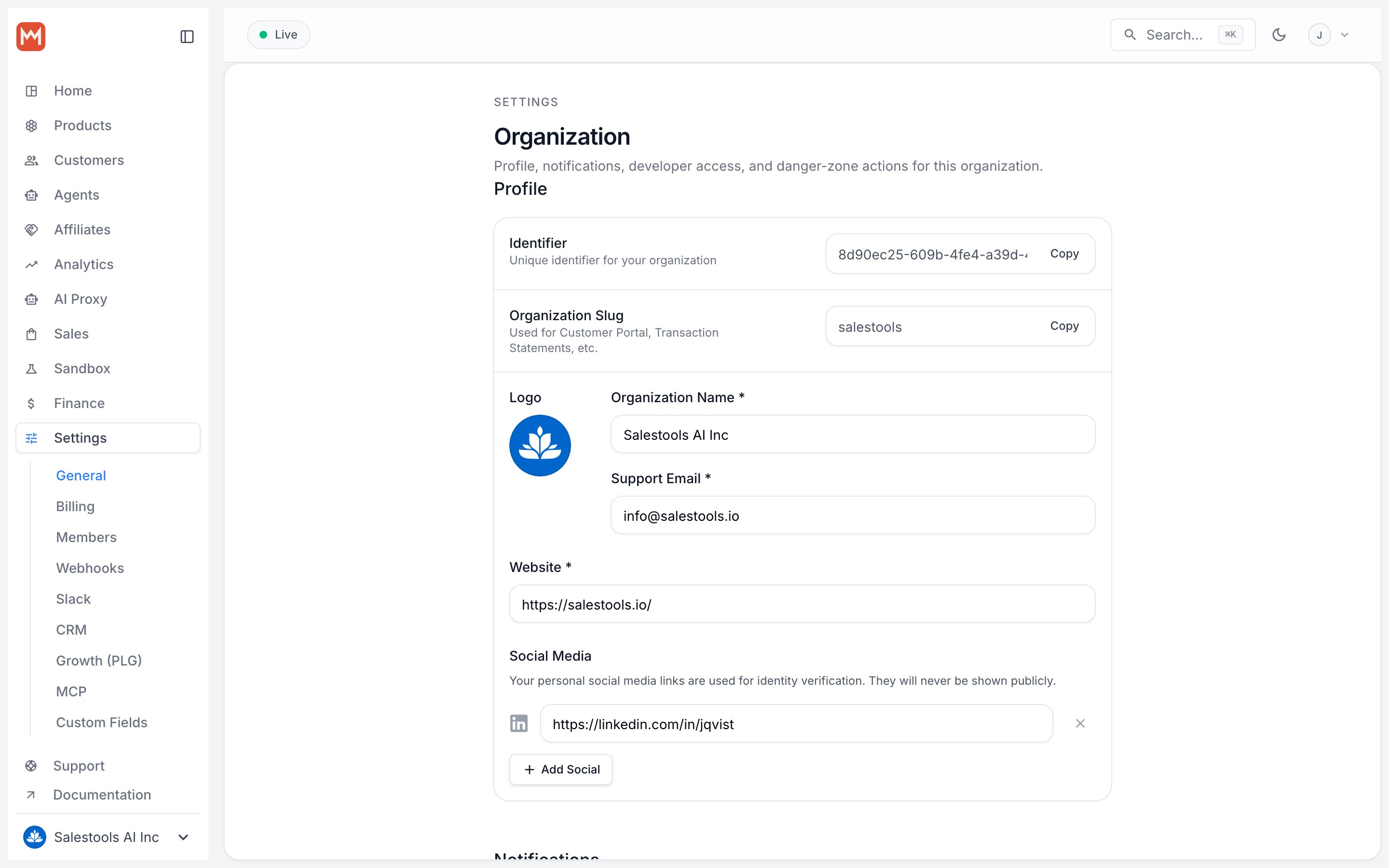
https://macropay.ai/dashboard/${org_slug}/settingsScroll to the Subscriptions section.2
Enable Allow multiple subscriptions
Switch Allow multiple subscriptions to ON. From now on, new checkouts can create a subscription for a customer even when they already have one active.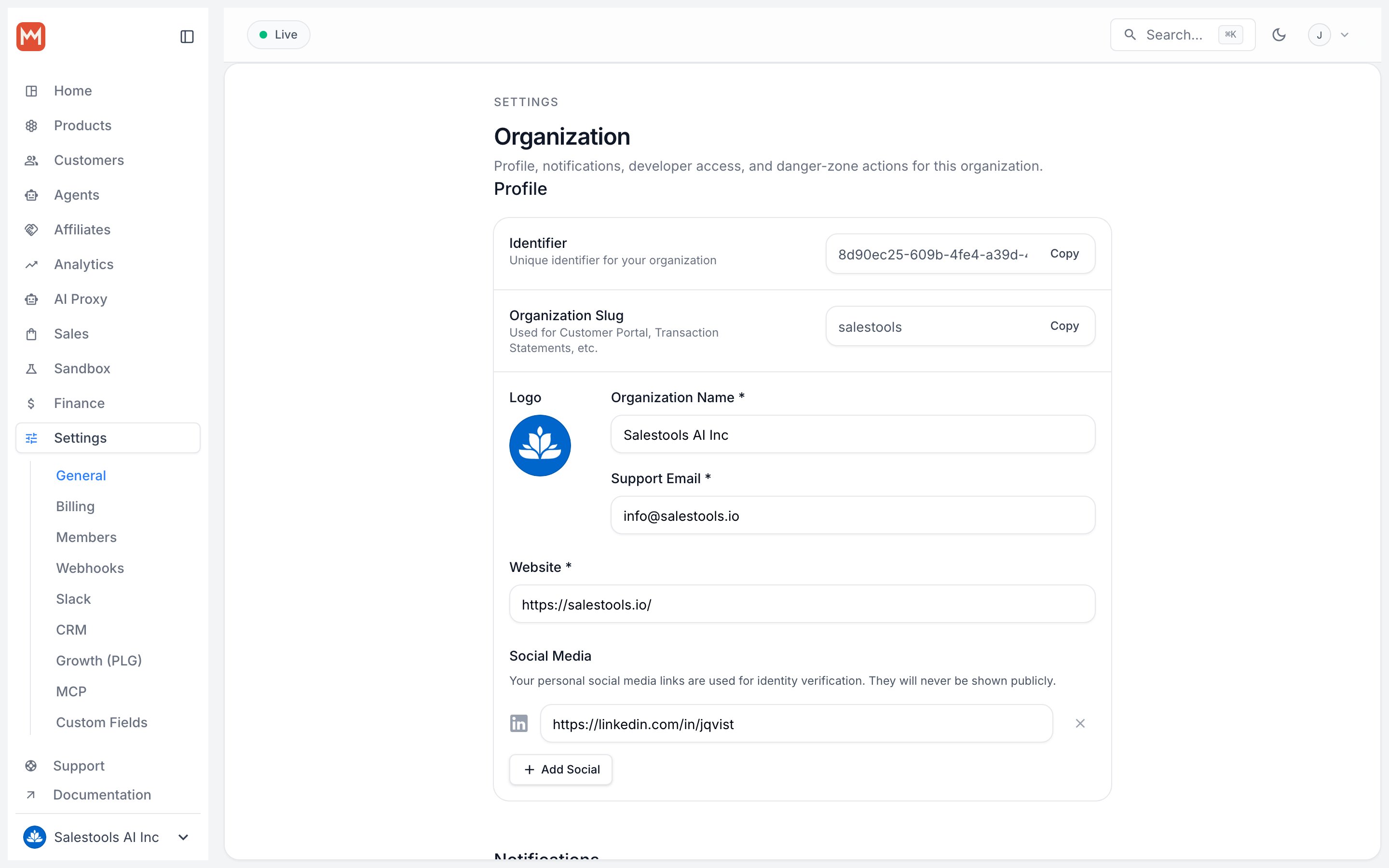
3
Save
Click Save in the Subscriptions section to apply the change.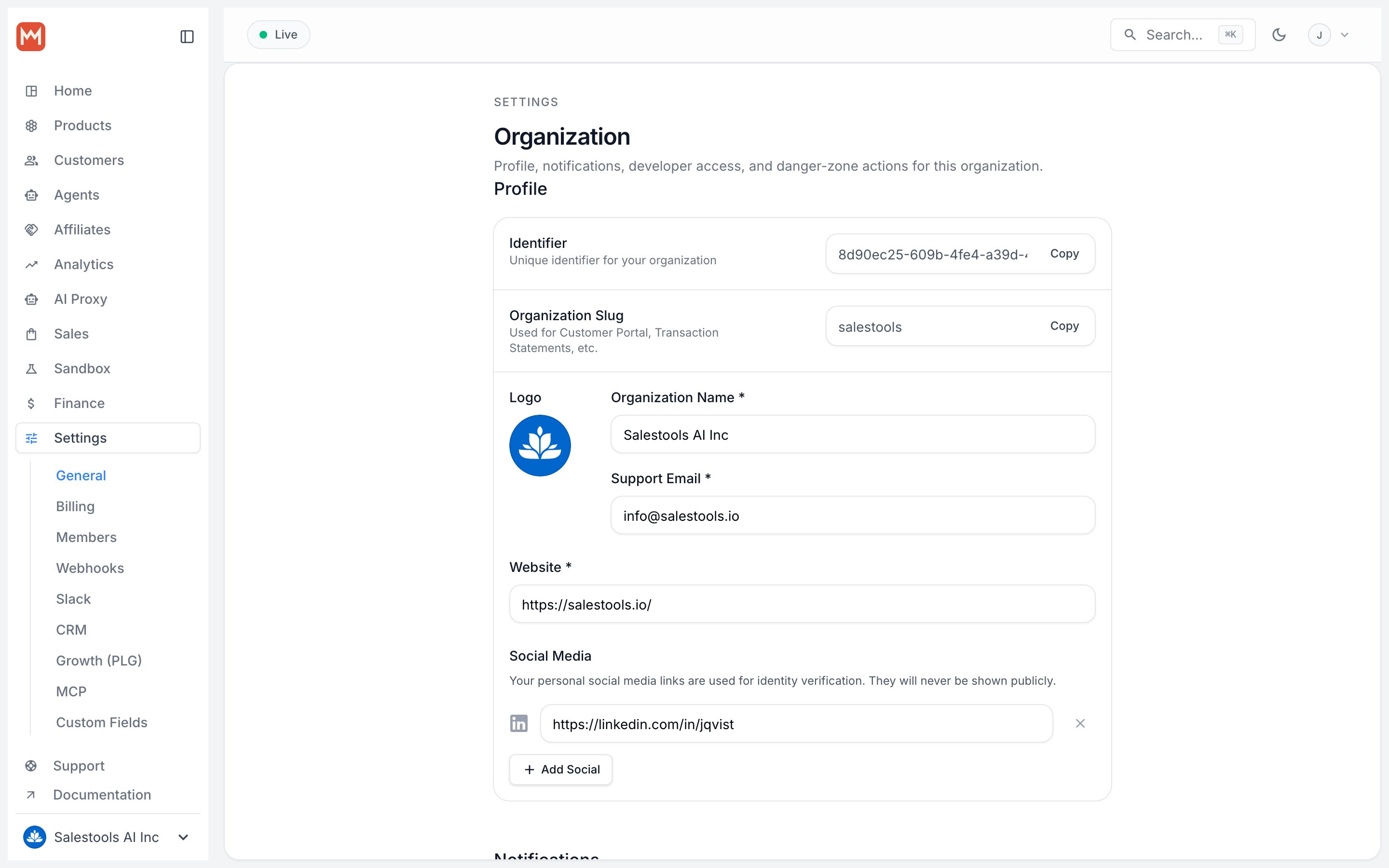
The setting takes effect immediately. Existing subscriptions are untouched; the change only governs whether new ones can stack onto a customer who is already subscribed.
What changes once it’s on
Each subscription is its own object with its own status, billing interval, and line items. Cancelling, upgrading, or refunding one has no effect on the others.