

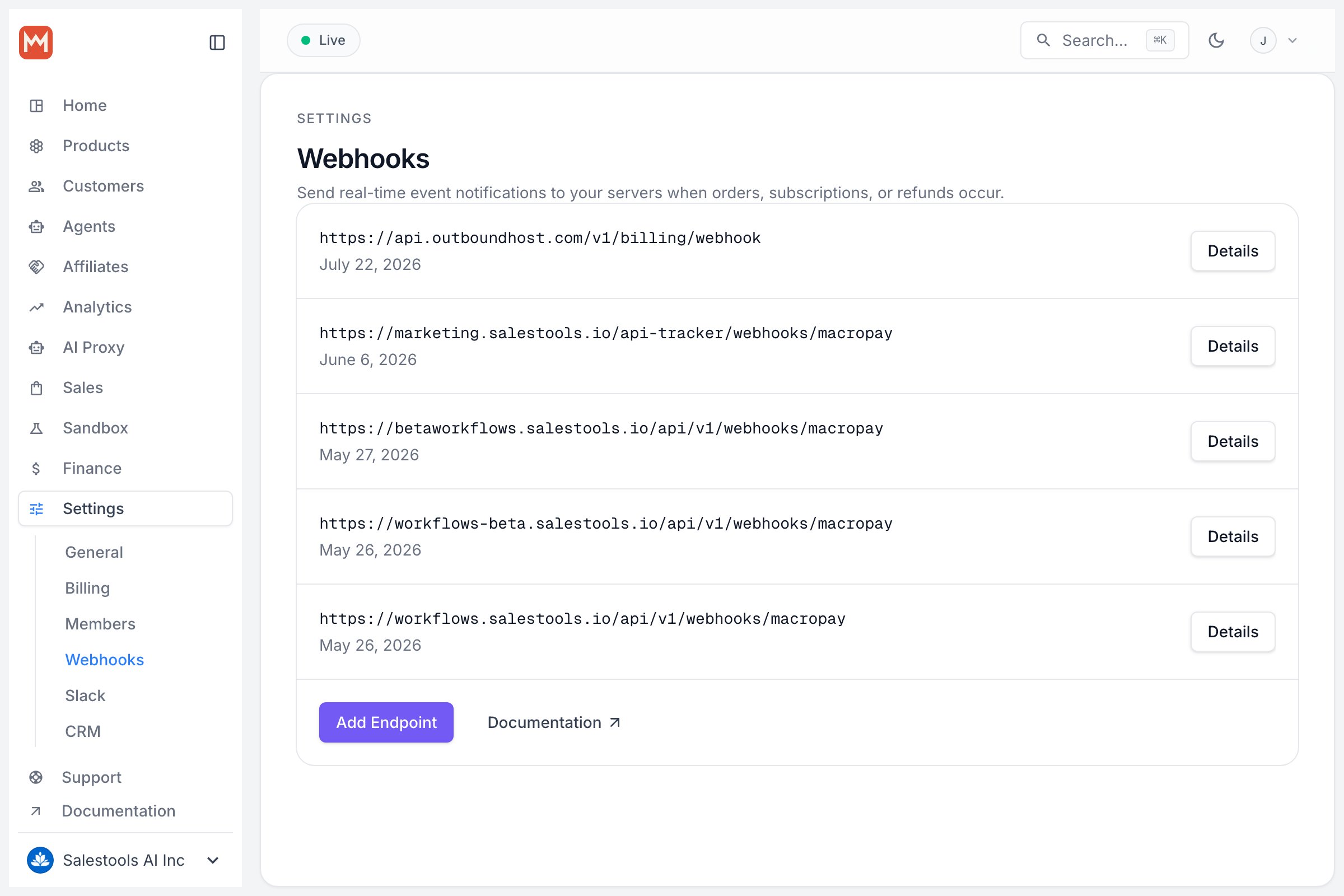
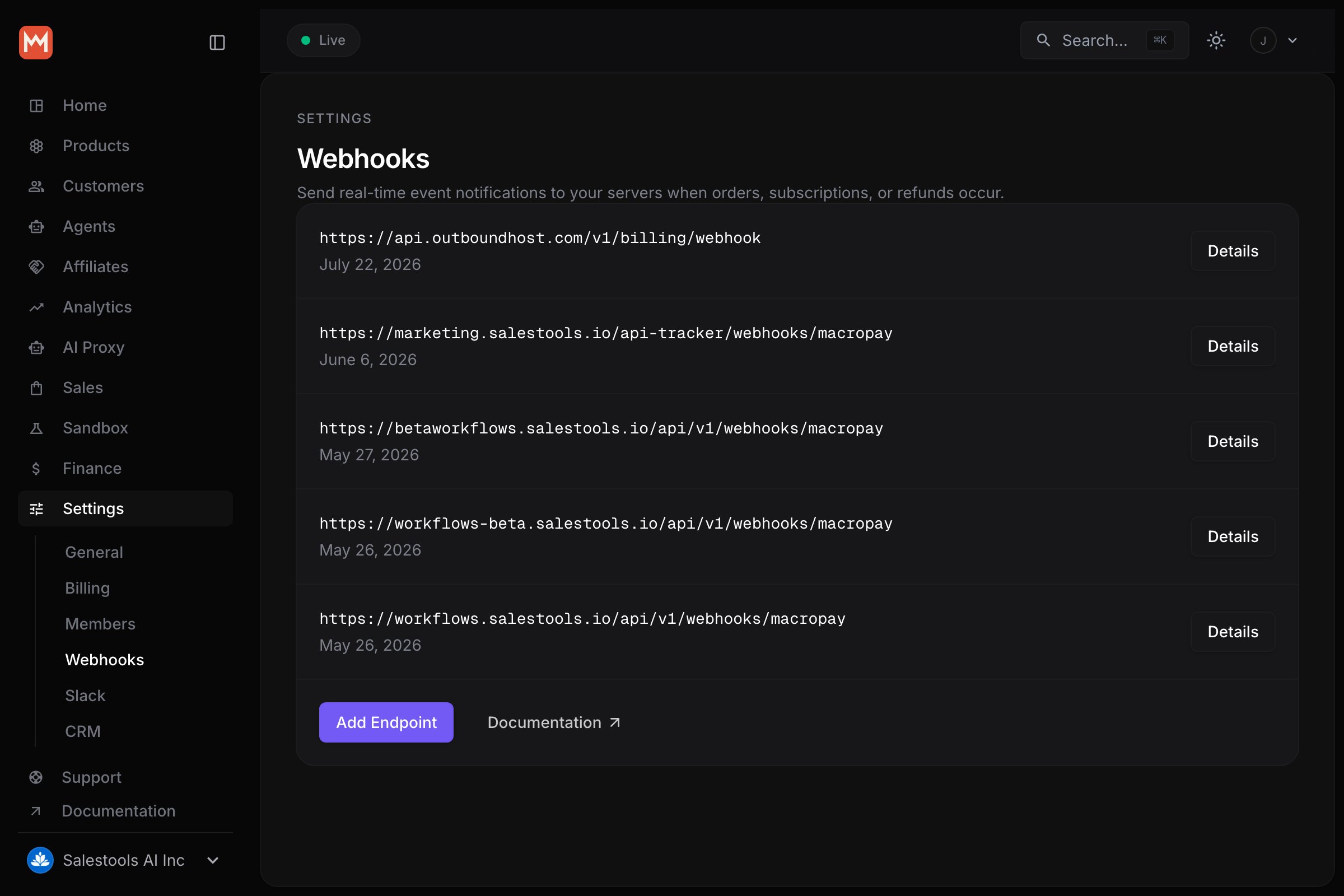
Monitor deliveries in the dashboard
Every registered endpoint gets a delivery overview. From there you can:- Browse the full history of delivery attempts
- Inspect the exact payload that was sent
- Replay any delivery — useful after you ship a fix for a failing handler
Build your receiver
Register a route at the URL you configured on Macropay, then verify the signature, parse the payload, and branch on the event type before doing any work.With the SDKs
The TypeScript and Python SDKs ship a single helper that verifies the signature and returns a typed event in one step.Rolling your own verification
Macropay signs every event using the Standard Webhooks specification, so you can drop in any of the community libraries across languages — or follow the spec directly if you’d rather implement it yourself.The secret must be base64-encodedThe most common mistake when verifying by hand is forgetting that the signing
secret is base64-encoded before the signature is computed. The SDK handles this
for you; if you roll your own, decode the secret first.
Network allowlist
If a firewall or reverse proxy sits in front of your endpoint, allow the following ranges so deliveries can reach you.New IP rangesStarting October 27th, 2025, these ranges are added to the list:
Reliability guarantees
Macropay does the heavy lifting to get each event delivered. Here’s what to expect, and what’s expected of your handler.When an endpoint is disabled
After 10 consecutive non-2xx responses, the endpoint stops receiving new events and your organization’s admins get an email notification. To recover:- Confirm the endpoint is reachable and returning 2xx (use redelivery from the dashboard to test).
- Re-enable it under your organization’s webhook settings.
Troubleshooting
Seeing deliveries leave Macropay but nothing arriving on your end? Start with the basics, then match the reported status code below. First checks- Tunnel still live? When testing locally, confirm your tunnel (ngrok, Cloudflare Tunnel, etc.) is up and its public URL still matches the endpoint configured on Macropay.
- Log generously. Emit markers like
webhook.handler_called,webhook.signature_validated, andwebhook.handledso you can see whether the handler ran and how far it got.
Resolving
403
- If you protect routes with authorization middleware, exclude the webhook path — it must be publicly reachable.
- On Cloudflare:
- Check the firewall logs to see whether requests are blocked, and add a WAF rule to accept traffic from Macropay’s IP ranges.
- Bot Fight Mode is a common cause: it blocks legitimate webhook traffic, and neither IP allowlisting nor custom WAF rules override it. Disable it under Security → Bots, then re-test.