

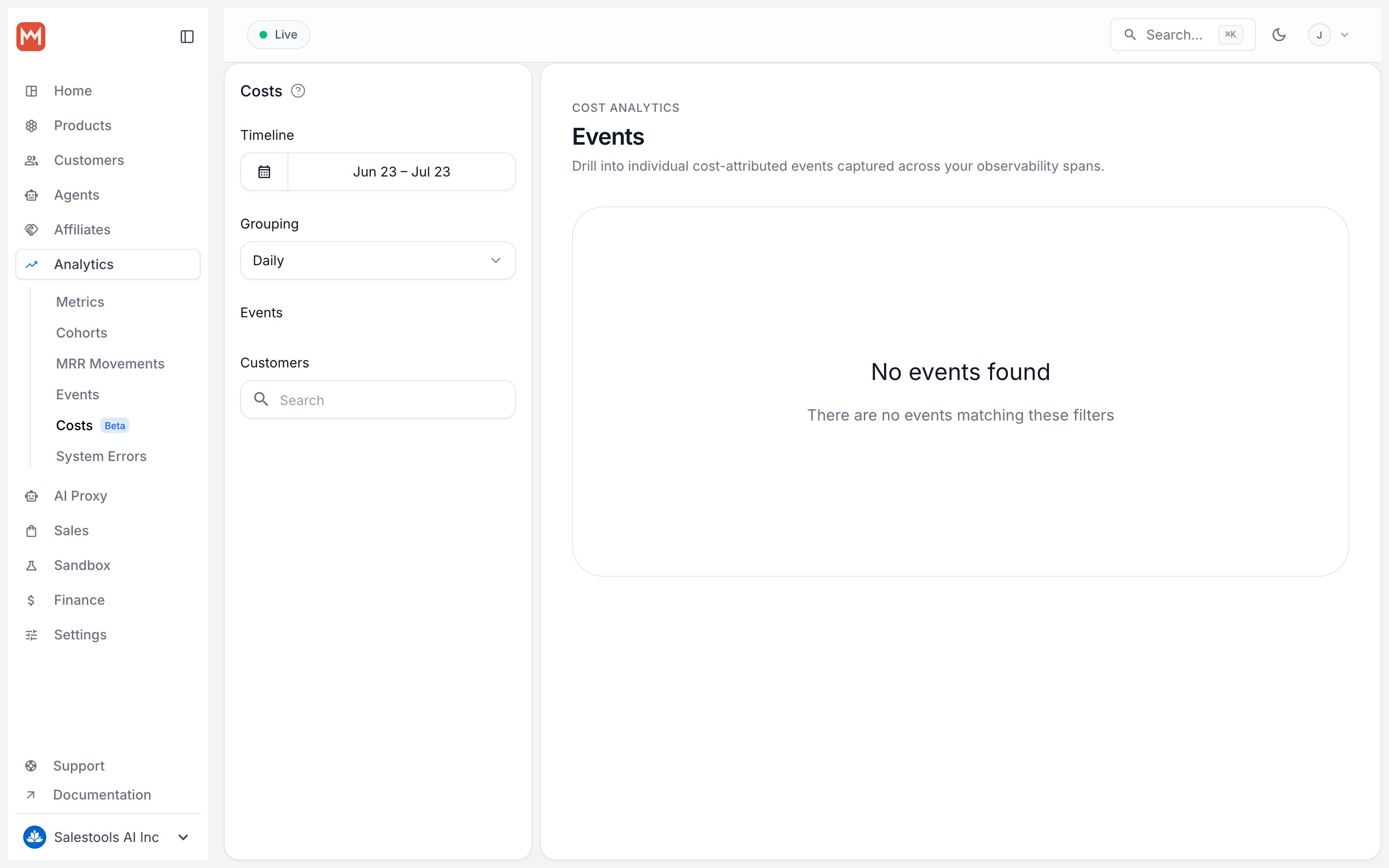
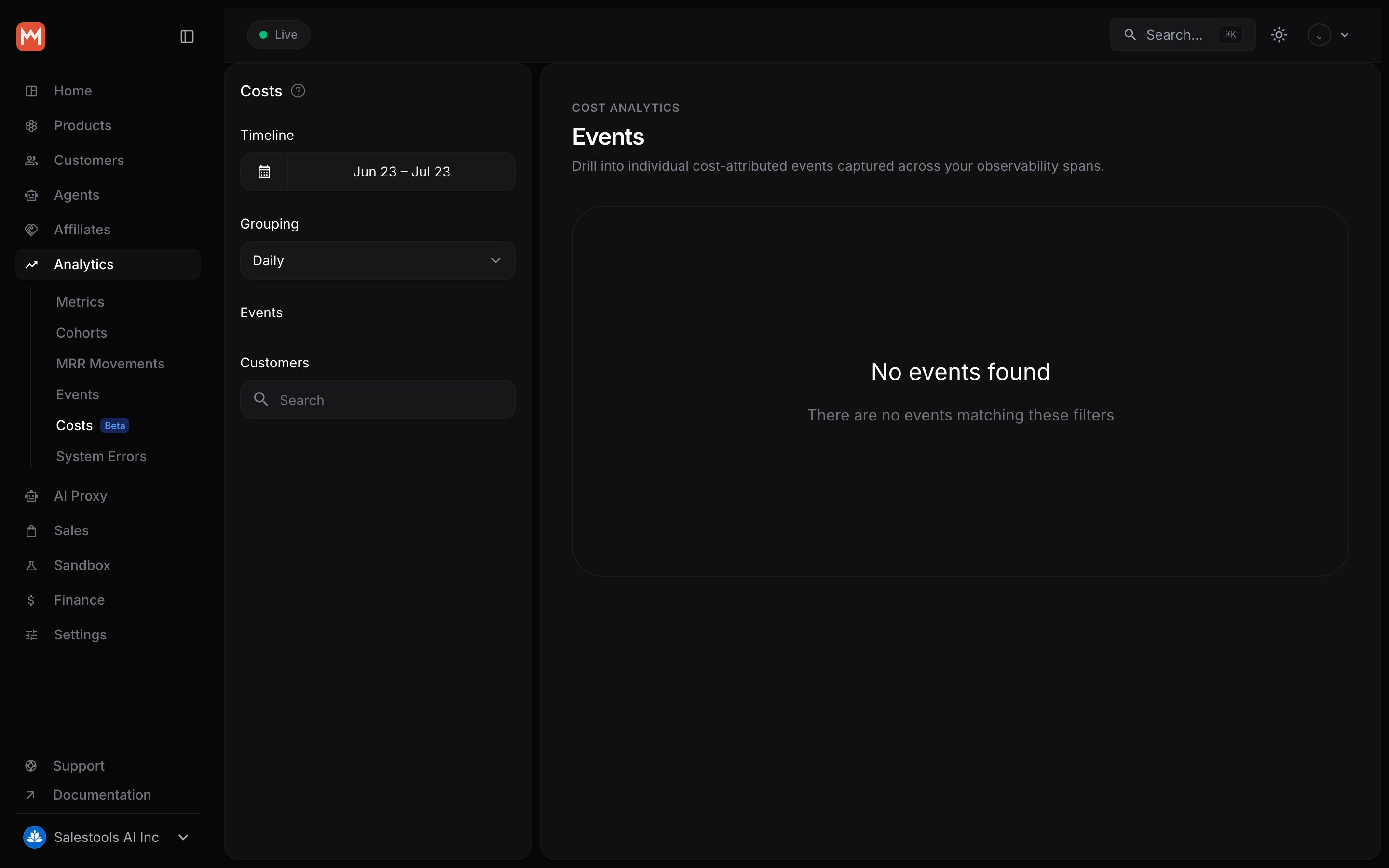
Cost Insights is currently in beta. Enable it from your organization settings
to start ingesting cost-annotated events.
Why it matters
Macropay is your Merchant of Record, so the revenue side of the equation is handled for you — payments, sales tax, and VAT are already remitted and reconciled. Cost Insights adds the other half. Once both sides live in one place, you can answer questions that revenue dashboards never could:- Which customers are profitable, and which quietly lose money every month?
- What’s the gross margin on a given product or plan after compute and provider fees?
- Is a power user’s lifetime value actually positive once you net out their usage costs?
How it works
Three steps, no new pipeline:1
Annotate events with cost
When you send events to the Event Ingestion API, add a
_cost object to
the event’s metadata. That’s the only change required on your side.2
Macropay aggregates automatically
Costs roll up next to your existing revenue data — no manual joins, no
separate cost warehouse to maintain.
3
Query profit, margin, and LTV
Read it back through the Metrics API or explore it visually in the Macropay
Dashboard.
Annotating an event
The_cost amount is expressed in the currency’s minor units (cents for USD). Here, a single model inference cost a quarter of a cent to serve:
What to track
Anything that costs money to deliver can become a cost event. Common patterns:Next steps
Send your first cost event
Add the
_cost property to your event metadata and start ingestingAnalyze cost & profit metrics
Query costs, profits, and customer lifetime value across your accounts