

How the integration works
Connect once, securely
Link Macropay to ParityDeals over OAuth 2.0 — no API keys to copy or rotate by hand.
Pick your products
Choose exactly which Macropay products get parity pricing.
Rules, not spreadsheets
Configure deals by country or seasonal event; ParityDeals ships sensible defaults you can override.
Discounts on autopilot
ParityDeals creates and manages the discounts directly on Macropay — and serves them by geolocation and time, skipping detected VPNs.
Setup
1
Create a ParityDeals account
Head to app.paritydeals.com and sign up.
2
Start a Macropay deal
In the ParityDeals dashboard, open 
Create Deals and choose Create Deals with Macropay.3
Authorize over OAuth 2.0
Approve the connection in the Macropay consent screen — ParityDeals receives only the permissions it needs, and nothing is shared as a long-lived secret.
4
Select the products to localize
Choose which of your Macropay products should carry parity pricing.
5
Point deals at your pricing page
Deals render on your own site (not the Macropay storefront), so two fields matter here:
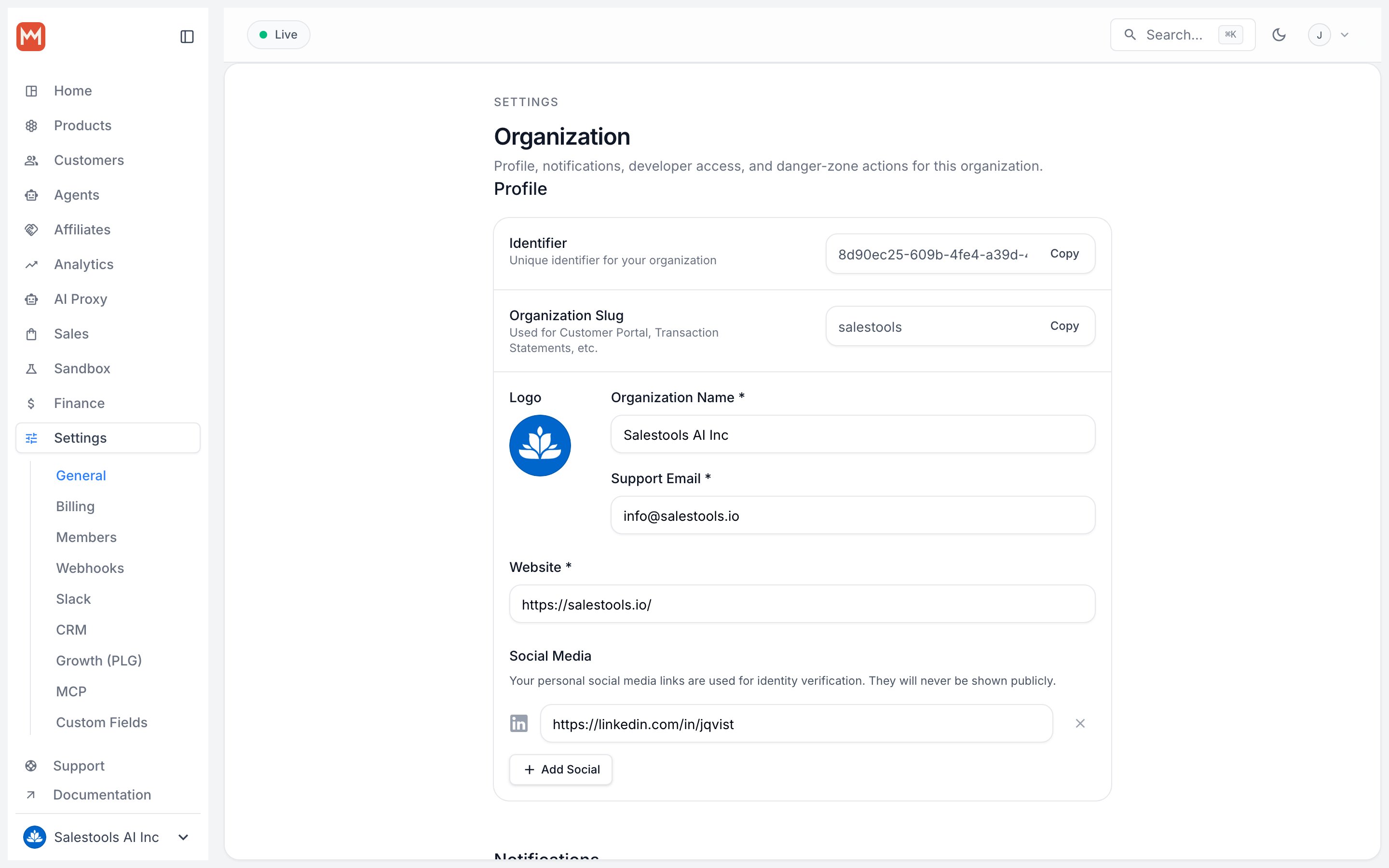
- Website URL — the domain where the banner will live.
- Targeted path — scope deals to a single page, e.g.
/pricing, so they only surface where it counts.
6
Style the banner
Match the ParityDeals banner to your brand and layout.
7
Embed and ship
Copy the banner script into your site and you’re live. Visitors now see a price built for their region, and matching Macropay discounts apply at checkout automatically. 👏🏼
Because parity pricing renders on your own domain, this pairs best with a custom pricing page rather than the hosted Macropay storefront.