

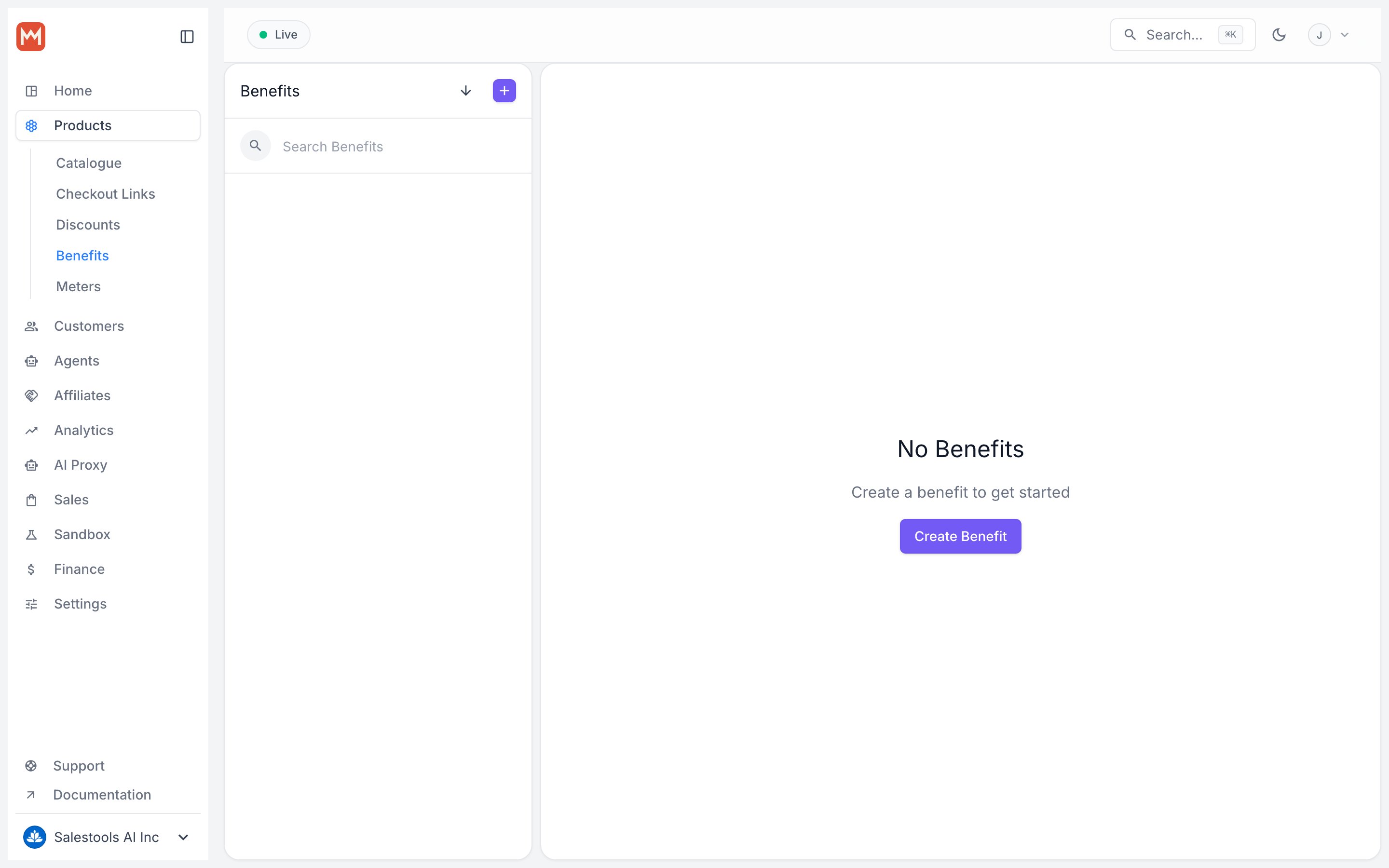
What you can do
- Auto-invite every buyer or subscriber into your server on payment
- Map tiers to roles —
Supporterfor the $5 plan, `Pro` for the $25 plan,Lifetimefor one-time buyers - Connect more than one server by creating multiple Discord benefits
- Auto-revoke when a subscription ends, so access tracks billing state automatically
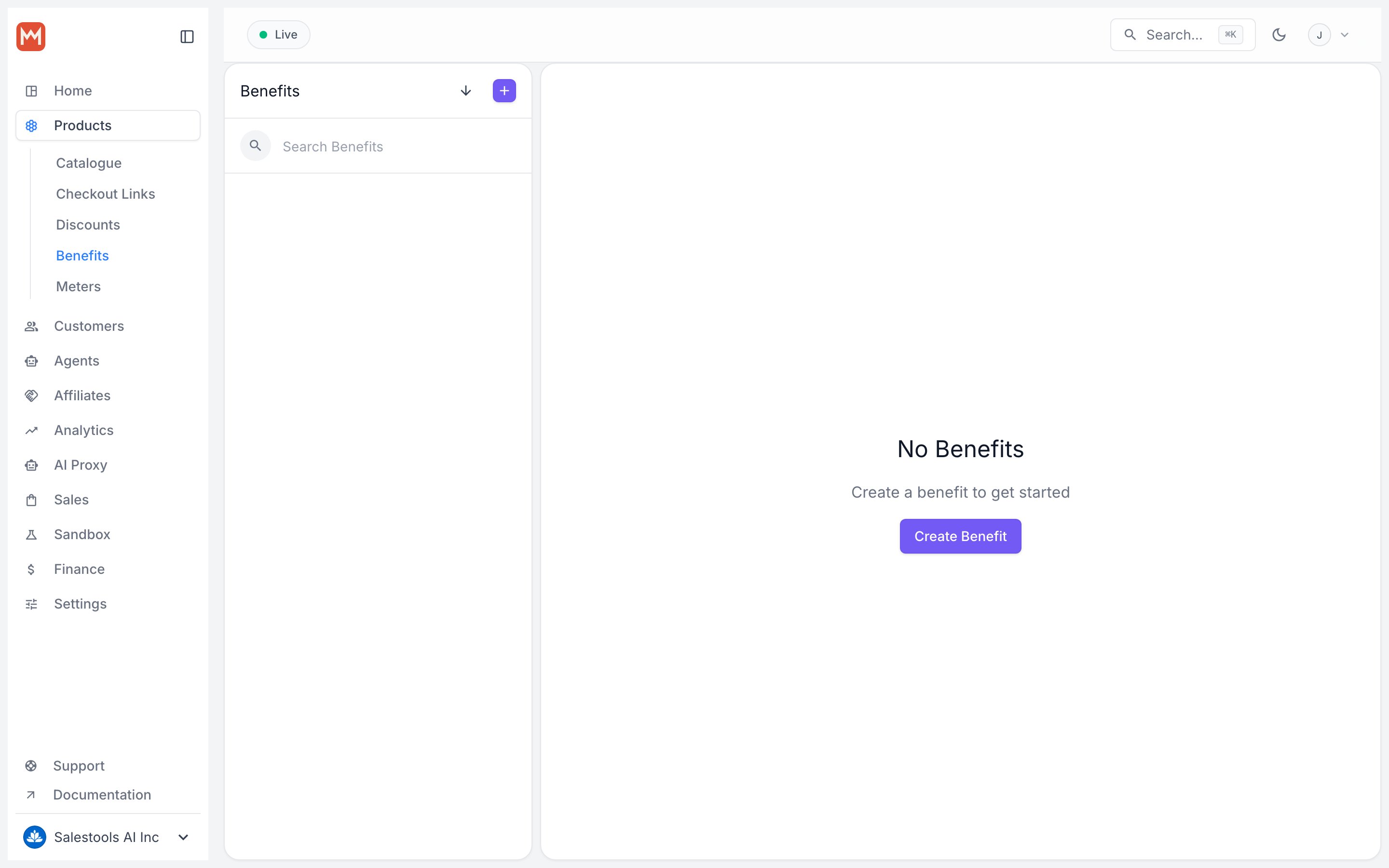
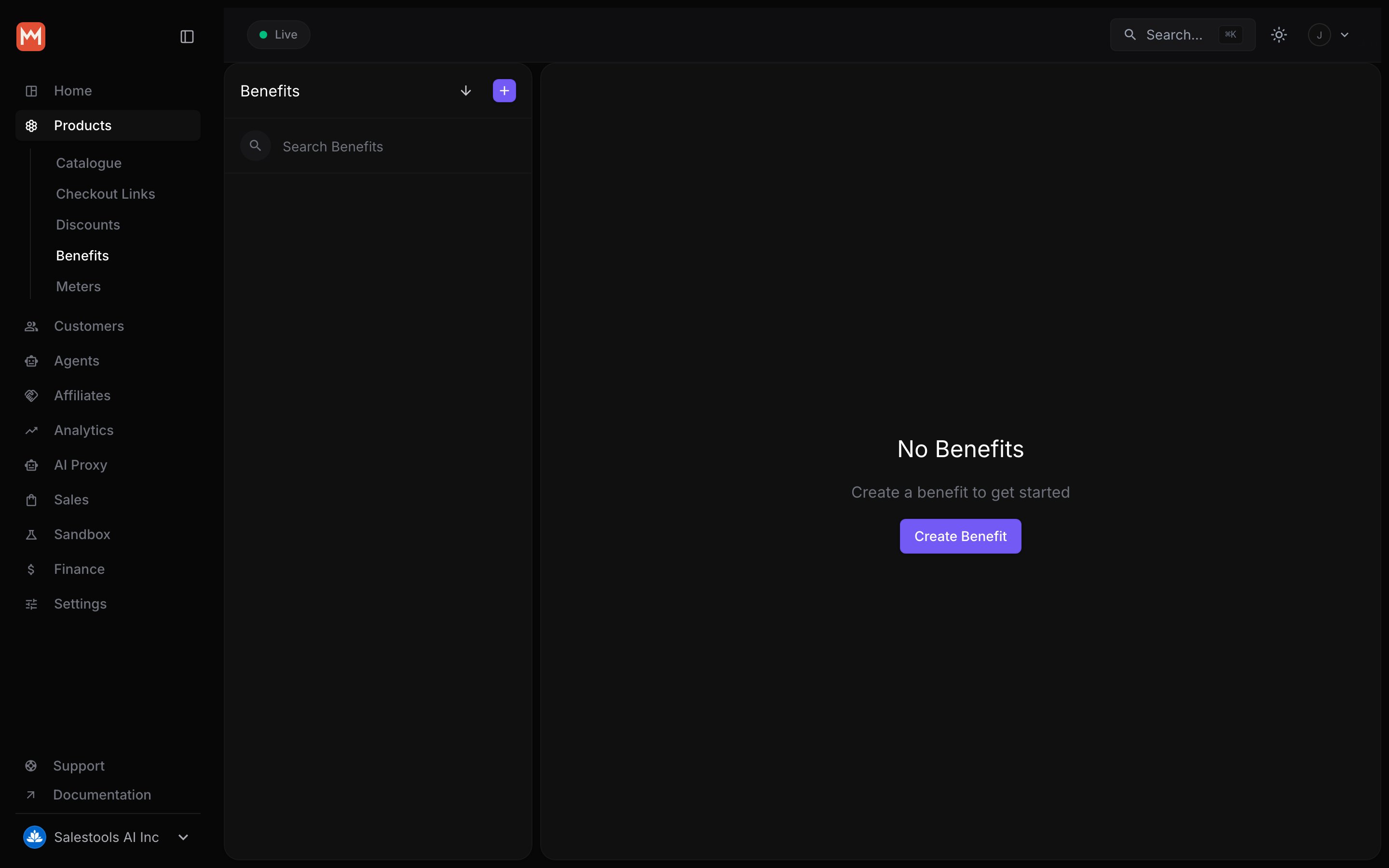
Connect your Discord server
1
Authorize the Macropay app
Choose Connect your Discord server. You’ll be sent to Discord to install the Macropay app on the server you want to manage.
2
Approve the permissions
Discord will ask you to grant the scopes the app needs. All three are required — see the table below for what each one does.
3
Pick the role to grant
Back in Macropay, select which role this benefit hands out. That’s the role a customer receives the instant they buy.
Permissions explained
The connected server is fixed once a benefit is created. Need to manage a second community? Create another Discord benefit and authorize the additional server.